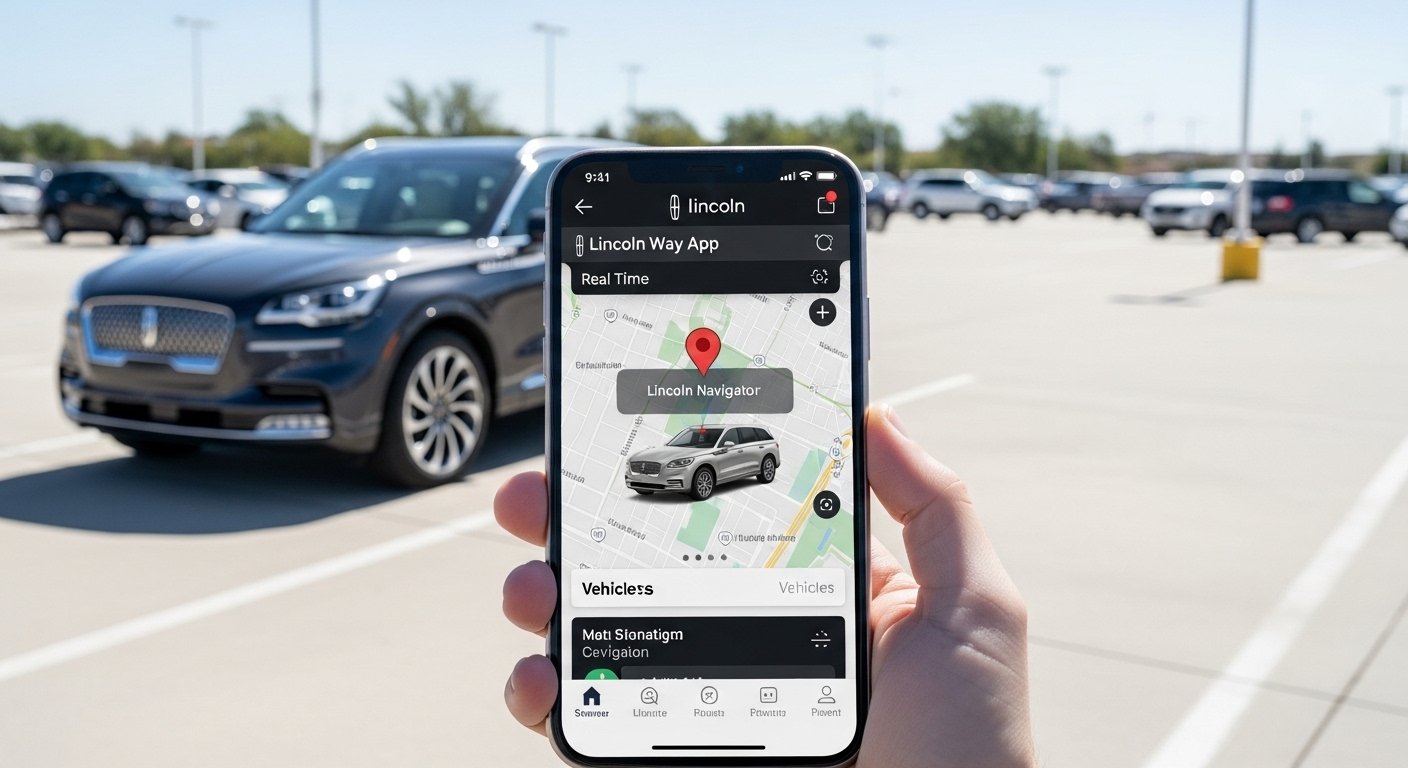
Do you own a Lincoln car or SUV? If yes, you will love the Lincoln Way app. This free app makes your life easier. You can control your vehicle from your phone. One of the best parts is tracking your vehicle location. No more walking around big parking lots looking for your car!
The Lincoln Way app (now called the Lincoln app on some pages) connects your phone to your Lincoln vehicle. It uses GPS to show where your car is. You can also lock or unlock doors, start the engine from far away, check fuel level, tire pressure, and get alerts about your car’s health.
In this article, we explain everything about the Lincoln Way app. We tell you how to download it, set it up, use vehicle location tracking, and why it is so useful. All information comes from official Lincoln websites and help pages so you get true facts.
What Is the Lincoln Way App?
The Lincoln Way app is a mobile app made by Lincoln Motor Company. It helps Lincoln owners stay connected to their vehicle all the time. You use it on your smartphone – Apple iPhone or Android phone.
With this app, you feel more safe and comfortable. Imagine you park in a huge mall parking area. You forget where your car is. Just open the app and see the map! It shows your Lincoln’s exact spot using GPS.
The app is free. There is no extra cost for basic features like location tracking, remote lock/unlock, and remote start (on cars that support it).
Many people call it the Lincoln Way app. Some places now say “the Lincoln app,” but it is the same thing. It works with Lincoln vehicles that have Lincoln Connect technology. Most new Lincoln models have this.
Why Use the Lincoln Way App for Vehicle Location Tracking?
Tracking your vehicle location is very helpful in many ways:
- Find your car fast in crowded places like airports, shopping malls, or events.
- Check if your car is safe when you leave it somewhere.
- Feel better if someone else drives your Lincoln – see where it is.
- Save time – no need to press the panic button on your key fob and make noise.
The app uses real GPS from your vehicle. It is accurate. You see a map pin with your car’s location. You can also see other info like fuel level and if the doors are locked.
This feature works even if you are far away from the car (as long as the car has internet connection through its built-in modem).
Main Features of the Lincoln Way App
The app does many things besides location tracking. Here are the top features:
Remote Start and Stop You can start your car from your phone. Great for cold mornings – warm up the car before you go outside. You can also stop it if needed.
Lock and Unlock Doors Forgot to lock your car? Do it from the app. Or unlock it when your hands are full.
Vehicle Health Checks See fuel level, oil life, tire pressure, battery status, and more. Get alerts if something needs attention.
Schedule Remote Start Plan ahead. Tell the app to start your car at a certain time every day.
Roadside Assistance Need help? Call for help right from the app.
Service Scheduling Book service at a Lincoln dealer easily.
Phone As A Key Use your phone to unlock and start the car (no physical key needed on some models).
Maintenance Reminders The app tells you when to change oil or do other service.
All these features make owning a Lincoln more fun and easy.
How to Download the Lincoln Way App
Downloading is simple. Follow these steps:
- Open your phone’s app store.
- For iPhone: Go to the App Store.
- For Android: Go to Google Play Store.
- Search for “Lincoln Way” or “the Lincoln app”. The official app is by Lincoln Motor Company. Look for the Lincoln logo.
- Tap Download or Install. It is free!
- Wait for it to finish. Then open the app.
The app needs a good internet connection (Wi-Fi or mobile data) to work best.
Note: Make sure your phone is updated. The app works on most recent iOS and Android versions.
Step-by-Step Guide to Set Up the Lincoln Way App
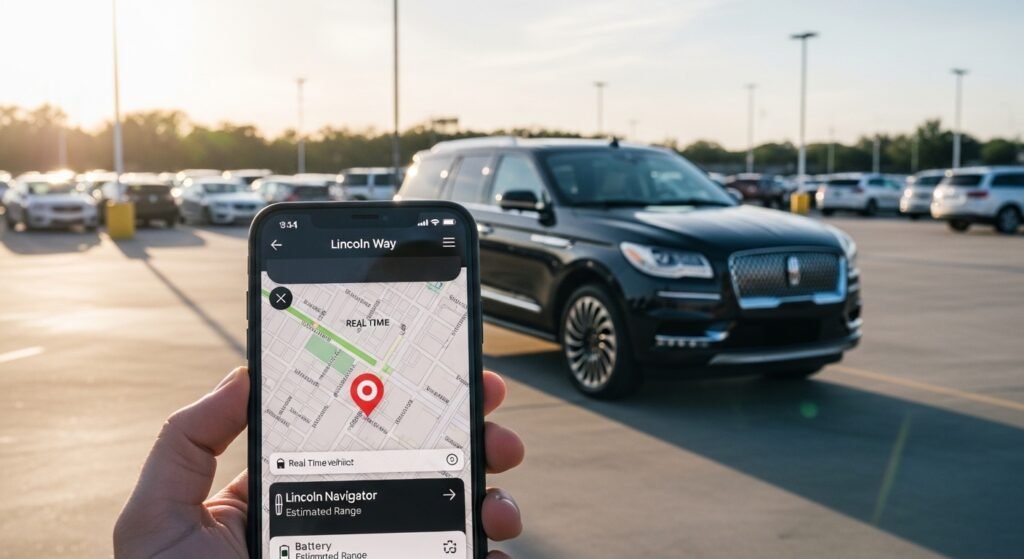
After download, you need to set it up. This connects your phone to your Lincoln car.
- Open the app.
- Create an account or log in. Use your email and make a password. If you have a Lincoln account already, use that.
- Add your vehicle.
- The best way: Scan your VIN (Vehicle Identification Number).
- Find the VIN on your car’s driver door label or dashboard.
- In the app, tap the camera icon and point at the barcode.
- Or type the VIN manually.
- Give your car a name (like “My Navigator” or “Family SUV”).
- Activate the vehicle.
- In the app, tap “Activate Vehicle” on the home screen.
- Follow the steps.
- Go to your car, start the engine, and touch “Allow” on the car’s screen (if it pops up). This turns on remote features and location sharing.
- Turn on location sharing in the app settings if asked.
Done! Now you can use all features, including vehicle location tracking.
It takes only 5-10 minutes. Do this when your car is parked and you have time.
How to Track Vehicle Location with the Lincoln Way App
This is the easy part!
- Open the Lincoln Way app.
- Go to the Vehicle tab or home screen.
- Look for the location section. It shows a map.
- Tap to see your car’s position.
- You see a pin on the map.
- It updates in real time (if the car is on or has power).
- If needed, refresh the map.
The app uses GPS from the car’s built-in system. It works over the internet, so you can see location from anywhere.
Tip: Make sure location services are on in your phone settings. Also, check privacy settings in the app to control who sees the location.
If you turn off vehicle location sharing, the app stops showing it. You get a note if someone changes this.
Benefits of Using the Lincoln Way App
Why do so many Lincoln owners love this app?
- Saves time every day.
- Makes you feel safe knowing where your car is.
- Helps plan trips – check fuel before you leave.
- No extra monthly fee for basic remote features (some advanced things may need a plan, but location is free).
- Gets better with updates – Lincoln adds new features often.
- Works with many Lincoln models like Navigator, Aviator, Corsair, Nautilus.
Users say it is simple and reliable. One owner shared: “I find my car in big parking lots in seconds!”
Common Questions About the Lincoln Way App
Is the app free? Yes, download and basic use are free.
Does it work on all Lincoln cars? It works best on newer models with Lincoln Connect. Check your VIN on the official Lincoln site to confirm.
Can I track location all the time? It shows current location when you open the app. It is not constant tracking like some phone apps – this protects privacy.
What if I have multiple Lincolns? Add more than one vehicle to your garage in the app.
Is my data safe? Lincoln uses secure connections. You control what shares (like location). Turn off sharing anytime.
Does it drain my car battery? No, it uses very little power. The car’s modem is smart.
What if the app does not work? Check internet, restart phone, or contact Lincoln support.
Tips to Get the Most from the Lincoln Way App
- Update the app often for new features.
- Turn on notifications for alerts (like low fuel or maintenance).
- Use remote start in winter or summer for comfort.
- Save your parking spot manually if GPS is slow.
- Pair with Apple Watch or other devices if available.
- Read the in-app help for more tricks.
Final Thoughts
The Lincoln Way app changes how you use your Lincoln vehicle. With easy download, simple setup, and powerful tools like vehicle location tracking, it makes every drive better.
If you have a Lincoln, download the Lincoln Way app today. Search for Lincoln Way app download in your app store. Then enjoy tracking your Lincoln Way app vehicle location easily.
Stay connected, stay safe, and enjoy your Lincoln more!
Disclaimer:
This article is for information only. It is not a promotion, advertisement, or affiliate content. We are not connected with Lincoln Motor Company. The details here come from official Lincoln websites and help pages. Use the Lincoln Way app at your own risk. We are not responsible for any problems with the app, your car, or how you use it.
Explore More
- MyGMC App – Mobile App, Login Help, Cost & Troubleshooting
- Trucker Tools App – Download, Use on Android & iPhone, and Privacy Info
- Samsara Driver App – Download, Login & Complete User Guide
