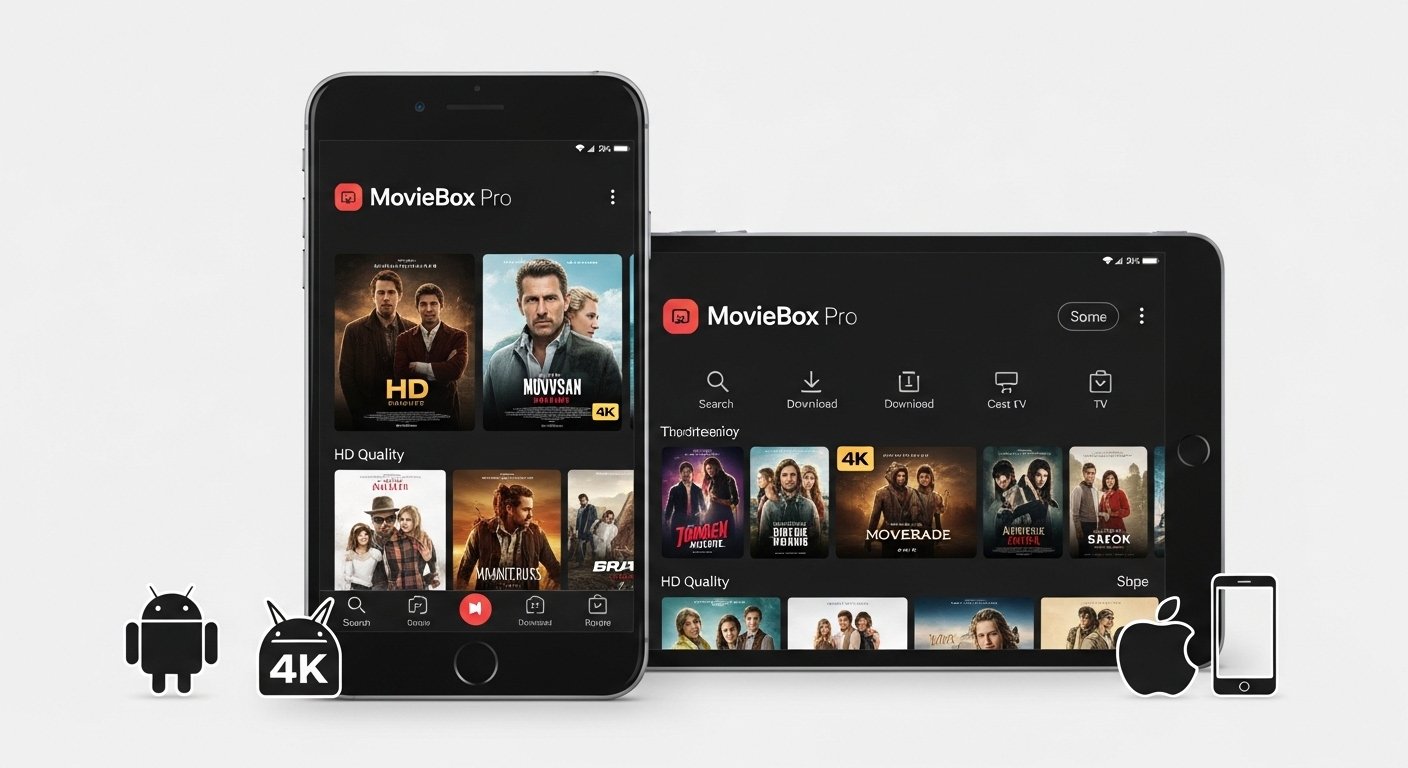
MovieBox Pro is a very popular app. People use it to watch movies and TV shows on their phones or tablets. It has thousands of movies and shows. Many are in good quality like HD or even 4K.
This guide is simple. It uses easy English. We explain what the app is, its best parts, how it looks and works, and how to get it on Android or iPhone.
Important: This app is not on Google Play or Apple App Store. It streams many movies without official permission in most countries. This can be against the law where you live. It may have risks like viruses or privacy problems. For safe watching, use legal apps like Netflix, YouTube, or free ones like Tubi. If you still want to try MovieBox Pro, download only from trusted places and use a VPN.
What Is MovieBox Pro App?
MovieBox Pro is a streaming app for phones and tablets. It lets you watch lots of movies and TV shows in one place. The app has over 100,000 titles. You can find new movies, old favorites, action, comedy, drama, anime, and more.
It works on Android phones, iPhones, Android TV, and some other devices. You can stream in high quality. Some parts are free. Better quality and no ads need VIP or premium.
The official site is www.movieboxpro.app. It says this is a “private club” for watching on mobile. You need to log in with Google, QR code, or an invite code.
Many people love it because it has so much content. But remember: most content is not legally shared. This means risks. Some reviews say it works well. Others warn about safety.
Main Features of MovieBox Pro App
Here are the best things about MovieBox Pro:
- Very big collection – more than 100,000 movies and TV shows.
- Good picture quality – HD, Full HD, 4K, and sometimes 8K (best with VIP).
- Download for offline – save movies or episodes to watch without internet.
- No ads in VIP mode – free mode may show some ads.
- Child Mode – hides grown-up content. Super Child Mode shows only your saved lists.
- Private Mode – hide what you watch.
- Easy search – find by name, actor, genre, or year.
- Subtitles – many languages available.
- New content every day – updates often add fresh movies and shows.
- Works on many devices – Android, iPhone, Android TV.
- Watch trailer first – see short clips before full movie.
- Save favorites – make lists of movies you like.
- Cast to TV – send to big screen if your phone supports it.
VIP gives faster loading, better quality, and no limits. Free users can still watch a lot, but sometimes wait or get lower quality.
The app finds links from different places. If one link stops, try another.
How the MovieBox Pro App Looks and Works (Interface Guide)
The app is very easy to use. The design is clean. Big pictures. Simple buttons. Even new users like it.
Home Page When you open the app, you see popular movies and new shows first. Big posters show hot titles. Sections like “New Movies”, “Latest TV”, and “Trending”. Scroll down to see more. It feels fun and fresh.
Search Bar At the top is a search box. Type any movie name, actor, or type like “comedy”. Results come fast. You can also pick categories: Action, Romance, Horror, Kids, etc. Filter by year or rating.
Movie or Show Details Page Click a title. You see a big poster, story summary, actors, director, and rating. There is a trailer button. Below are play buttons in different qualities (720p, 1080p, 4K). You can download, add to favorites, or share.
Video Player Screen The player is simple. Buttons for play, pause, skip 10 seconds, full screen, and subtitles. Change quality anytime. It looks nice on phone or tablet.
Settings and Special Modes Go to settings. Turn on Child Mode to hide bad content. Use Super Child Mode for kids only. Set a password for your lists. Private Mode keeps your history secret. Login is easy with Google or code.
The whole app feels fast and smooth. No messy screens. Just big images and clear words. Users say it is one of the easiest apps for watching lots of shows.
How to Download MovieBox Pro App for Android
Android is easy. Follow these steps:
- Open your phone browser.
- Go to the official site: www.movieboxpro.app.
- Find the “Download” or “App” section.
- Click the Android APK link (latest version in 2026 is around 19.x or newer).
- Download the file.
- Go to phone Settings > Security. Turn on “Install unknown apps” or “Allow from this source”.
- Open the downloaded file. Tap Install.
- Open the app. Log in with Google, QR, or invite code.
Safety Tips for Android
- Only download from www.movieboxpro.app. Fake sites can have viruses.
- Use antivirus to check the file.
- Update the app from the same site when new version comes.
- For Android TV: Use Downloader app from Play Store. Type movieboxpro.app/tv to get it.
How to Download MovieBox Pro App for iPhone (iOS)
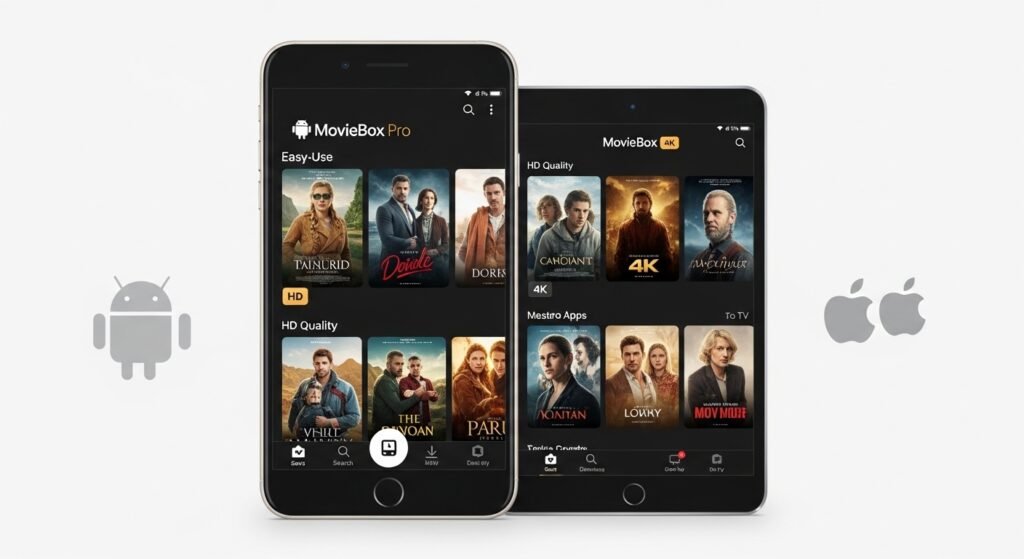
iPhone is harder. Apple does not allow easy outside apps.
Common ways in 2026:
- Use tools like AltStore, Scarlet, or TrollStore (these change with iOS updates).
- Check the official site or trusted guides for current steps.
- Some use web versions, but full app needs extra work.
General steps (always check latest method):
- Go to www.movieboxpro.app or a safe iOS guide.
- Follow the install steps (often needs computer or online tool to sign the app).
- In phone Settings > General > Profiles, trust the developer.
- Open the app and log in.
Warning for iPhone Sideloading can be risky. Apple may block the app later. It can stop working. Your device security may drop. Many people say Android is easier for this app.
MovieBox Pro App Download Link and Important Tips
Best place for MovieBox Pro app download is the official website: https://www.movieboxpro.app/. Go to the download page. Get the latest APK for Android.
Avoid random links. They can be fake or old.
For MovieBox Pro app for Android – direct APK from official site. For MovieBox Pro app for iPhone – look for safe iOS methods on trusted places.
Extra tips:
- Use a VPN to hide your location and stay private.
- Do not give personal info.
- Read recent reviews before download.
- Keep app updated for new features and fixes.
Good Points and Bad Points of MovieBox Pro
Good Points
- Huge number of movies and shows for free or low cost.
- High quality like HD and 4K.
- Download to watch offline.
- Very easy to use interface.
- Works on phone, tablet, and TV.
- New content added often.
Bad Points
- May break copyright laws in your country.
- Not in official app stores.
- Risk of bad files or malware from wrong sites.
- Some links stop working or slow.
- Best features need VIP payment.
- Can have buffering if internet is weak.
Final Words
MovieBox Pro gives you many movies and TV shows in one app. The MovieBox Pro app features are great: downloads, good quality, child safety, and easy search. The MovieBox Pro app interface is simple and nice to use.
But safety and law come first. Legal apps support movie makers and keep you safe. If you choose MovieBox Pro, be careful. Download from official site only. Use VPN. Watch responsibly.
This guide is long and clear to help you. Enjoy movies the safe way!
Disclaimer:
This article is for information only. It is not promoting or selling MovieBox Pro. We do not earn money from it. MovieBox Pro may have content that is illegal in some countries. Using it can have risks, including viruses or privacy problems. Always follow the law in your country. For safe watching, use legal apps like Netflix, YouTube, or Tubi. We are not responsible if anything happens from using this app.
Explore More
- StayConnect App – Download, Screen Mirroring, Casting & Use on Hotel TVs, MacBook, Android & iPhone
- Movieweb App: Download, Alternatives, Reddit Reviews & Vercel Info 2026
- How to Fix Trainline App Not Working: Common Issues and Solutions
