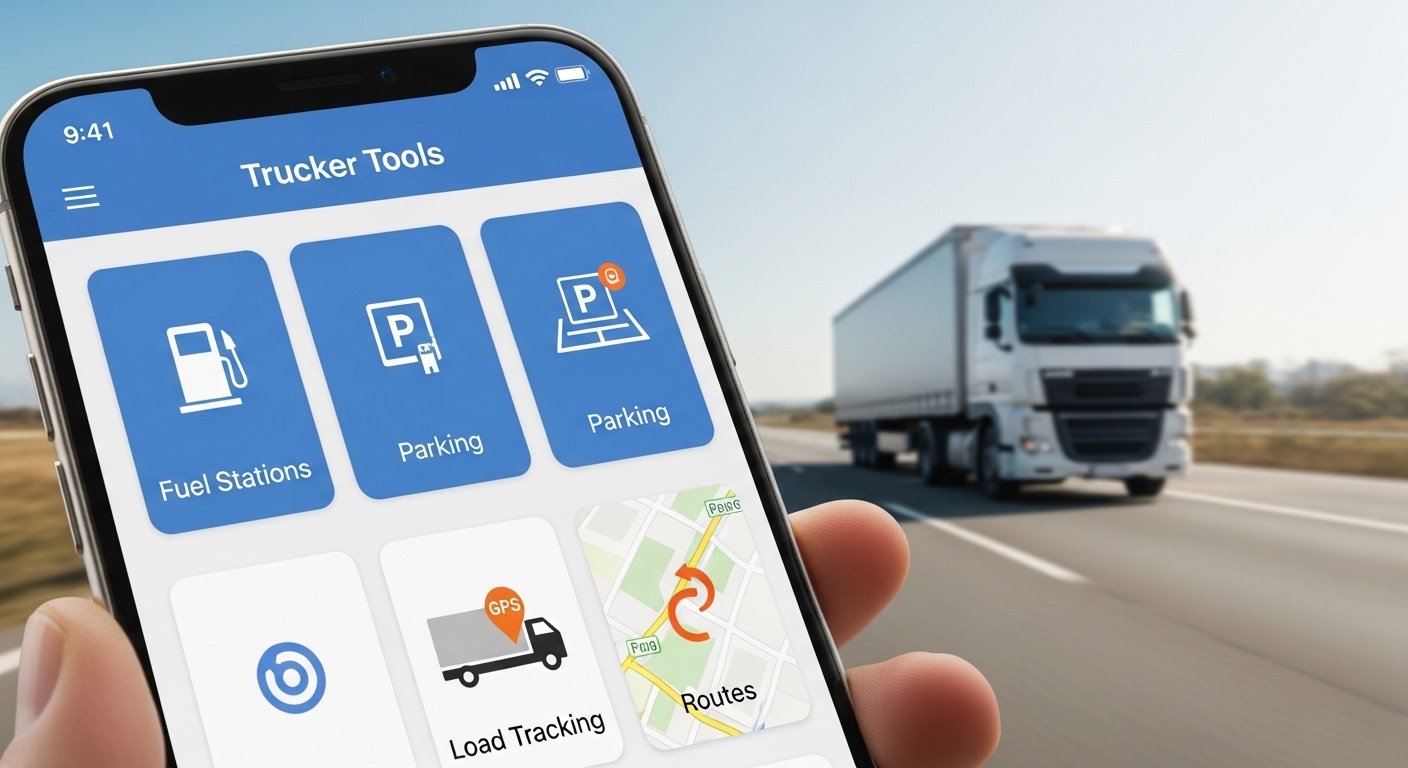
The Trucker Tools app is a free mobile app made specially for truck drivers. It helps make your day easier on the road. You can find loads, book them fast, track where you are, find cheap fuel, plan good routes, and more – all in one simple app.
This app comes from the company Trucker Tools (check their official site at https://www.truckertools.com/). Many drivers use it because it saves time and money. It has over 2.5 million downloads and more than 350,000 carriers in its network. Every day, it shows thousands of loads.
In this article, we explain everything in very easy English. You will learn what the app does, how to download it on Android or iPhone, how to use it step by step, and clear facts about privacy. All info is true and based on the latest from the company (as of 2026).
What Is the Trucker Tools App?
Think of the Trucker Tools app as your helpful friend in your phone. It is free and works like a full toolkit for truck drivers and small fleet owners.
The app helps you:
- Find and book loads quickly.
- Track loads in real time (so brokers know where you are without calling you all the time).
- Find the cheapest diesel fuel.
- Plan the best route for your truck.
- Locate weigh scales, truck stops, rest areas, parking, repair shops, and more.
It has more than 20 tools in one place. This means you do not need many different apps. Many new drivers call it a “lifestyle app” because it helps even when you are not working – like finding safe parking or fuel during home time.
The app gets updates often. In recent versions (like 10.3 in 2025-2026), they made the screen easier to use, improved the load board, added faster booking with “Book-It-Now,” and made tracking simpler (easy start, pause, stop).
Drivers say it is very useful for saving fuel money and reducing stress from phone calls to brokers.
Main Features of the Trucker Tools App
Here are the top features explained in simple words.
Find and Book Loads The app shows a free load board with many loads from big brokers. You see pickup and drop-off places, miles, pay rate, and details. You can send offers or book loads with one tap using “Book-It-Now.” No more waiting on calls. This helps you get good loads fast.
Load Tracking When you take a load, you can start tracking in the app. Your phone sends your location to the broker (about every 5 minutes). This gives real-time updates so everyone knows the truck is on time. You control it completely – you start it, pause it, or stop it anytime. Tracking is only for active loads you agree to. It stops when the load ends.
Fuel and Route Optimizer Enter your route, and the app finds the cheapest fuel stops along the way. It shows current diesel prices and helps you save money on fuel. It also plans routes that are good for big trucks (avoids low bridges or bad roads if you add your truck info).
Find Important Stops Need a weigh scale? Truck stop? Rest area? Parking? Repair shop? Truck wash? The app shows them near you or on your route. It even helps find hospitals or secure overnight parking. Some parking spots let you book and pay right in the app.
Other Useful Tools
- Scan documents (like proof of delivery – POD) with your phone camera and send them fast to get paid quicker.
- Axle weight calculator to make sure your load is safe and balanced.
- See weather, traffic, and points of interest (like stores or safe spots).
- Get alerts for new loads that match your truck and lanes.
All these tools work together to make your job smoother.
How to Download Trucker Tools App on Android
It is free and very easy to get on Android phones.
- Open the Google Play Store on your phone.
- Type “Trucker Tools” in the search bar.
- Find the app by Trucker Tools (look for the truck or road logo).
- Tap Install. It is free.
- The app size is about 60 MB, so it downloads fast.
- Open it after install. Sign up with email or phone (or start as guest for basic use).
It works on Android 7.1 and newer. Turn on location services when asked – this helps with maps, fuel finder, and tracking (you control when it uses location).
Many drivers say the app runs well on most Android phones.
How to Download Trucker Tools App on iPhone
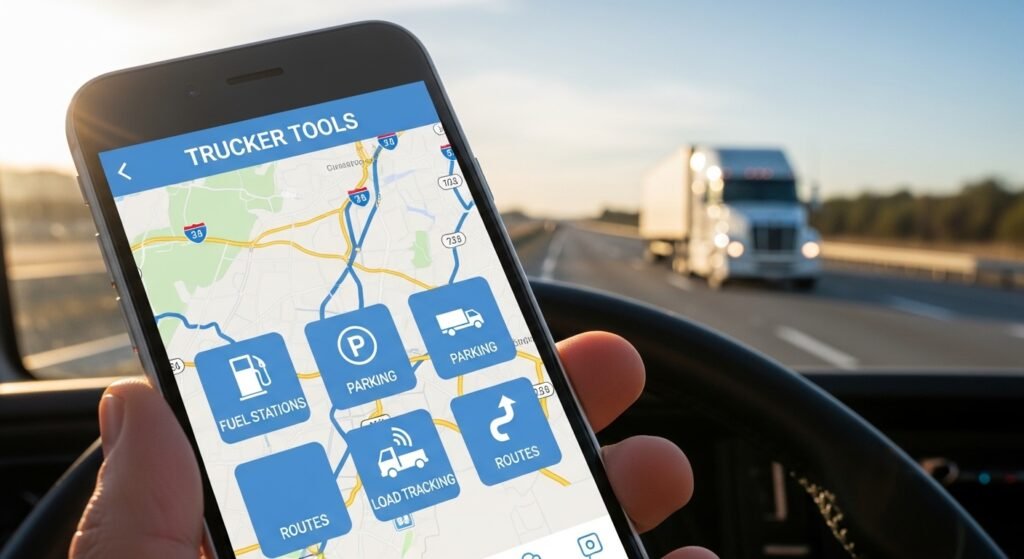
Same easy steps for iPhone or iPad.
- Open the App Store on your device.
- Search for “Trucker Tools”.
- Pick the one by Trucker Tools.
- Tap Get (it is free). Use your password, Face ID, or Touch ID.
- Wait for it to download and install.
- Open the app and set up your account.
It works on recent iOS versions. Allow location access only for the features you need.
After download, the app asks for permissions like location and camera (for scanning docs). You can change these in your phone settings anytime.
The latest version (around 10.3 as of early 2026) has a fresh look and better speed.
How to Use Trucker Tools App – Easy Step-by-Step
After you download and open the app, follow these simple steps.
First Time Setup
- Make an account (use email or phone number – it is quick).
- Add your truck details (type, size, weight – this helps find right loads and routes).
- Turn on notifications so you get alerts for new loads or important updates.
Find Loads
- Tap the load board (it is now easy to see at the front).
- Use filters like your starting place, favorite routes, load type, or good pay.
- Look at load details.
- Tap to send an offer or book it with Book-It-Now if you like it.
Track a Load
- When you get a load (from the app or a broker), go to the tracking part.
- Add the load info or accept an invite.
- Tap to start tracking. You see it is on.
- The app shows your map and status.
- Pause or stop anytime if you need privacy.
- Scan and send POD docs when you deliver.
Find Fuel or Stops
- Go to the route or points of interest section.
- Put in your route or current spot.
- See fuel prices, scales, parking, etc.
- Tap for directions in maps.
Quick Tips
- Keep the app updated for new tools and fixes.
- Use Wi-Fi when you can to save data.
- The app uses low battery for tracking.
- If something does not work, email support@truckertools.com or check FAQs on their site.
Most drivers learn it in a few days and say it saves hours every week.
Trucker Tools App Privacy Info – Does It Sell Your Information?
Many drivers worry about privacy. Here are the real facts from the company’s privacy policy and statements.
Does Trucker Tools sell your information? No. The company says clearly: They will never sell your personal information or data to third parties. This is in their privacy policy and many posts (like FAQs from their site). They repeat: “Trucker Tools will never sell your information or compromise your privacy. We don’t sell your data to third-parties, end of story.”
What data does the app collect? The app collects only what it needs to work. This includes:
- Your name, email, phone (when you sign up).
- Location – but only when you turn on tracking for a load or use route/fuel tools.
- Load details you add.
- Phone info (like model) to make the app work better.
Location is not always on. It starts only when you agree for a specific load. You see when it is active (easy buttons to start, pause, stop). It does not track you in the background for no reason. The app does not look at your texts, photos, or other private things.
How do they use the data?
- To give you features (like showing loads or tracking).
- To make the app better (they look at group stats, not your personal info).
- For safety (like stopping fraud).
They share only when needed (like with brokers for your load – but you control it). They do not sell anything. Aggregate (group) data may go to partners for ads, but not your personal details. Mobile info is not shared for marketing.
Your Controls
- Change location permissions in your phone settings.
- Pause or stop tracking anytime.
- See the full privacy policy in the app (bottom menu > Privacy & Policy) or on https://www.truckertools.com/terms.
- Contact them if you have questions.
The app respects privacy while helping brokers get the updates they need. No hidden tracking.
Why Many Drivers Choose Trucker Tools App
This app is popular because it is free, has many tools together, and puts drivers first. Other apps may do only one thing, but Trucker Tools does almost everything you need.
Drivers like:
- Saving money on fuel.
- Booking loads faster.
- Getting paid quicker with digital docs.
- Feeling safe with control over tracking.
If you drive trucks, try it. It is safe and gets better with updates.
For the newest info, go to https://www.truckertools.com/ or read reviews in the app stores.
Disclaimer:
This article is only for information. It is not an ad or promotion. We do not earn money from Trucker Tools. The app may work differently for each person. Always check the official app or website. Use it carefully. We are not responsible for any problems.
Explore More
- Samsara Driver App – Download, Login & Complete User Guide
- Transflo App – Download the Transflo Mobile App for Android Easily
- Marlborough App – Easy Guide, Features & Download 2026
