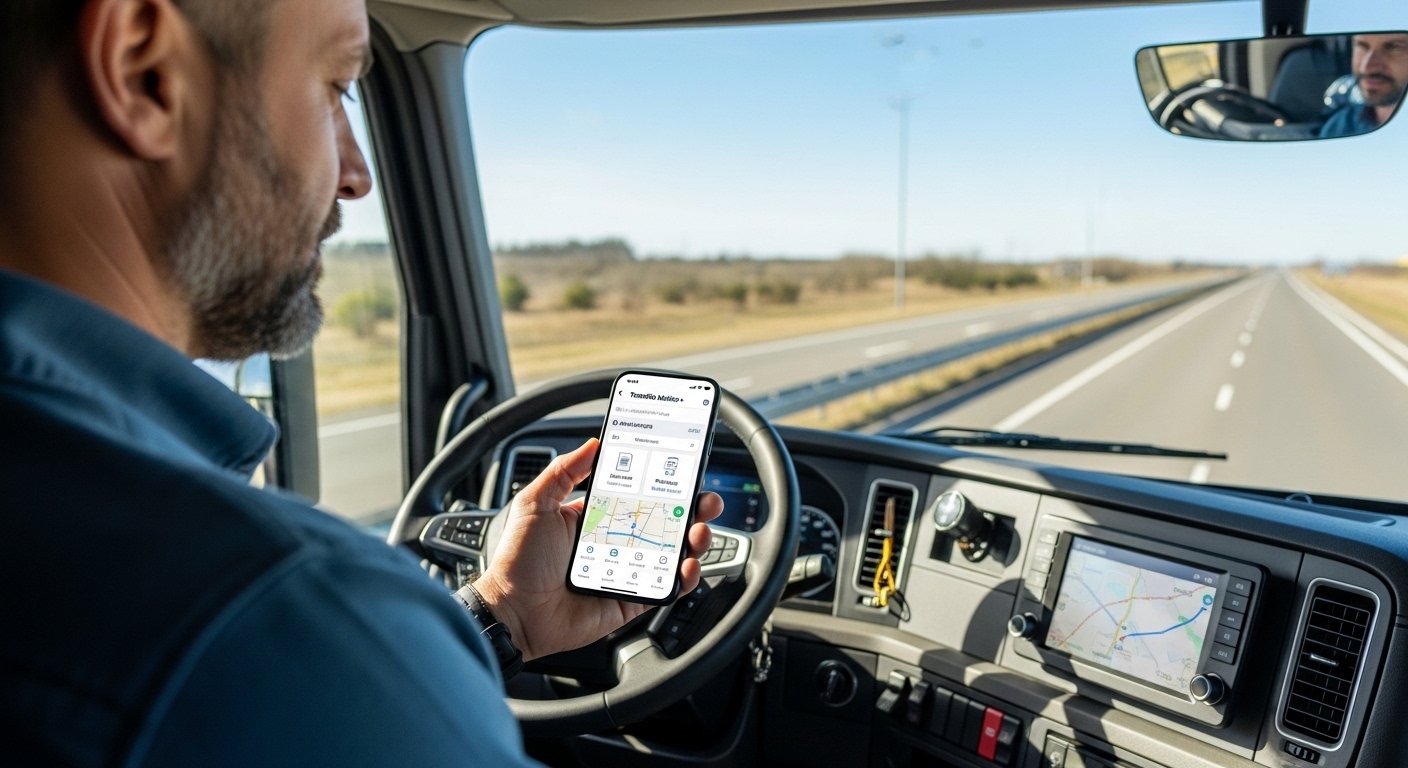
Transflo Mobile+ is a very helpful app made just for truck drivers. It is like an “everything app” that makes your job on the road much easier. Many drivers in North America use it because it saves time and keeps things simple. Over 3.2 million people have downloaded it!
This app comes from Transflo, a company that has helped trucking for more than 30 years. They started with ways to scan papers at truck stops. Now, they give a modern mobile app that works on your phone or tablet.
If you drive a truck and want to stop using paper so much, the Transflo app for Android is a great choice. You can download it easily and start using it fast. In this article, we explain everything in simple words: what the app does, why it is good, how to download the Transflo app on Android, how to set it up, its main features, and tips to use it well.
What Is the Transflo Mobile App?
The Transflo mobile app (full name: Transflo Mobile+) is a free app for truck drivers. It puts many important jobs into one place on your Android phone. No more switching between many apps or stopping to scan papers at truck stops.
Truck drivers use it every day to:
- Scan load papers (like bills of lading) with your phone camera.
- Send those papers to your company or broker right away.
- See your loads, accept or decline them.
- Track your hours of service (HOS) to stay safe and follow rules.
- Find the best routes for big trucks.
- Talk directly with your fleet or broker.
- Find fuel stops with good deals.
- Report accidents or problems quickly.
The app helps you stay focused on driving. Less phone switching means less distraction and more safety. It works even when you have no internet sometimes (offline mode for some parts).
Transflo made this app thinking about real drivers. It is easy to use, even if you are not good with phones. Many big trucking companies use it, and drivers like it a lot.
Why Truck Drivers Love the Transflo App for Android
Truck driving is hard work. You drive long hours, handle loads, and deal with papers. The Transflo app download gives you these big benefits:
- Saves time — Scan and send papers in seconds from your cab. No need to go to truck stop scanners.
- Makes money faster — Quick document sending helps your company pay you sooner.
- Keeps you safe — One app for many tasks means less looking at your phone while driving.
- Free to download and use basic features — No cost to start (some extra features may need your company setup).
- Works on most Android phones — Needs Android 9.0 or newer.
- Trusted by millions — Over 3.2 million downloads show it is popular and reliable.
- Good support — If you have questions, you can contact Transflo support.
Many drivers say this app changed their day. They finish tasks faster and feel less stress. It is better than old ways with paper and fax.
How to Download the Transflo App for Android – Step by Step
Downloading the Transflo app for Android is very easy. It takes only a few minutes. Follow these simple steps:
- Open the Google Play Store on your Android phone or tablet. (It is the colorful triangle icon.)
- In the search bar at the top, type “TRANSFLO Mobile+” or “Transflo app”.
- Look for the app named TRANSFLO Mobile+ by Transflo (or Pegasus TransTech). It has the Transflo logo.
- Tap on it to see the app page.
- Tap the green Install button.
- Wait for it to download and install. It may take 1-5 minutes depending on your internet.
- When done, tap Open or find the app icon on your home screen.
That is it! You now have the Transflo mobile app on your Android device.
Important tip: Always download from the official Google Play Store. Do not use other websites for APK files. This keeps your phone safe from bad software.
The app size is around 190 MB, so make sure you have space and good Wi-Fi if possible.
How to Set Up the Transflo Mobile App After Download
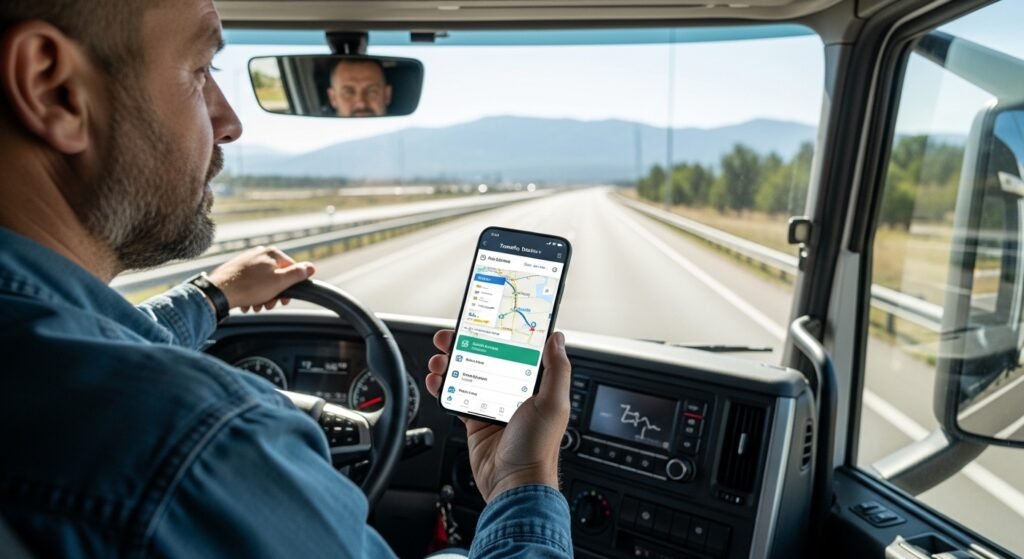
After you download and open the app for the first time, you need to set it up. Here is how:
- Open the Transflo Mobile+ app.
- You will see a welcome screen. Tap to start.
- If your trucking company or broker sent you an invite (by email or text), use that to sign up.
- Or, enter your Fleet ID. Your company gives you this number or code.
- Follow the steps to create your account. You may need your name, email, phone number, and driver details.
- Set a password that is strong (mix letters, numbers).
- Allow the app to use your camera (for scanning), location (for navigation), and other permissions when asked. These help the app work well.
- Once set up, the app dashboard appears. You can customize it to show what you use most.
If your company uses Transflo, they will help you with the Fleet ID. If you are an owner-operator, you can still use many features.
For more help, Transflo has a free “Getting Started” guide on their website with pictures.
Main Features of the Transflo Mobile App
The Transflo app has many useful features. Here are the most important ones explained simply:
Unlimited Scanning Use your phone camera to scan any document. Bills, receipts, proofs of delivery – all become digital. Send them instantly to your company. No paper mess!
Load Management See new loads. Read details. Accept or decline them. Start your route and mark when you deliver.
Navigation for Trucks It has built-in truck routing (like CoPilot). It avoids low bridges, small roads, and bad areas for big trucks.
Weigh Station Bypass With Drivewyze, skip weigh stations if safe. Save time and avoid lines.
Hours of Service (HOS) Track your driving hours easily. Stay legal and avoid fines.
Messaging Chat directly with your dispatcher or broker. Send quick messages or photos.
Fuel Finder and Perks Find cheap fuel at places like Pilot, Love’s. Get rewards.
Accident and OS&D Reports Take photos of damage or problems. Send reports fast.
Offline Mode Scan and save work even without internet. Send when you get signal.
All these in one app! No need for 5-6 different apps.
Is the Transflo App Safe and Reliable?
Yes! Transflo is a real company with a good name in trucking. Their app is on the official Google Play Store with good reviews. It follows safety rules for drivers.
The app uses secure ways to send your documents. Your information stays private. Many big fleets trust it for their drivers.
Always update the app when Google Play shows a new version. Updates fix problems and add new helpful things.
Tips to Use the Transflo App Better on Android
- Keep your phone charged. Use a truck charger.
- Update your Android system and the app regularly.
- Learn the dashboard – move tiles to put your favorite tools first.
- Practice scanning in good light for clear images.
- If stuck, email support@transflo.com or check their knowledge base at knowledge.transflo.com.
- Use with a tablet if you like bigger screen in the cab.
Final Words – Get the Transflo App Today
If you are a truck driver looking for an easy way to handle papers, loads, and daily tasks, download the Transflo app for Android now. It is free, simple, and makes your life on the road better.
Go to Google Play, search for “TRANSFLO Mobile+”, install it, and start today. You will wonder how you drove without it!
For more info, visit the official website: www.transflo.com/products/mobile
Safe driving!
Disclaimer:
This article is just for information. We do not sell or promote the Transflo app. We do not get any money if you download it. Use the app at your own risk and always download from the official store.
Explore More
- Showbox App – Free Movie & TV Show Streaming on Android & iOS
- Marlborough App – Easy Guide, Features & Download 2026
- iMethStream App – Watch Movies & TV Shows Online Easily
