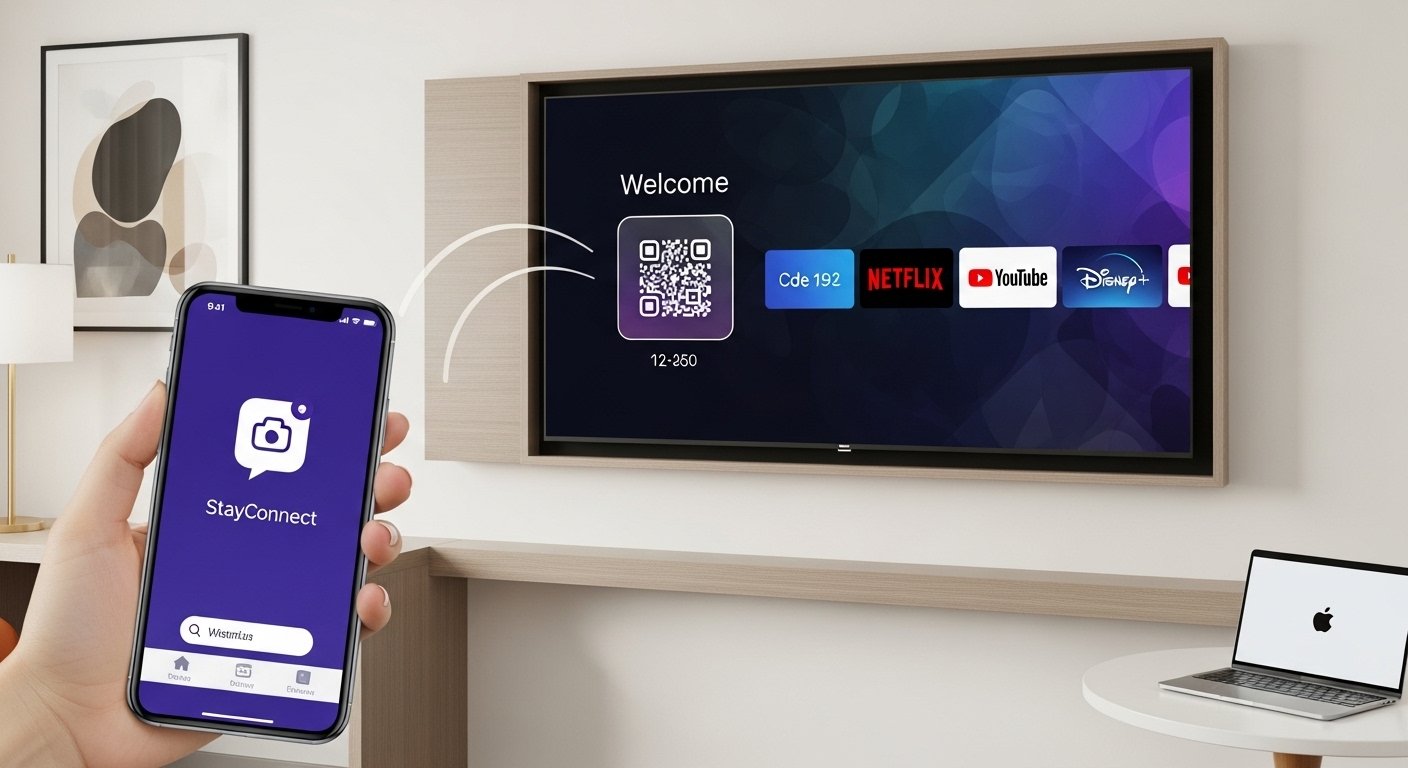
The StayConnect App is a very simple tool that helps you enjoy movies, shows, and videos on the big TV in your hotel room. Many people look for words like stayconnect app screen mirroring, stayconnect app cast, stayconnect app download, and how it works on phones like Android or iPhone, laptops like MacBook, or in hotels like Hilton.
This guide uses very easy English. It explains everything step by step so anyone can understand and use it right away. We talk about the real app from SONIFI called stayconnect® remote. It is made for hotels. It is free and safe. We use facts from the official app pages and SONIFI website (as of 2026).
What Is the StayConnect App?
The main app is stayconnect® remote by SONIFI Solutions. Hotels use it in thousands of rooms across North America. When you stay in a hotel with this system, the TV shows a welcome screen with a code or QR code.
The app lets your phone become a remote control for the hotel TV. You can:
- Turn the TV on or off.
- Make the sound louder or quieter (or mute it).
- Change TV channels.
- See a list of channels on your phone.
Many people think it does full screen mirroring (showing your whole phone screen on the TV). But this app does not do that. It is mostly for controlling the TV like a normal remote.
For watching your own shows (like Netflix), hotels use a special feature called STAYCAST. STAYCAST uses Google Chromecast technology built into the TV. It lets you “cast” videos from apps on your phone to the TV safely.
Important points about casting with STAYCAST:
- Your phone connects only to your room’s TV. No one else can see what you watch.
- You do not type your Netflix password (or any login) on the hotel TV. You stay logged in on your phone.
- It works with over 2000 apps, including Netflix, YouTube, Disney+, Hulu, and more.
- It is very safe and private.
So, for stayconnect app Netflix or stayconnect app cast, you use casting from your apps after pairing with the TV.
How to Download the StayConnect App
It is free and easy to get the app.
For Android phones:
- Open the Google Play Store.
- Search for “stayconnect® remote” (by SONIFI Solutions Inc.).
- Click Install. It is small and fast to download.
- It has over 500,000 downloads and helps many travelers.
For iPhone:
- Open the Apple App Store.
- Search for “stayconnect® remote”.
- Click Get (it is free).
- It works on new iPhones.
Some hotels show a QR code on the TV. Use your phone camera to scan it. It takes you to the download page right away.
Tip: Always get the app from SONIFI. Do not download other apps with similar names that ask for money or promise full mirroring in hotels. Those may not work well.
How to Use It in Your Hotel Room
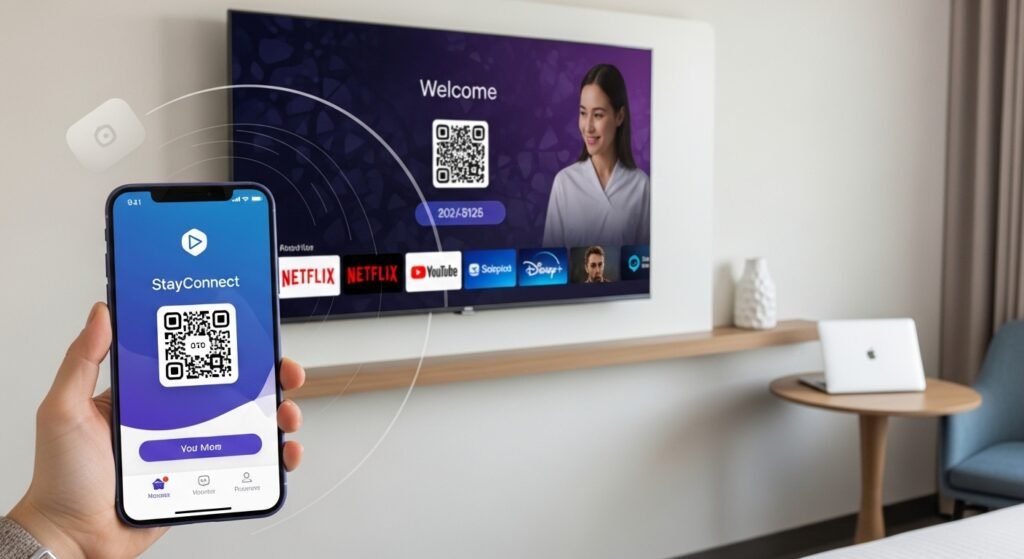
When you check in:
- Turn on the hotel TV.
- Look at the welcome screen or menu. It shows a code (4 to 6 numbers) or a QR code.
- Connect your phone to the hotel Wi-Fi first.
- Open the stayconnect® remote app.
- Type the code or scan the QR code.
- Your phone connects to the TV in seconds.
Now your phone is the remote! You can control power, volume, and channels easily.
For stayconnect app cast or stayconnect app screen mirroring to tv (but really casting):
- Open an app like Netflix, YouTube, or Disney+ on your phone.
- Find the Cast icon (it looks like a TV with Wi-Fi waves in the corner).
- Tap it.
- Choose your hotel room TV from the list.
- Play your video. It shows on the big TV!
This is great for stayconnect app Netflix. Watch your shows just like at home, but bigger. Log in only on your phone.
Full screen mirroring (like showing your phone home screen, photos not in apps, or games) does not work with this app in hotels. Hotels block it for safety. Some hotels may have other ways (like AirPlay for iPhone in a few places), but most use casting.
Some hotels now let you pair without the app. The TV shows a website address (like getstreaming.tv or similar). Go there on your phone browser and enter the code. No download needed!
StayConnect App on Android Phones
Stayconnect app android is simple. Download from Google Play as above. Pair with the code. Use it as remote. Cast from apps with the Cast icon. Android phones work great with this.
StayConnect App for iPhone
Stayconnect app for iphone is the same. Download from App Store. Pair with code. Use as remote. Cast from apps. If the hotel supports AirPlay (not common but in some new systems), open Control Center on iPhone > Screen Mirroring > pick the TV. But usually, use the app for casting.
StayConnect App on MacBook
Stayconnect app macbook — there is no app for MacBook because it is for phones. But you can still watch on the hotel TV.
- If the hotel has STAYCAST (Chromecast built-in), use Google Chrome browser on MacBook.
- Go to netflix.com or youtube.com.
- Log in.
- Click the Cast icon.
- Choose your room TV.
For full screen from MacBook, AirPlay may work if the hotel allows it (rare). Or use an HDMI cable if the TV has a port.
StayConnect App at Hilton Hotels
Stayconnect app hilton — Hilton has its own systems (like Connected Rooms). Some Hilton hotels use SONIFI tech, so the stayconnect® remote app or STAYCAST may show up.
When you arrive:
- Check the TV screen.
- If it shows a code for pairing or STAYCAST, use the app.
- Some Hilton places let you log into Netflix with their app or remote.
Other hotels (Marriott, IHG, etc.) may use similar systems. Always follow what the TV shows on the welcome screen.
Helpful Tips for Easy Use
- Connect to hotel Wi-Fi before pairing.
- Update Netflix or other apps on your phone.
- If it does not connect, restart your phone or TV. Try the code again.
- Casting uses a little battery — charge your phone.
- It is private: only your room sees your content.
- Hotel Wi-Fi can be slow — be patient.
Common Problems and Quick Fixes
Problem: No Cast icon? Fix: Not all videos allow it. Try YouTube to test.
Problem: App not working? Fix: Check if your hotel uses SONIFI. Some use website pairing now (no app).
Problem: Want full mirroring? Fix: In hotels, it is not allowed for safety. At home, use your phone’s built-in mirroring (Miracast on Android, AirPlay on iPhone).
Why Travelers Love This App
Hotel TVs often have boring channels. With StayConnect app and STAYCAST:
- Watch your Netflix, YouTube, or Disney+ on big screen.
- No cables needed.
- Your logins stay safe on your phone.
- Easy for kids, families, or long trips.
Many people say: “It makes the hotel feel like home!” Download it before travel. Check the TV as soon as you arrive.
Disclaimer:
This guide is only for information. It is not an ad or promotion. We are not connected to SONIFI, Hilton, or any other company. We do not make money if you download the app. Use the app at your own risk. We are not responsible if it does not work.
Explore More
- Movieweb App: Download, Alternatives, Reddit Reviews & Vercel Info 2026
- How to Fix Trainline App Not Working: Common Issues and Solutions
- Gomovies App Download: Free APK, PC Version & How to Watch Movies on Zero Gomovies App
