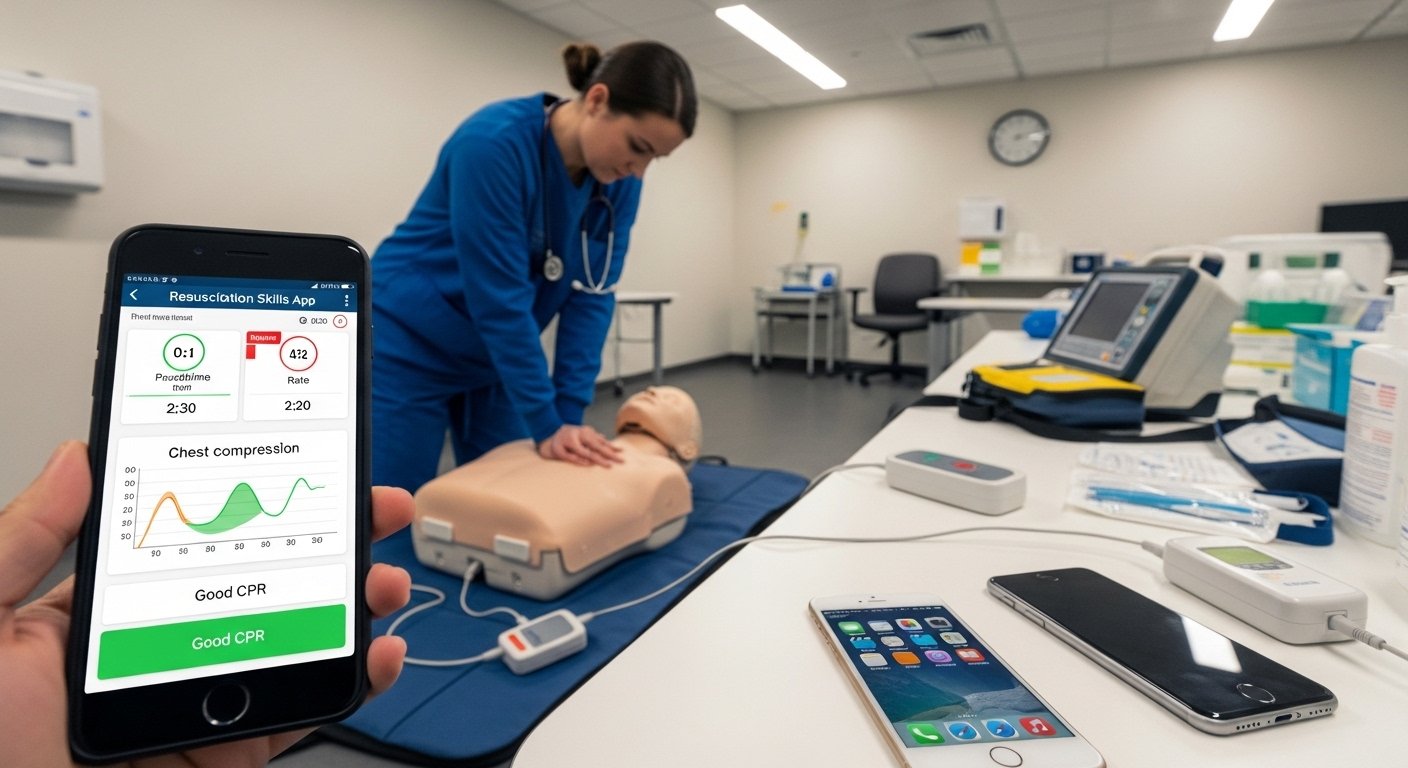
In healthcare jobs, knowing how to do CPR and other emergency skills is very important. These skills can save someone’s life when their heart stops or they stop breathing. The Resuscitation Skills App helps healthcare workers like nurses, doctors, and paramedics learn and practice these skills easily. It comes from a strong team-up between HealthStream and the American Red Cross.
This app is part of the American Red Cross Resuscitation Suite™. It is made for professional use in hospitals and clinics. HealthStream sells it to organizations, so most people get access through their workplace. The app is simple to use on your phone. It works on both iPhone and Android.
This guide uses very easy English. It explains what the app is, why it is good, how to get it on your phone, how to log in, how to use it, and what to do if there is a problem. All information is up to date for 2026.
What Is the Resuscitation Skills App?
The Resuscitation Skills App is a phone app for healthcare workers. It helps you practice high-quality CPR. High-quality CPR means pushing on the chest the right way: deep enough, at the right speed, with the chest coming back up fully each time, and with few stops.
The app works best with a special practice dummy called the Brayden Pro manikin. When you connect your phone to the manikin, the app watches your actions. It gives you feedback right away. For example, it shows if your pushes are good (green color) or need work (red or yellow color). It tells you the exact depth, speed, and other details.
This app helps with training for:
- Basic Life Support (BLS) – for everyone in healthcare.
- Advanced Life Support (ALS) – for more serious cases.
- Pediatric Advanced Life Support (PALS) – for children and babies.
- Neonatal Advanced Life Support (NALS) – for newborns.
You can earn a digital certificate from the American Red Cross when you finish the skills correctly. The app uses the latest science from the American Red Cross. In February 2026, they made big updates to make the training even better and easier.
Note: There is also a related app called Resuscitation Suite (made with Redivus Health). That one helps during real emergencies with timers and guides. But the Resuscitation Skills App is mainly for practice and learning CPR skills with a manikin.
Why Healthcare Workers Like This App
Learning CPR the old way means going to classes that take a lot of time. It can be hard to remember everything. The healthstream resuscitation skills app makes it much easier.
You can practice on your phone anytime – at home, on a break, or after work. You do not have to wait for a class day.
When you practice with the manikin, the app shows feedback instantly. You see numbers like push depth (2 to 2.4 inches) and speed (100 to 120 pushes per minute). This helps you fix mistakes fast and get better quickly.
It saves time for you and your hospital. You finish online parts in HealthStream, then do hands-on practice in the app. Everything connects, so your boss can see your progress.
Many people say they feel more ready for real emergencies after using the app. They are less scared because they practiced a lot. The American Red Cross name means the information is trusted and always up to date.
How to Download the App on iPhone and Android
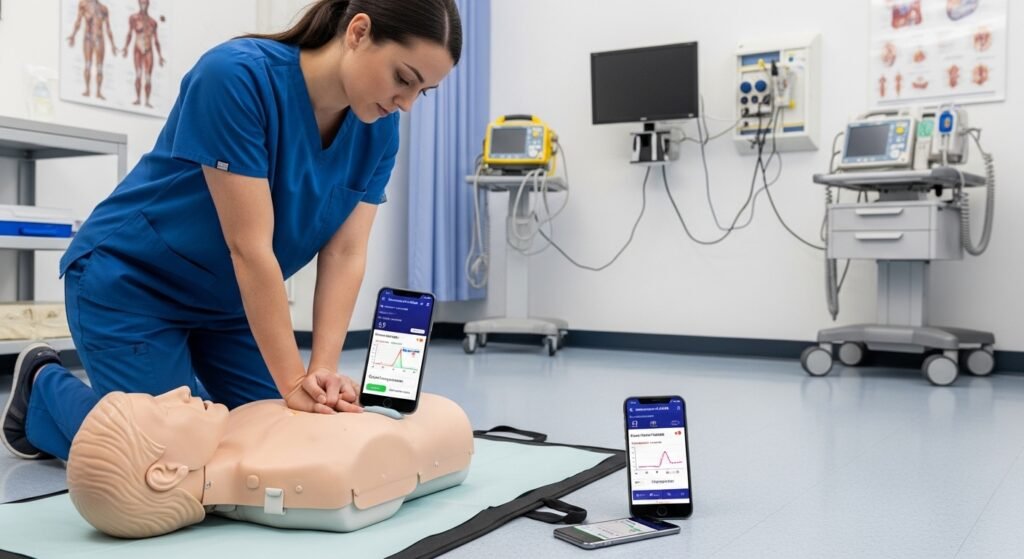
The app is free to download. But you need login details from your work to use all parts.
For iPhone (or iPad):
- Open the App Store on your phone.
- Search for “Resuscitation Skills”.
- Find the app that says it works with American Red Cross Resuscitation Suite and Brayden Pro manikins.
- Tap “Get” to download it.
- Use your Apple ID if it asks.
- Wait a short time for it to install.
For Android phones or tablets:
- Open the Google Play Store.
- Search for “Resuscitation Skills” or “Resuscitation Skills HealthStream”.
- Choose the right app. Read the description to make sure it mentions Red Cross and CPR practice.
- Tap “Install”.
- Allow permissions if it asks (like Bluetooth for the manikin).
- The app will show on your home screen when done.
If you cannot find the app, ask your work’s training team. They may send you a direct link or tell you the exact name. Your hospital buys access, so they know how to help.
Always update the app when a new version comes. The 2026 updates made it faster and added better features.
How to Log In to the App
Logging in is easy once you have your details. Your hospital’s education team or HR gives you the username and password.
- Open the Resuscitation Skills App on your phone.
- You see a login screen.
- Type your User ID or email. This is often your work email or employee number from HealthStream.
- Type your password. If it is your first time, they may give you a temporary one.
- Tap “Login” or “Sign In”.
- If your work uses single sign-on, it may take you to your hospital login page. Use your normal work login there.
After you log in, the app shows your courses, like BLS or PALS.
If you forget your password:
- Tap “Forgot Password”.
- Put in your email or ID.
- You get an email to reset it.
If you have no access or see an error, talk to your training manager at work. They add you to the program in HealthStream. The resuscitation skills app healthstream login is the same on iPhone and Android.
How to Use the App
After login, the app is simple and clear.
You see a list of your training modules. Tap one to start, like Adult BLS.
Inside:
- Watch short videos that show the right way to do CPR.
- Read easy tips.
- Go to practice.
- Connect your Brayden Pro manikin with Bluetooth if you have one (your hospital may give it to you).
- Do chest pushes, breaths, or full CPR.
- The app shows feedback on the screen right away.
- Try again until you get good scores.
- When you pass, it marks the skill as done.
Tips to do well:
- Practice in a quiet place.
- Make sure your phone is charged.
- Keep the manikin clean as the app shows.
- Practice a little bit often – even 10 or 15 minutes helps a lot.
The app also has quick guides for review. Updates in 2026 made it nicer to use.
What to Do If There Is a Problem
Sometimes small things go wrong. Here are easy fixes:
- App closes or stops: Close it, restart your phone, open again. Update the app.
- Manikin will not connect: Turn Bluetooth off and on. Make sure the manikin has battery. Stay close to your phone.
- No feedback: Check if you picked the right manikin in settings. Follow any setup steps.
- Courses do not show: Log out and log in again. Ask your work if they assigned them.
- Login does not work: Check spelling. Use good internet. Reset password if needed.
If nothing helps, contact your hospital’s HealthStream helper or training team. They know the system best.
Why This App Is a Good Choice
Many training ways exist, but this one is special.
It puts learning on your phone so you can do it anytime. The feedback helps you learn fast. You get real certificates from the American Red Cross. Hospitals like it because it follows rules and tracks everything easily.
Users say they feel calmer and better at real emergencies after using it.
Final Thoughts
The Resuscitation Skills App from HealthStream and American Red Cross is a great tool for healthcare workers. It makes learning CPR and other skills simple on your iPhone or Android. With easy download, simple resuscitation skills app healthstream login, and helpful feedback, it helps you stay ready.
If your job uses this, ask your training team for access. Practice regularly. Your skills can save lives one day.
Disclaimer:
This article is only for information. It is not an ad or affiliate. We do not sell the Resuscitation Skills App. Always follow your workplace and official instructions. We are not responsible for any mistakes or problems when using the app. Use it carefully.
Explore More
- Hosted Time App – Download, Login, Android App & Fix Not Working Issues
- Go Go Gold App: Free Android & iPhone Download, Login, Legit Reviews & Real Money Guide
- Friender App Review 2025: Features, Free Options, Download Guide & How to Make New Friends
