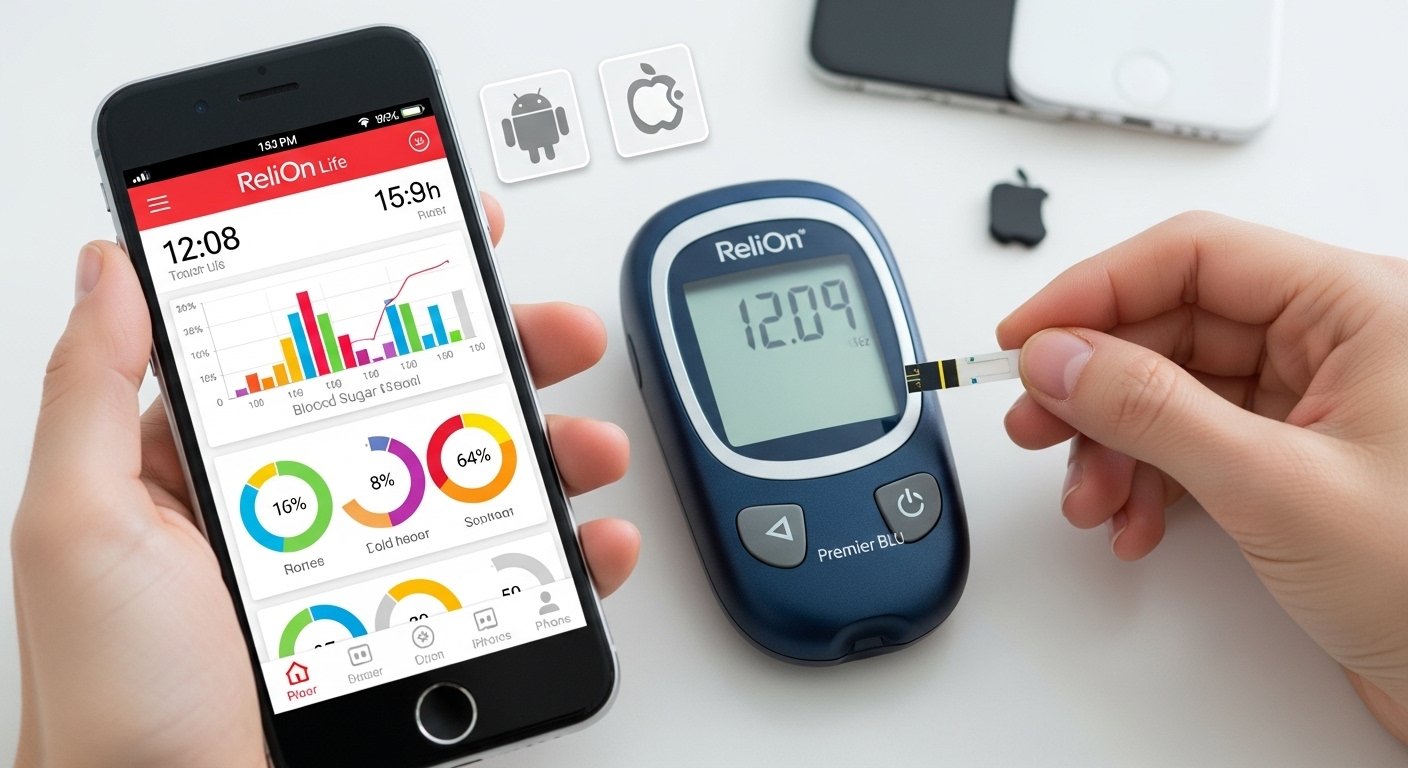
The Relion Premier Blu App is the mobile companion for the ReliOn Premier BLU blood glucose meter. This meter is a popular, affordable device sold mainly at Walmart. It helps people with diabetes check their blood sugar levels easily and accurately.
The app connects to the meter using Bluetooth. This means your blood sugar readings go straight to your phone without any wires. You can track your results over time, see patterns, add notes about food or exercise, and share data with your doctor. The main app for this meter in recent years is called ReliOn Life (sometimes listed as ReliOn™ Life Patient Mobile App). Some older setups or options use Glooko for syncing.
This article explains everything about the Relion Premier Blu app in 2026. It covers what it is, why it is useful, how to download it for Android and iPhone, setup steps, features, benefits, and tips for best use. All information comes from official sources like the ReliOn website, app stores, and user feedback to keep it accurate and helpful.
What Is the ReliOn Premier BLU Meter and Its App?
The ReliOn Premier BLU is a blood glucose monitoring system made for people managing diabetes. It gives fast results in just 5 seconds with a tiny drop of blood (only 0.5 µL). It has Bluetooth built-in, so it pairs easily with a smartphone app.
The app is not called “Relion Premier Blu App” directly. Instead, the official free app is ReliOn Life. This app works with several ReliOn meters, including the Premier BLU. It lets you:
- Store all your blood sugar readings automatically.
- See trends and averages (like daily, weekly, or monthly).
- Log extra details like meals, activity, mood, or medicine.
- Get reminders if needed.
- Export or share reports for doctor visits.
Some users also connect to Glooko, another diabetes management app, especially for more advanced sharing with healthcare teams. But ReliOn Life is the primary one promoted for the Premier BLU.
This setup makes diabetes care simpler. No more writing numbers in a notebook. Everything stays on your phone, safe and easy to see.
Why Use the Relion Premier Blu App in 2026?
Diabetes management gets better with technology. In 2026, apps like ReliOn Life help you stay on top of your health. Here are key reasons to use it:
- Automatic syncing saves time and reduces mistakes.
- See patterns – for example, if your sugar is often high after meals.
- Track more than just numbers – add notes about what you ate or how you felt.
- Share easily with doctors or family.
- Free to download and use.
- Works on both Android and iPhone.
- Helps meet goals for better blood sugar control.
Many users say the app makes them feel more in control. Reviews mention it is simple and reliable. The meter is affordable, and the app adds great value without extra cost.
How to Download the Relion Premier Blu App for Android
Downloading the app for your Android phone is quick. Follow these steps:
- Open the Google Play Store on your Android device.
- In the search bar, type “ReliOn Life” or “ReliOn Life Diabetes”.
- Look for the app by Walmart or ARK Care Advance (the developer).
- Tap Install. It is free.
- Wait for it to download and install. It needs about 11 MB of space.
- Open the app after installation.
The app requires Android 7.1 or higher. Most phones in 2026 meet this easily. Turn on Bluetooth in your phone settings before pairing the meter.
If you search for “relion premier blu app for android”, you will find links or guides pointing to ReliOn Life in the Play Store.
How to Download the Relion Premier Blu App for iPhone
For iPhone users, the process is just as easy:
- Open the App Store on your iPhone.
- Search for “ReliOn Life” or “Walmart ReliOn Life”.
- Find the app developed by Walmart.
- Tap Get or the download button. It is free.
- Use your Apple ID if asked, or Face ID/Touch ID.
- Once installed, open the app.
It works on recent iOS versions. Bluetooth must be on for syncing.
Users often search “relion premier blu app for iphone” and land on the App Store page for ReliOn Life. Some older reviews mention finding it on iTunes (now App Store).
Step-by-Step Guide to Set Up and Pair the App with Your Meter
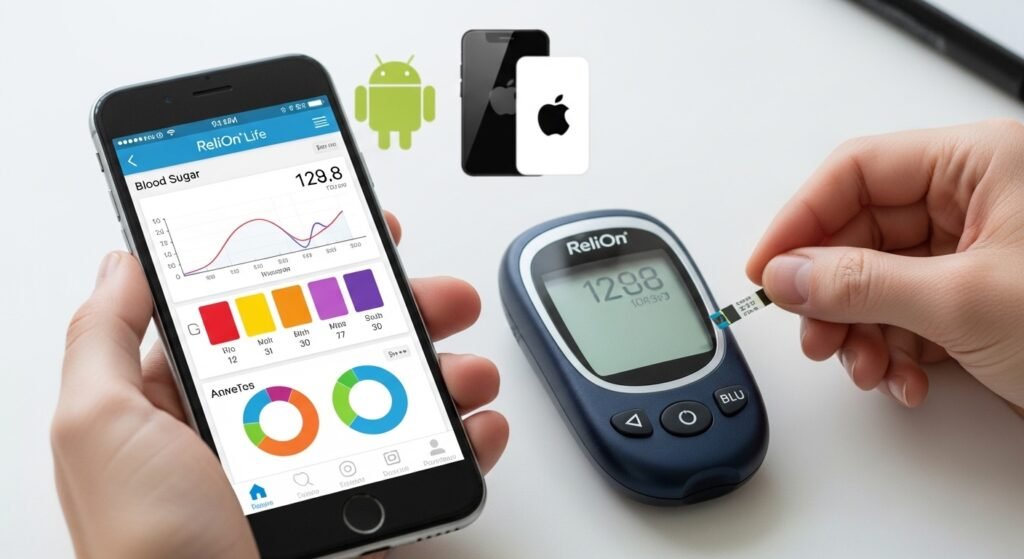
Pairing is simple and takes a few minutes. Here is how:
- Make sure your ReliOn Premier BLU meter has batteries and is ready.
- Open the ReliOn Life app on your phone.
- Sign up or log in if needed (it may ask for basic info).
- Go to the section for adding or syncing a device (often called “Sync Device” or “Add Meter”).
- Select “Blood Glucose Meters” and choose “Premier BLU”.
- Turn on Bluetooth on your phone.
- On the meter, press and hold the center button for a few seconds to enter pairing or “Set” mode (check your meter manual for exact steps – some models like F051 or F088 vary slightly).
- The app will search for the meter. When it finds it, follow prompts to connect.
- Once paired, test a reading. The result should appear in the app automatically.
If you use Glooko instead:
- Download Glooko from the app store.
- Follow similar pairing steps in the Glooko app.
- It supports Premier BLU via Bluetooth.
Always check the official ReliOn site (relionbgm.com) for the latest pairing guide or user manual PDF.
Key Features of the ReliOn Life App
The app has many helpful tools:
- Automatic upload of readings from the meter’s memory (up to 1,000 tests).
- Color-coded results to show if levels are high, low, or in range.
- Graphs and charts for trends.
- Logging for food, exercise, insulin, and notes.
- Averages for pre-meal, post-meal, and overall.
- Option to share PDF reports.
- Integration with other health apps in some cases.
It is designed to be user-friendly, even for beginners.
Benefits of Using the App for Diabetes Management
Using the app brings real advantages:
- Better understanding of your diabetes – spot what affects your levels.
- Fewer highs and lows by seeing patterns early.
- Easier doctor visits – bring data instead of notes.
- Motivation to stay active and eat well.
- Peace of mind knowing your history is saved safely.
Many people with type 1 or type 2 diabetes find apps like this improve their A1C over time.
Common Questions About the Relion Premier Blu App
Is the app really free? Yes, ReliOn Life is completely free.
Does it work without internet? You can view stored data offline, but syncing and some features need connection.
What if pairing fails? Restart Bluetooth, ensure the meter is in pairing mode, or check for app updates.
Can I use other apps? Yes, Glooko or Tidepool work too for advanced users.
Is it safe? Yes, it follows privacy rules. Check the privacy policy in the app.
Tips for Best Results in 2026
- Update the app regularly for new features.
- Keep your meter clean and use fresh test strips.
- Test as your doctor advises.
- Back up data if the app allows.
- Talk to your healthcare provider about using the app.
Final Thoughts
The ReliOn Premier BLU meter with its app (ReliOn Life) is a great choice for simple, affordable diabetes tracking in 2026. Download it today from the Google Play Store for Android or App Store for iPhone. Pair it, start logging, and take better control of your health.
If you have the meter, try the app – it can change how you manage diabetes for the better. Stay healthy!
Disclaimer:
This article is for information only. It is not a promotion or an affiliate link. We are not doctors. Always follow your doctor’s advice for using any medical device or app. We do our best to give correct information, but we cannot guarantee results. Use apps and devices at your own risk.
Explore More
- Easy Line Remote App: Download, Install & User Guide for Android & iPhone | Reviews, Troubleshooting & Phonak/Kirkland Versions
- Homie App: What It Is, How to Add It & Download from the App Store
- The ESS Mobile App: Free Download, Login, Android & iPhone Guide | Compass Group Location
