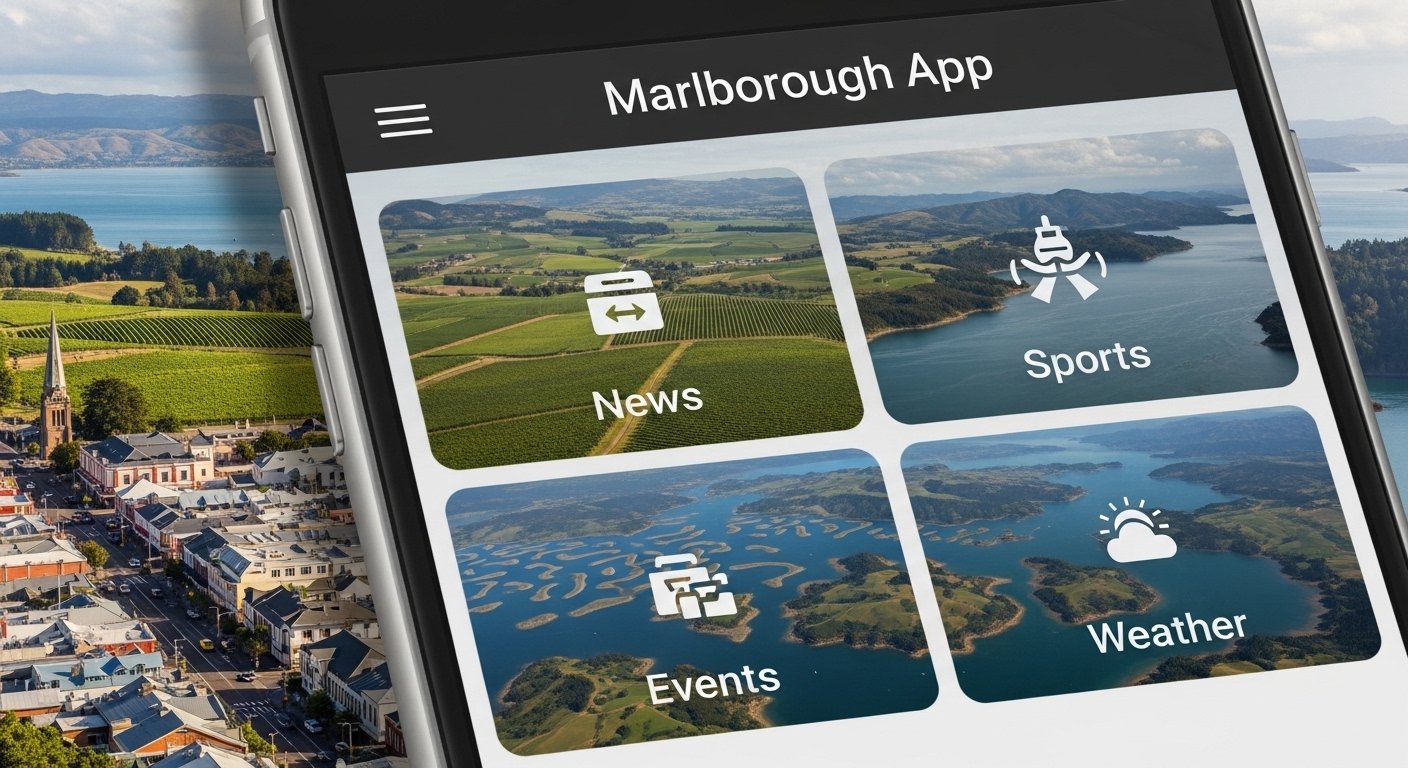
The Marlborough App is a popular mobile application from New Zealand. It focuses on the Marlborough region, which includes places like Blenheim and the beautiful Marlborough Sounds. This app is made by Top South Media, a local company. It helps people stay connected to their community with easy access to local news, sports updates, events, weather, and more.
Many people in Marlborough use this app every day. Over 40,000 people open it each month to get the latest information right on their phone. In 2026, the app continues to grow with better features and regular updates. It is free to download and use, and it works on both Android and iOS phones.
This guide will explain everything about the Marlborough App in simple words. You will learn what it is, its main features, how to download and use it, why it is useful in 2026, and tips to get the most from it. This article is written to help you understand quickly and easily.
What Is the Marlborough App?
The Marlborough App is your one-stop mobile tool for everything about the Marlborough region in New Zealand’s South Island. Think of it as a digital newspaper, community guide, and information center all in your pocket.
It started as a way to bring local news and updates to people’s phones. Now in 2026, it has become much more. The app covers the whole area, from Blenheim town to the vineyards, beaches, and outdoor spots in the Marlborough Sounds.
Unlike big news apps that show world news, this one is only about Marlborough. That makes it special for locals, visitors, and people who love the region. It gives fresh, local stories that matter to daily life there.
The app is owned and run by Top South Media, a company based in the area. They know the community well and update the app often to keep it fresh and helpful.
Main Features of the Marlborough App in 2026
The Marlborough App has many useful parts. Here are the key features that make it stand out:
Local News Updates You get the latest news from Marlborough right away. This includes breaking stories, community events, business news, and what is happening in towns like Blenheim, Picton, and Renwick. The news is written by local writers who know the area best.
Sports Coverage Love sports? The app shows results from local games, rugby, netball, cricket, and more. You can follow your favorite teams and see scores fast.
Events and What’s On Find out about markets, festivals, concerts, and community meetings. The app lists upcoming events with dates, times, and places. You can even get reminders.
Weather Forecasts Check the daily weather for Marlborough. It shows rain, sun, wind, and temperature. This is very helpful for farmers, boaters, and people who enjoy the outdoors.
Outdoor and Adventure Info Learn about walking tracks, mountain bike paths, fishing spots, and boating in the Sounds. The app gives maps and tips for safe adventures.
Community Information Find details on local services like council updates, road works, emergency alerts, and business listings. It keeps you informed about changes in your area.
Easy Navigation The app has a clean and simple design. You can swipe to see different sections. It loads fast, even on slow internet.
Notifications Turn on push alerts for important news or events. You will never miss big updates.
Digital Editions Some versions include full digital copies of local papers or magazines for reading offline.
These features make the app very useful for daily life in Marlborough. In 2026, updates have made it even faster and added better search options.
How to Download the Marlborough App
Downloading the Marlborough App is very easy. It takes just a few minutes.
For Android Phones
- Open the Google Play Store on your phone.
- In the search bar, type “The Marlborough App” or “Marlborough App”.
- Look for the app by Top South Media or with the icon that shows local news style.
- Tap “Install”.
- Wait for it to download and install.
- Open the app and start using it.
For iPhone or iPad (iOS)
- Open the App Store.
- Search for “The Marlborough App”.
- Find the one from the developer linked to Marlborough news.
- Tap “Get” or the download button.
- Use your Face ID, Touch ID, or password if asked.
- The app will appear on your home screen.
The app is free. No payment is needed to download or use the main features. Make sure your phone has enough space and a good internet connection for the first download.
After installing, open the app. It may ask for permission to send notifications. Say yes if you want alerts for news.
How to Use the Marlborough App Step by Step
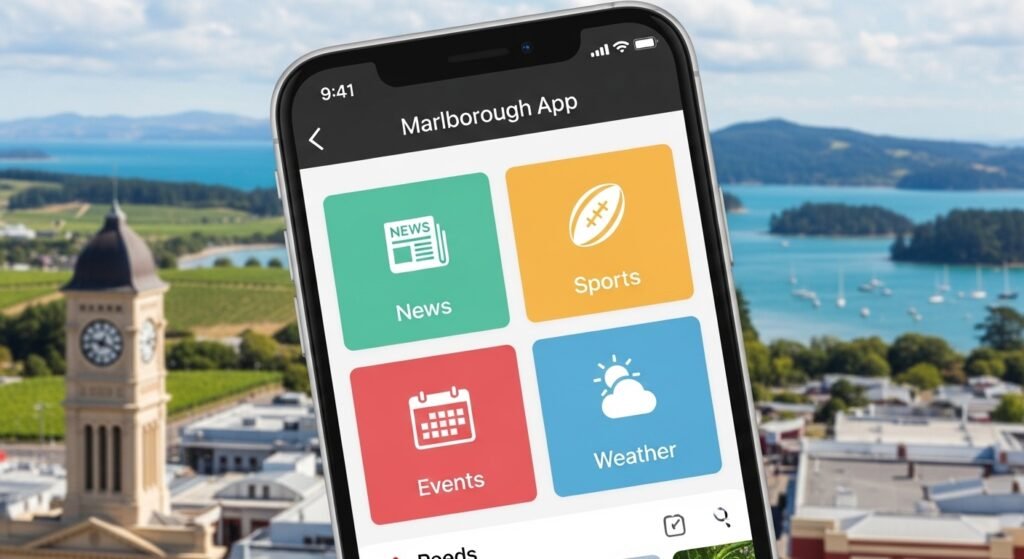
Using the app is simple, even if you are new to apps.
When you first open it:
- You see the home screen with top news stories.
- Swipe down to refresh for new updates.
Main sections:
- Tap the menu (three lines or dots) to see categories like News, Sport, Events, Weather.
- Tap “News” to read full stories.
- For events, tap the calendar or “What’s On” to see lists.
To search:
- There is a search icon. Tap it and type what you need, like “Blenheim market” or “rugby results”.
Save favorites:
- Some stories or events let you bookmark them for later.
Share content:
- Tap the share button to send news to friends on WhatsApp, Facebook, or email.
Turn on notifications:
- Go to settings in the app. Choose which alerts you want, like breaking news or event reminders.
The app works offline for some saved content, but news needs internet for the newest updates.
Why the Marlborough App Is Great in 2026
In 2026, many things have changed, but the need for local information stays strong. The Marlborough App fits perfectly because:
- It is fast and reliable with quick loading.
- Updates happen often to fix bugs and add new things.
- It supports the local economy by sharing news about businesses and events.
- For tourists, it helps discover hidden spots in Marlborough, famous for wine and nature.
- During bad weather or emergencies, it gives fast alerts from trusted sources.
Compared to other apps, it is focused only on Marlborough. You do not get lost in world news. This makes it the best choice for people who live there or visit often.
Many users say it helps them feel more connected to their community. Parents use it for school events, farmers for weather, and sports fans for game updates.
Tips to Get the Most from the Marlborough App
Here are some easy tips:
- Update the app often from the store to get new features.
- Use it every morning for daily news and weather.
- Follow local groups or pages linked in the app for more info.
- Share interesting stories to support local writers.
- If you have problems, check the app settings or contact support through the website.
- For visitors, use the adventure sections to plan trips.
The app is safe and does not ask for too much personal info. It respects your privacy.
Final Thoughts on the Marlborough App
The Marlborough App is a must-have if you live in, work in, or love the Marlborough region. It brings all the important local information to your phone in a simple way. From news and sports to events and weather, it covers what matters most.
In 2026, with better technology, the app is smoother and more helpful than ever. Download it today and see why thousands of people use it every month.
Whether you want to stay informed, find fun things to do, or just feel part of the community, this app makes life easier.
Get the Marlborough App now from the Google Play Store or Apple App Store. Search for “The Marlborough App” and install it free.
Enjoy your time with the Marlborough App!
Disclaimer:
This article is only for information. It is not a promotion or advertisement. We are not selling the Marlborough App and do not get any money if you download it. The app belongs to Top South Media. We do not control it and are not responsible for any problems with it. Always check the app and its official sources before using it. Use the app at your own risk.
Explore More
- iMethStream App – Watch Movies & TV Shows Online Easily
- Showbox App – Free Movie & TV Show Streaming on Android & iOS
- MyGMC App – Download, Connect Your Vehicle, Remote Start & Troubleshoot for Android
