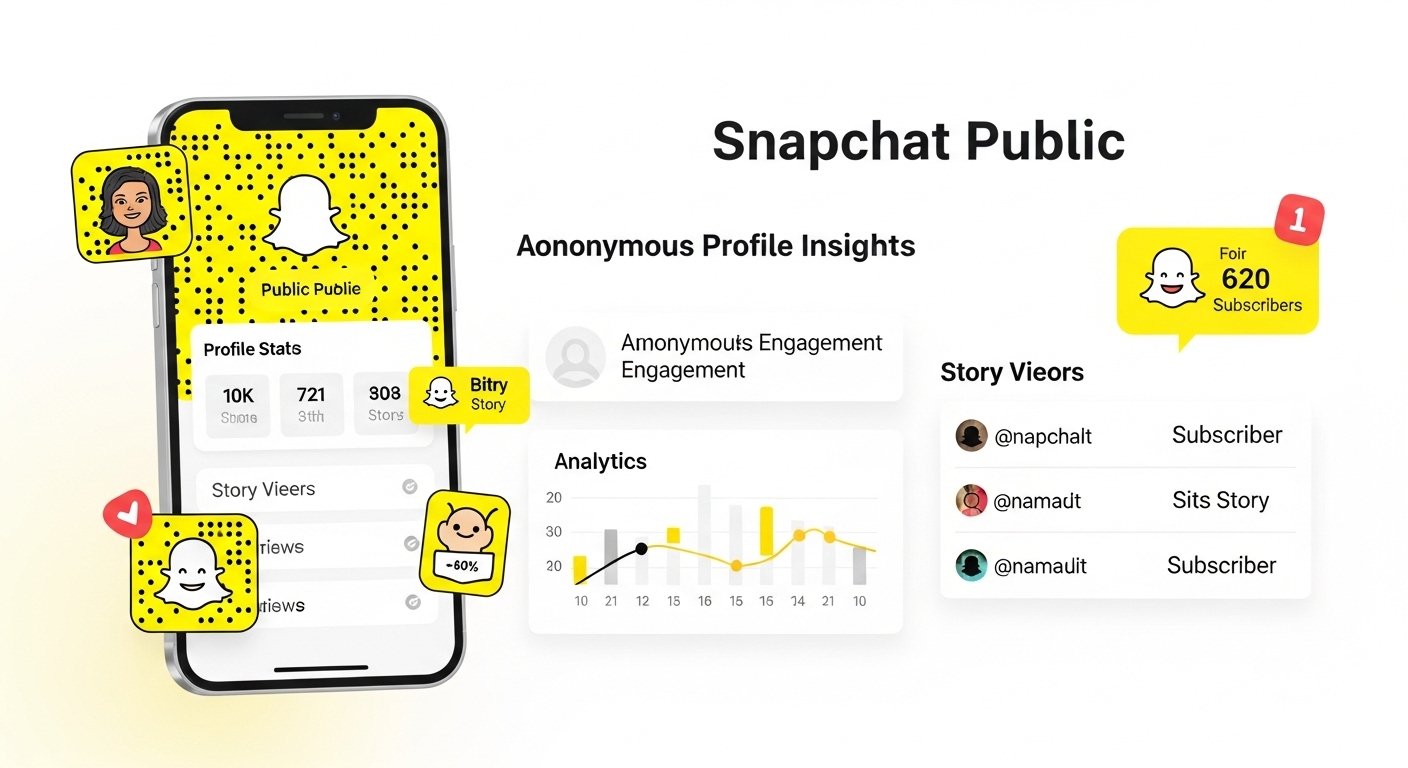
Snapchat keeps profile views private for most users. This means Snapchat does not tell you when someone views your profile in a direct way. Many people search for a snapchat view list or a snapchat public profile viewer tool, but the app focuses on privacy. It protects both the viewer and the profile owner.
This guide explains everything in simple steps. We cover what Snapchat allows, what it does not, and how to check related info like story views or insights. The goal is to help you understand the features clearly. No tricks or fake methods here—just facts from how Snapchat works.
What Is a Public Profile on Snapchat?
Snapchat lets users make a Public Profile. This is different from a normal private account. With a public profile, anyone on Snapchat can find you, see your bio, highlights, saved stories, and subscribe to your updates. Creators, influencers, and brands often use public profiles to reach more people.
To have a public profile, you need to turn it on in the app. Go to your profile, tap “Edit Profile” or look for public profile options, and enable it. Once active, people can subscribe without adding you as a friend. Your subscriber count shows publicly.
Public profiles give extra tools like insights. These help you see how people interact with your content. But they do not show every single profile visit.
Does Snapchat Tell You When Someone Views Your Profile?
No, Snapchat does not show who viewed your profile. This applies to both normal profiles and public ones. If someone opens your profile page, looks at your bio, or checks your highlights, you get no notification. No name appears in a list.
This is by design. Snapchat wants to keep browsing private. Can people see when you view their Snapchat profile? No. When you look at someone’s profile, they do not know. It stays anonymous unless you interact—like sending a snap, replying to a story, or subscribing.
Many users ask does Snapchat tell you when someone views your profile. The answer stays the same: no direct info. Some older myths said third-party apps could track it, but those are unsafe. They often steal accounts or get you banned. Snapchat does not allow them.
For public profiles, you see some numbers. But not names of profile visitors.
What Can You See Instead? Profile Insights and Analytics
Snapchat gives insights for public profiles. These show numbers, not names. This helps creators know if their profile gets attention.
Here is how to check:
- Open the Snapchat app.
- Tap your profile icon (top left, your Bitmoji or photo).
- Look for “My Public Profile” or tap to open your public section.
- Tap “Insights” (it may say “View Insights” or show an analytics tab).
In Insights, you find:
- Profile views: Total number of times people opened your public profile. This shows daily or over 28 days. It counts visits, but no usernames.
- Audience info: If you have enough followers (like over 200), see age groups, gender, or locations. This is summary data.
- Recent public stories: Views, unique viewers, and more for each story.
- 28-day summary: Trends in followers, views, and engagement.
For example, you might see “Profile views: 150 in the last week.” This tells you interest level, but not who.
Business or creator accounts (like Snap Stars) get more details in Ads Manager or business tools. Normal users see basic numbers.
These insights help improve content. If profile views are high but few subscribers, maybe add better calls to action in stories.
How to See Who Viewed Your Stories (Public or Private)
Stories are different. Snapchat shows who views them clearly.
For a normal “My Story”:
- Go to your profile.
- Tap “My Story” to open it.
- Swipe up on the screen.
- See a list of viewers (up to 200 names). After that, just a number.
- It shows friends and others who saw it. You can also see screenshots.
For public stories:
- Post a snap to your public story.
- Tap the public story snap.
- Swipe up for “Insights and Replies.”
- Under “Viewers,” see friends, followers, and other Snapchatters who watched.
- Check replies too—tap to read and answer.
Public story viewers include subscribers and non-subscribers. This is the closest to a snapchat view list. It lists names for stories, not the profile itself.
If someone views your story from your public profile, their name may show here if they watched the content.
Why Doesn’t Snapchat Show Profile Viewers?
Snapchat chooses privacy first. Many users like browsing without others knowing. It stops awkward moments or unwanted messages.
Other apps like LinkedIn show profile visitors (with limits). Snapchat does not. This keeps the fun, casual feel.
For creators, insights give enough data without names. Numbers help track growth. Exact names could change how people use the app.
Common Myths About Snapchat Profile Viewers
Many videos and posts claim ways to see viewers. Some say:
- Use a special setting.
- Third-party snapchat public profile viewer sites.
- Apps that track views.
These are not real. Snapchat does not have a hidden feature for this. Third-party tools break rules. They ask for your login, risk your account, or spread malware.
Some confuse story views with profile views. Stories show names—profiles do not.
Others think high story views mean many profile checks. Not always. People can see stories in feeds without opening your full profile.
Tips to Grow Your Public Profile Without Viewer Names
Since you cannot see exact viewers, focus on what works:
- Post often: Regular stories keep people coming back.
- Use highlights: Save best snaps so new visitors see good content.
- Engage: Reply to story comments to build connections.
- Add calls to action: Ask people to subscribe or reply.
- Check insights weekly: See what content gets more views.
- Promote: Share your Snapchat username elsewhere.
These steps help more than chasing viewer lists.
Privacy Settings You Should Know
Control who sees your content:
- Go to profile > settings (gear icon).
- Look at “Who Can…” options.
- For public profiles, adjust “Who Can View My Story” or contact settings.
- You can block specific users if needed.
Public profiles are open by nature. But you decide story privacy.
Also, viewers stay anonymous for profiles. This protects everyone.
Final Thoughts on Snapchat Profile Views
Snapchat makes public profiles great for sharing. But it keeps who viewed your profile private. No snapchat view list for profiles exists. You get total views in insights, story viewer names, and audience summaries.
This design respects privacy. It lets users explore freely.
If you want to know engagement, use official insights. Avoid fake tools—they cause problems.
Snapchat may add features later. For now, focus on creating fun content. Numbers will grow if people like it.
Explore More
How to Open Snap Without Them Knowing (Risks, Limits, and Tips)
