Creating your own Snapchat filter is super fun and not as hard as it looks! Whether you want one for a birthday party, wedding, graduation, or just to make your daily Snaps more exciting, you can do it. In 2026, Snapchat makes it easier than ever with free tools and new AI features.
People often search for how to design a Snapchat filter, how to make a Snapchat filter, or how can I create my own Snapchat filter. We cover both types: simple overlays (like geofilters or location tags) and advanced AR effects (called Lenses that move with your face or the world).
Let’s start!
Two Main Types of Snapchat Filters in 2026
- Simple Filters (Overlays or Geofilters) These are static designs like text, frames, or location tags (“Karachi Vibes” or “Happy Wedding Day”). They appear when you take a Snap in a certain place or time. Great for events — think how to create a Snapchat filter for an event.
- Advanced Lenses (AR Effects) These use your camera to add fun things: dog ears, glasses, makeup, 3D objects, games, or changes that move. This is the cool stuff most people mean by make your own Snap filter today. Use Snapchat Lens Studio — it’s free and powerful.
Important update: The old “On-Demand Geofilters” (where you paid Snapchat directly) stopped in 2023. Now, focus on free ways like designing overlays yourself or creating full Lenses.
Why Make Your Own Snapchat Filter?
- Share special moments with friends.
- For events: Everyone uses the same fun design.
- Businesses or creators get more attention.
- It’s free for personal use!
- New AI tools in 2026 make it faster — describe what you want, and AI helps build it.
Many people ask how to make Snapchat filters free — yes, you can do almost everything without paying.
Option 1: Simple Overlays (Like Old Geofilters)
Even without paid on-demand, you can still make custom designs.
How to make a Snapchat filter free for overlays:
- Design the Overlay Use free tools like Canva (best choice).
- Go to Canva.com.Search “Snapchat geofilter maker” or “Snapchat filter template”.Pick a vertical size: 1080 pixels wide by 1920 or 2340 pixels tall (portrait mode).Make background mostly transparent (at least 50%). Save as PNG.Add fun stuff: Text like “Super’s Birthday Bash”, emojis, hearts, or your photo.Keep design in top 25% or bottom 25% so it doesn’t block faces.Colors: Bright and clear work best on phone screens.
- Use It in Snapchat
- Take a photo or video in the app.
- Swipe to see built-in filters.
- For location ones: Turn on location services — Snapchat shows place tags automatically (like “Karachi, Sindh”).
- To use your custom design: You can’t upload it directly like before, but share your idea! Send the PNG to friends, or post it online. They can recreate similar looks.
- Some events use Snapchat Community Filters — design and submit for approval (more on this below).
- Snapchat Community Filters (Geofilter Style) Snapchat still has “Community Filters” for places or moments.
- Go to create.snapchat.com on a computer (or check in-app).Look for “Community Filters” or “Geofilter”.Upload your design (follow rules: PNG, transparent, no bad content).Add description and category (event, place).Submit — Snapchat reviews it. If approved, it shows up for users in that area/time.This is how to get a Snapchat filter for locations without paying.
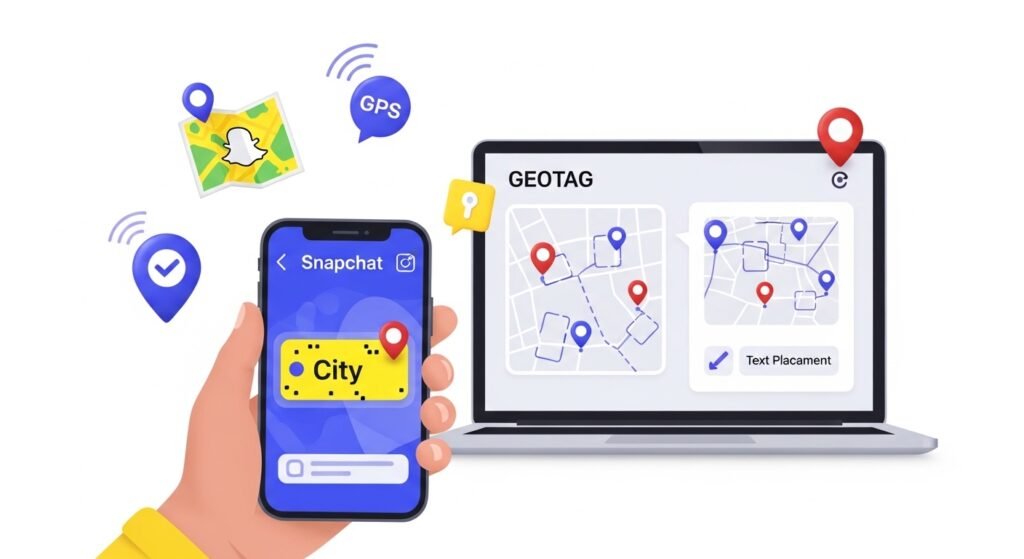
How can you make a geotag on Snapchat? Just turn on location in settings — auto tags appear. For custom, use community submission.
Option 2: Create Advanced Lenses with Lens Studio (The Best Way in 2026)
This is how most people how to create a Snapchat filter now. Lens Studio is free desktop software from Snapchat.
Step-by-Step: How can I create my own Snapchat filter using Lens Studio
- Download Lens Studio
- Go to lensstudio.snapchat.com or developers.snap.com/lens-studio.Download for Windows or Mac (2026 version is around 5.1x or higher — very advanced!).Install and open. Log in with your Snapchat account.First time? It asks for an interactive tour — do it! Super helpful.
- Start Your Project
- Click “Create New Lens”.
- Pick a template (easiest for beginners):
- Face Mask (for ears, glasses, makeup).
- World Object (things in real world).
- Beauty (skin glow, lips).
- Games or interactive.
- Or start blank if brave!
- Build the Lens
- Preview window shows your camera live.
- Panels on sides: Objects, Resources, Inspector.
- Add face tracker: Bind objects to eyes, nose, mouth.
- Import images: PNGs for 2D (like crowns).
- Add 3D models (free from sites or make simple ones).
- Effects: Particles (sparkles), animations, text that appears on tap.
- New features:
- Beauty Editor (glam makeup, glitter).
- Realistic StyleGen (true lighting/textures).
- Blocks (ready pieces like scripts — drag and drop).
- GenAI for animation from text/video.
- Test: Move head, smile — see real-time changes.
- Pair device: Connect phone to computer for live Snapchat preview.
- Make It Interactive
- Add taps: User taps screen to change color or spawn objects.
- Use voice or gestures (newer versions support more).
- For events: Add “Happy Birthday” text that explodes confetti on smile.
- Publish Your Lens
- Click Submit.
- Add name, icon (square PNG), description.
- Snapchat reviews (1-7 days usually).
- Follow rules: No hate, no copyright issues.
- Once live: Shows in Lens Carousel or Explorer. Friends search and use!
- Share link or Snapcode.
How to get custom Snapchat filter? Publish Lens — anyone can find/use it. For events, tell guests to search your Lens name.
Extra Tips for Awesome Filters
- Start simple: One effect first, then add more.
- Test on real phone — lighting changes everything.
- Use free assets: Snap provides some, or sites like Mixamo for 3D.
- For events: Combine overlay design + Lens (use Lens for face fun, overlay for text).
- Optimize: Keep file small for fast load.
- Learn more: Watch YouTube “Lens Studio 2026 tutorial” — many free videos.
- Community: Join Lens Studio forums or Reddit for help.
Common Questions Answered
How to make Snapchat filters?
Use Lens Studio for AR, Canva for simple overlays.
How to create a Snapchat filter for free?
100% free with Lens Studio and Canva.
How can you buy Snapchat filters?
No need for personal — sponsored ones for big brands only.
Snapchat geofilter creator?
Canva or community submit.
Make your own Snap filter — Start with template today!
Final Thoughts
In 2026, Snapchat is more creator-friendly with AI in Lens Studio. You don’t need to be a pro — templates and AI do heavy work. Try it! Download Lens Studio, make a silly Lens, share with friends. Soon you’ll have your own collection.
Events become memorable with custom touches. Birthdays get party hats on faces. Weddings get rings or flowers. Just have fun creating.
You got this! Start small, practice, and watch your Snaps level up. Happy filtering!
Disclaimer: This article is for learning and general information only. Snapchat features, tools, and rules may change over time. Always check Snapchat’s official website or Lens Studio for the latest updates. We are not officially connected with Snapchat, Inc. Use all tools and designs responsibly and follow Snapchat’s community guidelines.
Explore More
A Beginner’s Guide to Snaptroid: Claims, Features, and Risks (2026 Updated)
