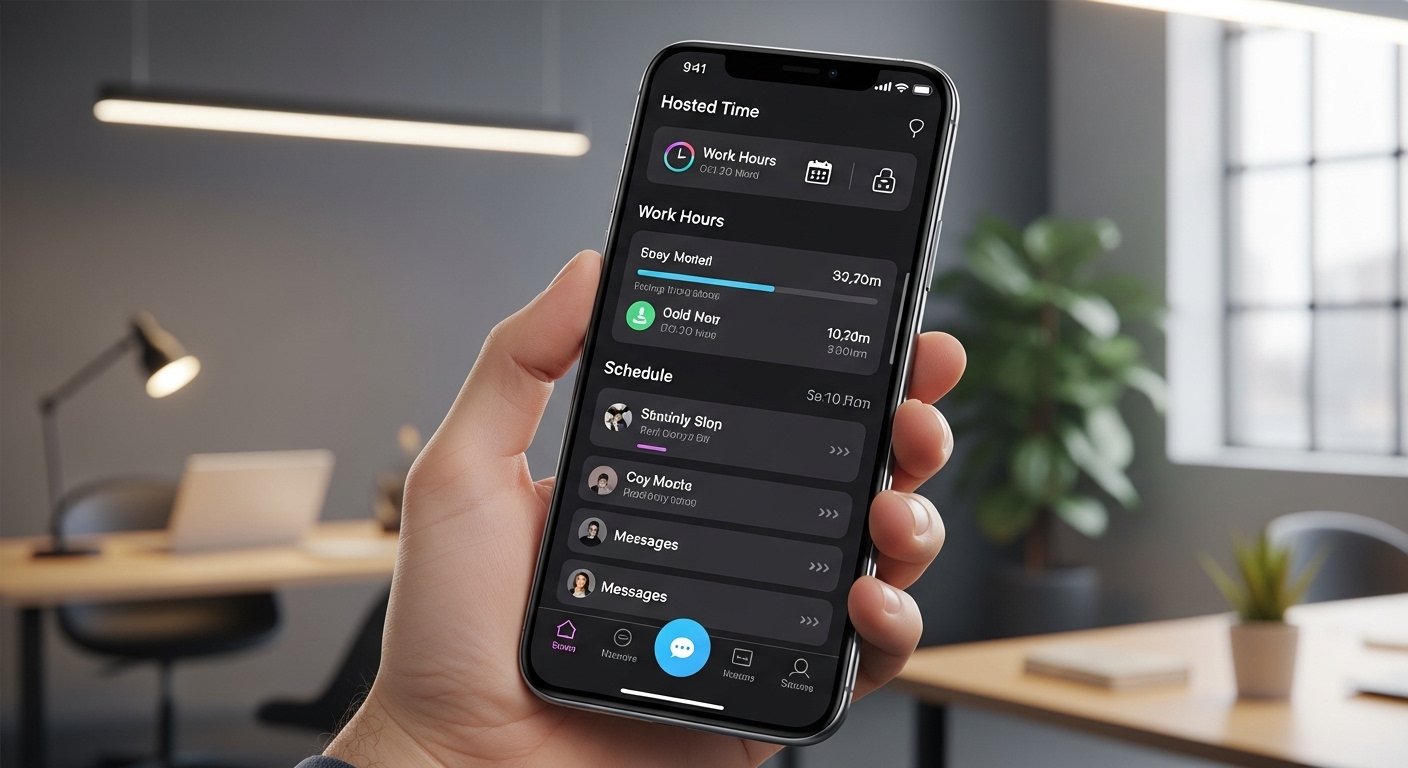
The Hosted Time App is a helpful mobile tool made by Bektek Enterprises, Inc. It is a time and attendance app. Many workers use it to check their work hours, see their schedules, look at leave balances (like PTO or paid time off), and send messages to managers or team members. It is a cloud-based system, which means it works online without needing special hardware at your workplace.
This app helps employees and sometimes managers stay on top of work time easily from their phones. It connects to the main HostedTime system that companies use for tracking attendance, payroll help, and workforce management. It is available for both Android and iOS (iPhone/iPad) devices. Many reviews say it is simple to use when it works well, but some people face login or connection problems from time to time.
If your company uses HostedTime for employee time tracking, this app makes it easy to view everything on the go. It is free to download, but you need login details from your employer (like a user ID, password, and sometimes a client ID).
How to Download the Hosted Time App for Android
Getting the hosted time app android version is very easy. Follow these simple steps:
- Open the Google Play Store on your Android phone.
- In the search bar, type “HostedTime” (one word, no space).
- Look for the app named HostedTime by Bektek Enterprises, Inc. It shows as a time/attendance mobile application.
- Tap on it, then tap Install.
- Wait for the download and installation to finish. It needs Android 8.0 or higher.
- Once installed, open the app.
You can also find it on sites like Uptodown or APKPure if the Play Store has issues in your area, but it is best and safest to use the official Google Play Store for hosted time app download.
The app size is around 50 MB, so make sure you have space and a good internet connection.
How to Download Hosted Time App for iPhone (iOS)
For iPhone or iPad users:
- Open the App Store.
- Search for “HostedTime”.
- Find the app by Bektek Enterprises, Inc.
- Tap Get to download it (it is free).
- It works on iPhone and is designed for iPad too.
- After download, open the app.
The iOS version lets you view timecards, schedules, balances, and send/receive messages easily.
How to Login to Hosted Time App
Logging in is straightforward, but you need your company details first.
Most users follow these steps:
- Open the HostedTime app on your phone.
- You may see a screen to enter your Client ID first. This is a special code your company gives you (ask HR or your manager if you do not know it).
- After entering the Client ID, it takes you to the login page.
- Enter your User ID (or employee ID) and Password.
- Tap Login.
If it is your first time, your company might set up the account. Sometimes, you use the same login as the web version at www.hostedtime.com.
Tip: If you forget your password, there is a “Forgot your Password?” link on the login page. But this often needs help from your company’s HR team, as they manage accounts.
After login, you can see your timecard (hours worked), schedule (shifts), balances (leave or PTO), and messages.
Main Features of the Hosted Time App
The app has many useful things for workers:
- View your timecard to see clock-in and clock-out times.
- Check your work schedule for the week or month.
- See your leave balances, like how many vacation or sick days you have left.
- Send and receive messages from managers or HR.
- Sometimes view benefits or payroll info (depends on company setup).
- It supports mobile punches if your company allows clocking in/out from the phone.
It is cloud-based, so data updates in real time. No need to go to a computer or time clock machine every time.
Many users like how it puts everything in one place on the phone.
Common Problems and How to Fix Hosted Time App Not Working
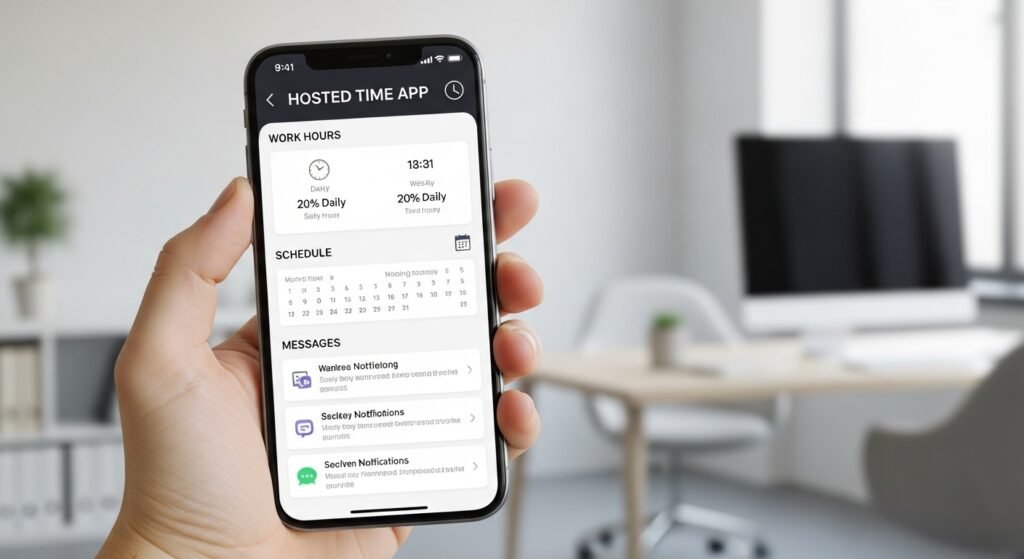
Sometimes the hosted time app not working issue happens. Here are the most common problems and easy fixes.
1. App Not Connecting or “Can’t Connect to Server” Error
This is a frequent complaint.
Fixes:
- Check your internet. Switch from Wi-Fi to mobile data or vice versa.
- Restart your phone.
- Make sure the app is updated. Go to Play Store or App Store and check for updates.
- Clear app cache: On Android, go to Settings > Apps > HostedTime > Storage > Clear Cache.
- If still not working, the server might be down for maintenance (check company notice or the website www.hostedtime.com).
2. Wrong User ID or Password Error
Even if details are correct.
Fixes:
- Double-check spelling (case sensitive).
- Ask HR for reset if password is wrong.
- Some users say after iOS updates, it shows wrong password. Try logging in on the website first to confirm details.
- On older app versions, update to the latest (like 148.0.0 or newer).
3. Hosted Time App Not Working on iPhone
iPhone users often face this after updates.
Fixes:
- Update iOS and the app.
- Uninstall and reinstall the app.
- Check if date/time on phone is correct (Settings > General > Date & Time > Set Automatically).
- If it says “can’t connect,” try another network.
- Some reviews mention it works better on website during glitches.
4. App Crashes or Slow
Fixes:
- Free up phone storage.
- Restart device.
- If using VPN, turn it off.
- Contact your company support, as they know the system best.
5. Login Page Not Loading or Redirect Issues
Sometimes it asks for Client ID again.
Fixes:
- Enter the correct Client ID provided by employer.
- Use the web login at https://www.hostedtime.com/ta/Account/Login as backup.
General Tips for Any Not Working Issue:
- Always use the latest app version.
- Contact your company’s HR or manager first—they have direct support from HostedTime.
- The official site sometimes shows maintenance notices.
- If nothing works, delete and reinstall the app.
Most problems are fixed with updates, internet check, or HR help.
Why Use the Hosted Time App?
This app makes life easier for employees. No more guessing shifts or waiting to check hours. Managers can communicate fast. Companies save time on attendance tracking. It is part of a bigger cloud system that helps with payroll and reports.
If your workplace uses it, learn the app well. It helps you stay organized and avoid mistakes in hours or leave.
Final Thoughts
The Hosted Time App is a good tool for checking work time, schedules, and more from your phone. Download it from official stores, login with company details, and enjoy easy access. If hosted time app not working, try the fixes above. Most issues are small and quick to solve.
If you have more questions or a specific problem, ask your HR team. They know your setup best. Stay updated with the app for better performance.
Disclaimer:
This guide is only for help. It is not a promotion or ad. We do not sell or earn from the Hosted Time App. We are not responsible if the app has problems, like login errors or crashes. Always ask your HR or manager for official help. Use the app at your own risk.
Explore More
- Perturbation App – Free Android Movies Download & PC Version Guide (Reddit Reviews)
- Go Go Gold App: Free Android & iPhone Download, Login, Legit Reviews & Real Money Guide
- Declutter App: Reviews, Android & Web Application Guide (UK) – Best Email & Photo Declutter App
