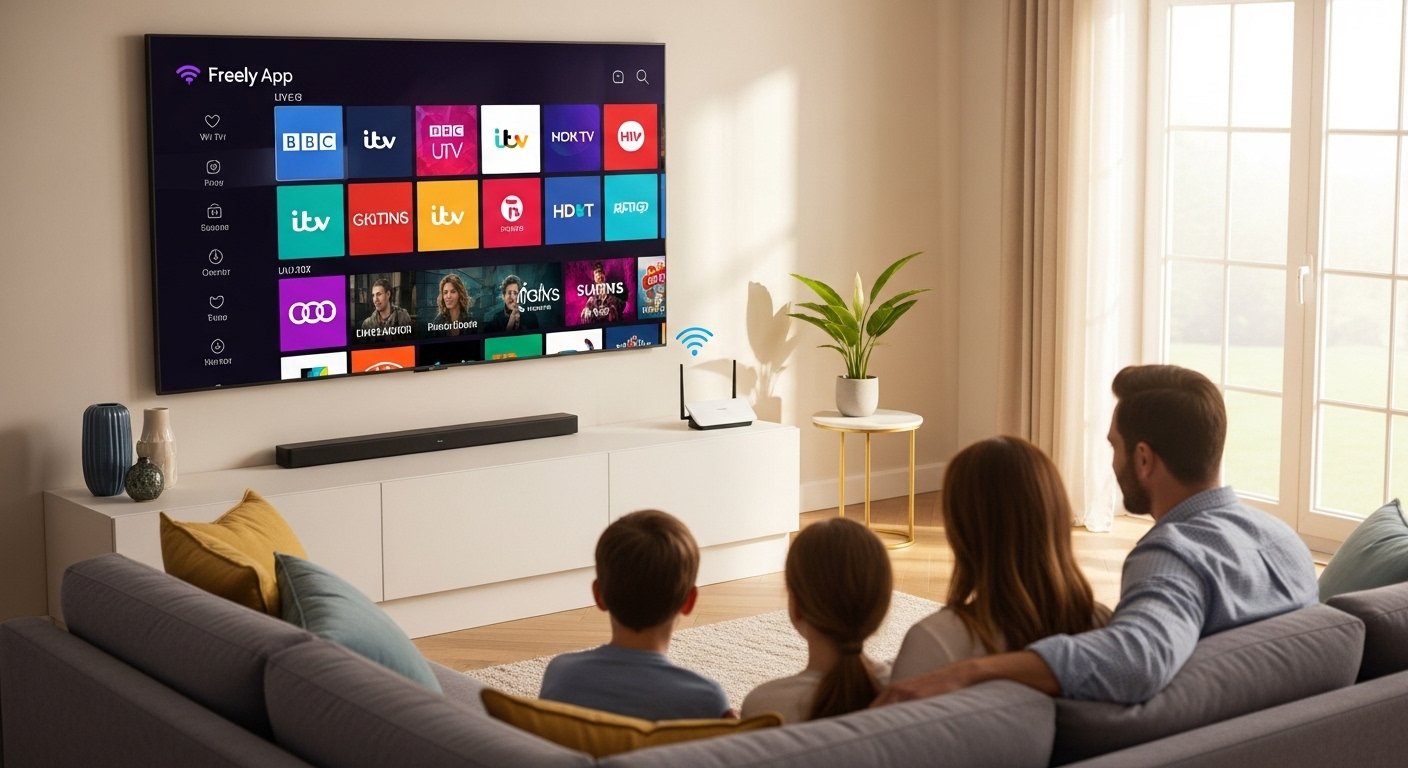
Freely is a free way to watch TV in the UK. It lets you see live channels and old shows whenever you want. You do not pay any money each month. You just need Wi-Fi at home. No aerial or dish is needed. This makes it very easy for everyone.
What Is Freely?
Freely started in 2024. Big UK TV companies like BBC, ITV, Channel 4, and Channel 5 made it together. The idea is to keep free TV simple and fun in a world with many paid apps.
Now in 2026, Freely has grown a lot. You get over 70 live channels. Many come in clear HD picture. There are also more than 75,000 hours of shows to watch anytime. This includes soaps, news, sports, kids’ programs, dramas, and movies.
The best thing is all these shows are in one place. You do not need to open different apps for BBC iPlayer, ITVX, Channel 4, or My5. Everything is together in Freely. You can pause live TV, rewind it, or start a show again from the beginning. This is great when life gets busy.
Freely is free, but some channels have short ads like normal TV. In the UK, you still need a TV Licence to watch live shows.
How to Get Freely – Download and Setup
Freely is easy to start. On some new smart TVs, it is already there. Brands like Hisense, Panasonic, Toshiba, Sharp, Bush, JVC, and others have Freely built in. These are often 2024 or 2025 models.
Here is what to do:
- Turn on your TV.
- Connect it to your Wi-Fi.
- Find the Freely button on your remote or look in the menu.
- Open Freely.
- It may ask for your postcode to show local channels.
- Then you can watch right away.
No download needed on these TVs. It just works.
If your TV does not have Freely, do not worry. You can add it with a small streaming box. These boxes plug into your TV with an HDMI cable. One popular box is the Manhattan Aero 4K TV Streamer. It costs around £70 and gives you Freely plus good picture quality in 4K. Just plug it in, connect to Wi-Fi, and set it up. Other boxes may come soon too.
Freely is also on some Amazon Fire TV devices. You can find it in the Amazon app store and add it free.
Always get it from the official Freely site or your TV store to stay safe.
Freely on Samsung TV
Many people ask about Freely for Samsung TV. Right now, Freely is not built into Samsung smart TVs. Samsung has its own free service called Samsung TV Plus. It has many channels, and some play music videos.
To use Freely on your Samsung TV, get a streaming box like the Manhattan Aero. Plug the box into your Samsung TV’s HDMI port. Connect to Wi-Fi. Now you can watch all Freely channels on your big Samsung screen with great picture.
This is a simple fix. You do not need a new TV. Just add the small box.
How to Browse and Find Shows on Freely
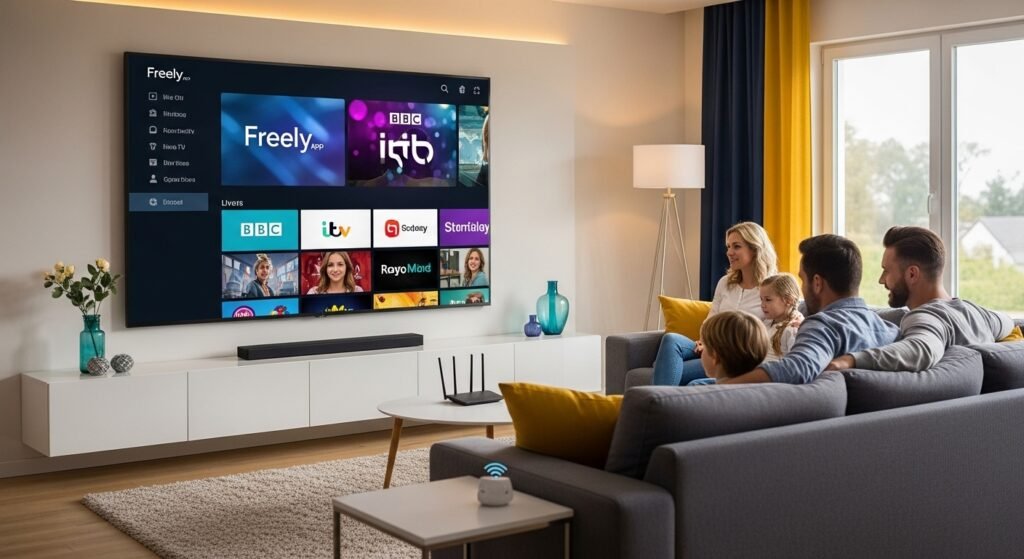
Browsing Freely is very easy. When you open it, you see a nice TV guide. It shows what is on live now and what comes next. You can scroll to see past shows for catch-up.
There is a search bar. Type the name of a show or actor, and it finds it fast. You can make a list of favorite channels. The menu uses big pictures and clear words. Even if you are new to streaming, you will understand it quickly.
You can pause live TV if the phone rings. Or rewind to see what you missed. Restart a program from the start if you join late. All this makes watching fun and relaxed.
Freely for TV – Live and On-Demand
Freely is best for TV. You get live channels like BBC One, ITV, Channel 4, Channel 5, and many more. New channels keep coming in 2026, like Quest, Food Network, TLC, Blaze, True Crime UK, and local ones like London TV.
You can watch news, sports, soaps, and kids’ shows live. Or catch up on episodes you missed last week. Thousands of hours of old shows wait for you anytime.
Freely App Music – Does It Have Music?
Freely does not have music streaming like Spotify. It is for TV shows and live programs. Some channels may show music concerts or programs sometimes, but there are no music playlists or radio stations just for songs.
If you want music on your TV, try Samsung TV Plus on Samsung sets. It has channels with music videos. Or use YouTube on your TV for free songs and videos. Freely is great for video TV, not for music listening.
Smartwatch Freely App – Is There One?
No, there is no Freely app for smartwatches like Samsung Galaxy Watch. Freely is made for big TV screens. Watches have small screens, so they cannot show full TV well.
Your smartwatch can still help when you watch Freely on TV. It can show messages, control the TV volume, or answer calls. But you cannot stream Freely shows directly on the watch.
Tips to Make Freely Work Best
Use good Wi-Fi. You need at least 10-15 Mbps speed for clear HD. Faster is better to stop stops and starts. If Wi-Fi is weak, use a cable from your router to the TV or box.
Keep your TV or box updated. Freely sends new software often, like version v1.17 in 2026. It improves things automatically.
Go to the official site freely.co.uk. There you find the full channel list, help pages, and info on which TVs work. It is the best place for true facts.
Why Freely Is a Good Choice in 2026
Freely makes free TV modern and easy. You get live shows plus catch-up all in one spot. No extra costs. No many apps to open. It saves money when paid services get expensive.
More channels join every year. More TVs and boxes support it. Freely helps keep UK TV free and fun for families, older people, and everyone.
If you are in the UK, try Freely. Connect to Wi-Fi, open it, and enjoy your favorite programs. It is simple, free, and gets better all the time.
Visit freely.co.uk today to learn more and see if your TV works with it.
Disclaimer:
This article is for information only. It is not a promotion, advertisement, or affiliate post. We do not get paid if you use the Freely app. We only share facts to help you understand it. Always follow the official rules and laws, like having a TV licence in the UK. We are not responsible for any problems you may have using the app.
Explore More
- Relion Premier Blu App: Download for Android & iPhone in 2026
- Easy Line Remote App: Download, Install & User Guide for Android & iPhone | Reviews, Troubleshooting & Phonak/Kirkland Versions
- Homie App: What It Is, How to Add It & Download from the App Store
