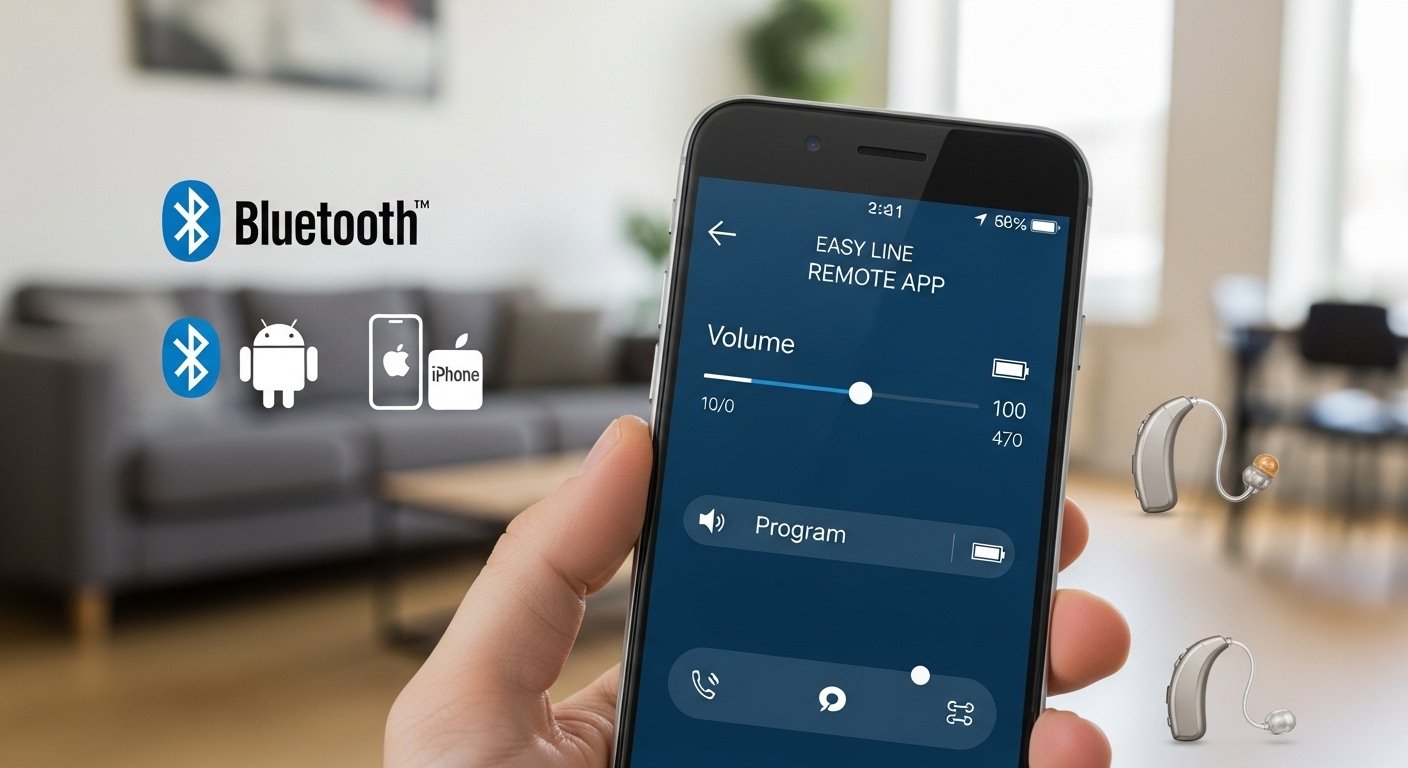
The Easy Line Remote App is a simple and helpful tool for people who wear certain hearing aids. It lets you use your smartphone as a remote control to adjust your hearing aids easily. You can change the volume, switch between different sound programs, check battery levels, and do more without touching the hearing aids themselves. This app is made by Sonova, the company behind Phonak hearing aids. It works very well with Phonak models and also with Kirkland Signature hearing aids that you buy from Costco.
Many people find this app useful in daily life. For example, in a noisy restaurant, you can quickly switch to a program that focuses on speech. Or during a phone call, you can make the sound clearer. The app connects through Bluetooth, so it is wireless and convenient. It is free to download and use on both Android phones and iPhones. Always make sure your hearing aids are compatible before you start. The app works best with models like Kirkland Signature 10.0 (KS10), KS9, Phonak Brio series, and some others with Bluetooth support. For newer Phonak hearing aids, the company often recommends the myPhonak app instead, but Easy Line Remote is still the main choice for many Kirkland users.
What Does the Easy Line Remote App Do?
The main job of the app is to give you more control over how your hearing aids sound. On the home screen, you see a big slider for volume. You can make the sound louder or softer for both ears together or for each ear separately if needed. There are also buttons to change programs. These programs are like settings for different situations, such as quiet rooms, busy places, music listening, or phone calls.
You can see the battery level of your hearing aids right on the screen. This helps you know when to charge or change batteries. Some versions of the app let you fine-tune things like bass, treble, or noise reduction. There is also a health section where the app can track how long you wear your hearing aids each day, how many steps you take, or other activity data if you connect it properly. This can be motivating and useful for your overall health.
Another great feature is remote support. If you have trouble with your settings, your hearing care professional can connect through the app and make changes from far away. This saves you a trip to the clinic. The app is safe and follows strict rules for protecting your personal and health information. You do not need an account for basic use, but creating one with your email gives you extra features like health tracking.
How to Download the Easy Line Remote App for Android
Downloading the easy line remote app for android is quick and free. Open the Google Play Store on your Android phone. In the search bar, type “Easy Line Remote”. Look for the app made by Sonova AG. It might show up as Easy Line Remote, and sometimes it has a Kirkland version mentioned in descriptions.
Tap on the app, then tap Install. The download starts right away, and it installs automatically. This is the easy line remote app for android free download from the official store, so it is safe. Avoid downloading from other websites to prevent any risks.
Your phone needs Android 8.0 or newer, and it should support Bluetooth 4.2 or higher. Most phones from the last 5-7 years meet these requirements. After installation, open the app and follow the first screens to get started.
How to Download the Easy Line Remote App for iPhone
For iPhone users, the easy line remote app for iphone is also free. Go to the App Store on your iPhone. Search for “Easy Line Remote”. Select the one by Sonova AG.
Tap Get to download and install it. Your iPhone needs iOS 15.0 or later, and models like iPhone 6s or newer usually work fine because they support Bluetooth low energy.
The app may ask for permissions like Bluetooth and sometimes location for the first connection. Allow these to make pairing easy. It can also connect to Apple Health for some data sharing if your hearing aids support it.
Step-by-Step Guide to Install and Set Up the App
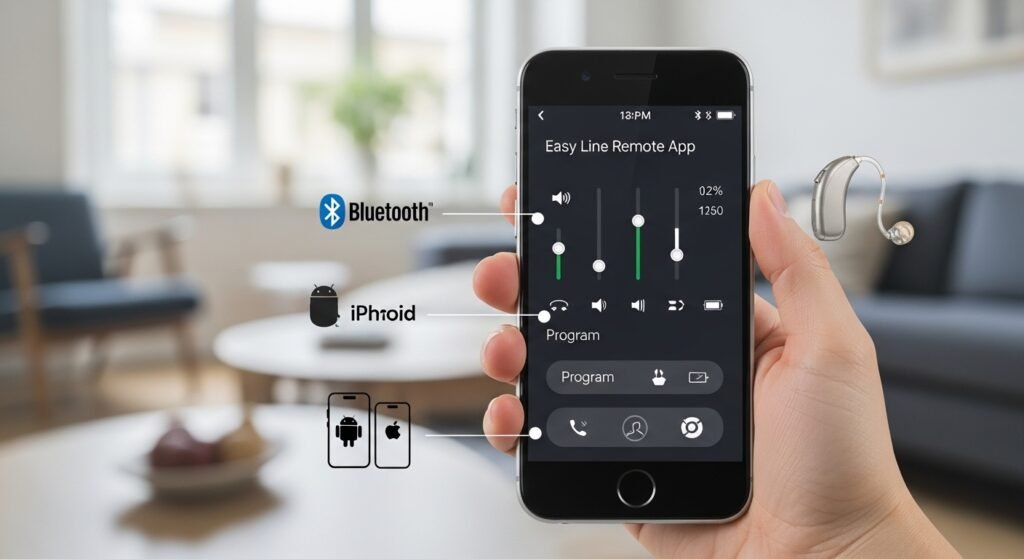
Installing and setting up the easy line remote app is straightforward and takes only a few minutes.
First, after downloading, open the app. It shows welcome screens or a quick tour. Read them or skip if you want. Accept the privacy notice and terms of use.
You can create an account using your email for health features and remote support, or skip this for simple control.
Turn on Bluetooth in your phone settings. This is very important.
To pair your hearing aids:
- Restart your hearing aids. For rechargeable ones, take them out of the charger and put them back in briefly. For battery-powered ones, open the battery door for 5-10 seconds and close it.
- In the app, tap to add or pair devices.
- The app searches for your hearing aids. It finds the left and right ones.
- Follow the on-screen steps to confirm the pairing.
Sometimes the app asks to pair for streaming audio separately, especially for phone calls and music. Do this if prompted. After the first time, the app connects automatically when you open it and your hearing aids are on.
If you have trouble, check that no other devices are interfering, and make sure your aids have enough power.
Easy Line Remote App User Guide – Daily Use
Using the app is very easy once set up. The home screen is your main control center. The big volume bar is in the middle. Slide it up to make sounds louder or down to make them softer. There are options to adjust left and right ears separately if one side needs different volume.
Below or around it, you see program options. Tap one to switch, like from All-Around (automatic) to Speech in Noise for crowded places, or Music for better sound quality. Some programs are set by your audiologist, and you can create your own custom ones in advanced settings.
Check the battery icons often. They show percentages for rechargeable aids or bars for battery ones.
In the health tab, you see daily wearing time and activity if set up. This can help you build good habits.
The devices section shows connection status and lets you manage programs or forget devices if needed.
For help, go to the support tab. You can start a remote session where your professional sees your settings and adjusts them live.
To stream phone calls or music, it happens automatically if paired for audio. Just play something on your phone, and the sound goes to your hearing aids.
Save any changes you like. The app remembers your preferences for next time.
Phonak Easy Line Remote App Details
The phonak easy line remote app is the same app used for compatible Phonak hearing aids, like the Brio series or others linked to Costco models. Phonak hearing aids are known for clear sound and advanced features, and this app adds easy control.
For many standard Phonak users, the myPhonak app is now preferred with its extra tools like widgets and firmware updates. But if your aids came with Easy Line Remote instructions, stick with it. It works reliably for volume, programs, and streaming.
Kirkland Easy Line Remote App for Costco Users
The kirkland easy line remote app is very popular among people who buy Kirkland Signature hearing aids from Costco. Models like KS10 and KS9 use this app because they are based on Phonak technology but sold at great value.
Costco users download it from the Play Store or App Store just like others. After pairing, it gives full control. Many say it helps a lot in everyday situations, like adjusting quickly in stores or during family talks.
Updates come regularly to fix bugs and add support for features.
What Users Say in Easy Line Remote App Reviews
Easy line remote app reviews are mostly good, with users giving it high marks for simplicity. In app stores, it often gets around 4.3 out of 5 stars from thousands of ratings.
People like how easy it is to change volume and programs on the go. They say connections are stable after setup, and remote support is a big help. Health tracking is a nice bonus for some.
Some mention it works rock solid on their phones, with clear streaming for calls. Updates in recent years, like version 7.3 in 2025, improved navigation, added new aid support, and made video/audio better for remote help.
Of course, a few users have connection issues, but most say these fix with simple steps. Overall, it is seen as a useful free tool that makes hearing aids easier to manage.
Troubleshooting When Easy Line Remote App Not Working
If the easy line remote app not working, do not worry. Most problems have easy fixes.
For connection issues: Turn Bluetooth off and on again in phone settings. Restart your phone and hearing aids. If still not connecting, go to Bluetooth settings, forget the hearing aid entries (like KS10 L and R), then pair again inside the app.
On Android, sometimes uninstall the app, clear old Bluetooth pairings in settings, reinstall, and pair fresh. For iPhone, try the same or reset network settings if needed.
If the app shows endless “connecting”: Turn Bluetooth off for a few seconds, then on. Or restart everything.
Volume or sound problems: Make sure phone notification sounds or touch tones are off, as they can interfere. Check if aids connect to other devices like TVs and disconnect them.
Pairing fails first time: Ensure internet is on during initial setup. Restart aids properly. Allow location permission if asked on Android.
App crashes: Update the app in the store. Make sure your phone OS is current.
For ongoing issues: Visit official sites like ks10userportal.com for FAQs. Or use the in-app support to contact help. Your audiologist can fix many things remotely.
Most users fix problems quickly with restarts or re-pairing. Keeping everything updated helps prevent issues.
Final Tips for the Best Experience
To get the most from the app, keep it and your phone updated. Charge your hearing aids fully each night. Start in a quiet place for first pairing. Always talk to your hearing care professional for personalized advice or if something feels off.
The Easy Line Remote app puts real control in your hands. It makes living with hearing aids simpler, more comfortable, and better in every situation. If you have compatible aids, it is worth trying today.
Disclaimer:
This article is just for information. It is not an ad or promotion. We do not sell the app and do not get money from it. The app may not work for everyone. We are not responsible for any problems. Always check your hearing aid and follow the official instructions. For help, contact your hearing care professional or the official app support.
Explore More
- Homie App: What It Is, How to Add It & Download from the App Store
- The ESS Mobile App: Free Download, Login, Android & iPhone Guide | Compass Group Location
- MFF App Review 2026: Features, Benefits, and How It Helps You Eat Healthier
