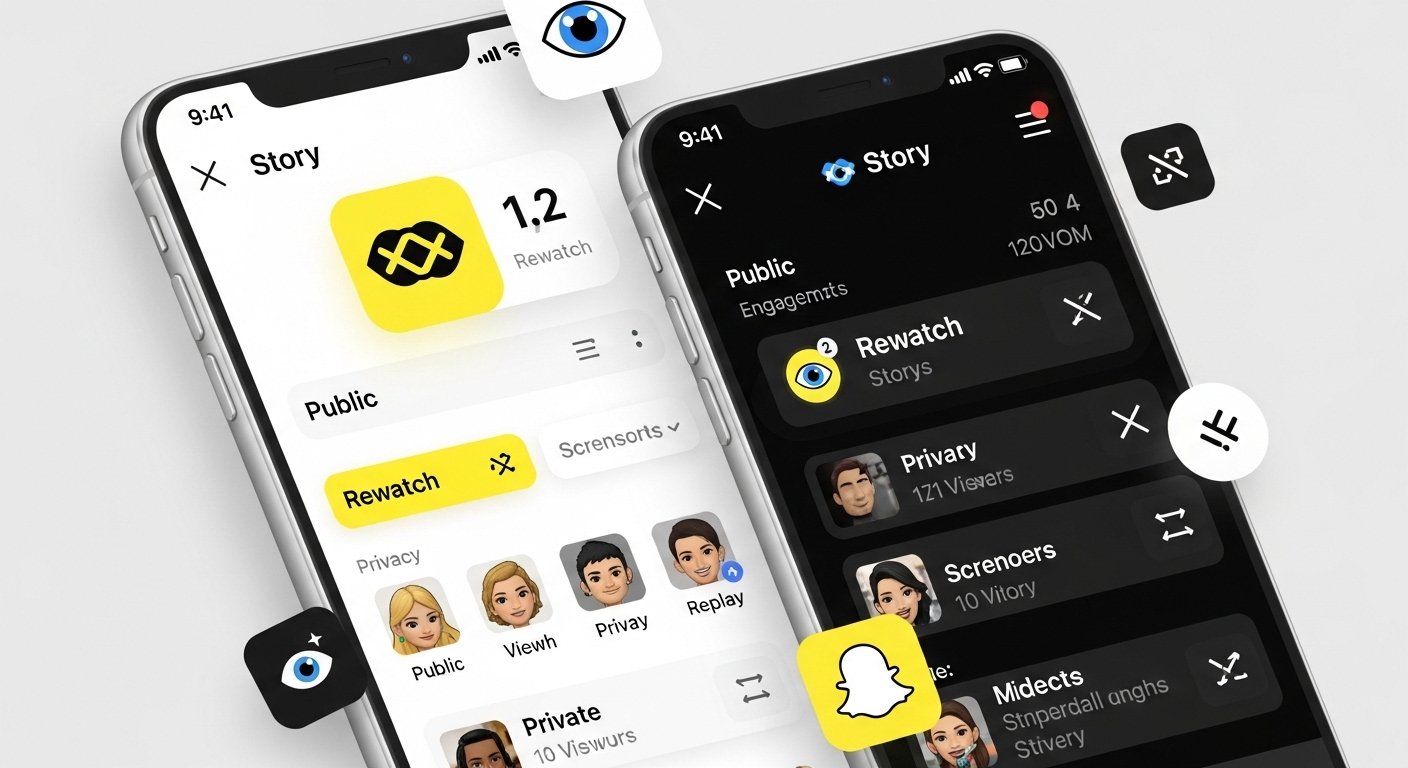
The eyes on a Snapchat story are something many people notice and ask about. You post a photo or video to your story, check it later, and see those little 👀 with a number next to them. It makes you wonder: what do the eyes mean on Snapchat story? Or what do the eyeballs mean on Snapchat? This article explains it all in very simple English. We keep it easy to read, clear, and straight to the point. No fancy words, just the facts based on how Snapchat works in 2026.
Snapchat is an app where you share snaps that disappear fast. Stories are a big part of it. You add photos or short videos to your story, and friends can watch them for 24 hours. When you look at your own story, Snapchat shows info like who saw it. The eyes icon is one special piece of that info.
What the Eyes Really Mean
The eyes 👀 on your Snapchat story stand for the Rewatch Indicator. This means one or more friends watched your story more than one time.
Someone sees your story the first time. That counts as a normal view. If the same person goes back and watches it again, Snapchat counts that as a rewatch. The eyes show up to tell you about those extra watches.
The number next to the 👀 is important. It tells you how many unique friends rewatched your story. It does not count every single rewatch. If one friend watches it three times, it still adds only one to the number because it is one friend. If five different friends each watch it again once, you see 👀 5.
Snapchat keeps it private. You never see the names of who rewatched. You just get the total number of friends who did it. This protects everyone’s privacy.
Who Can See the Eyes Icon
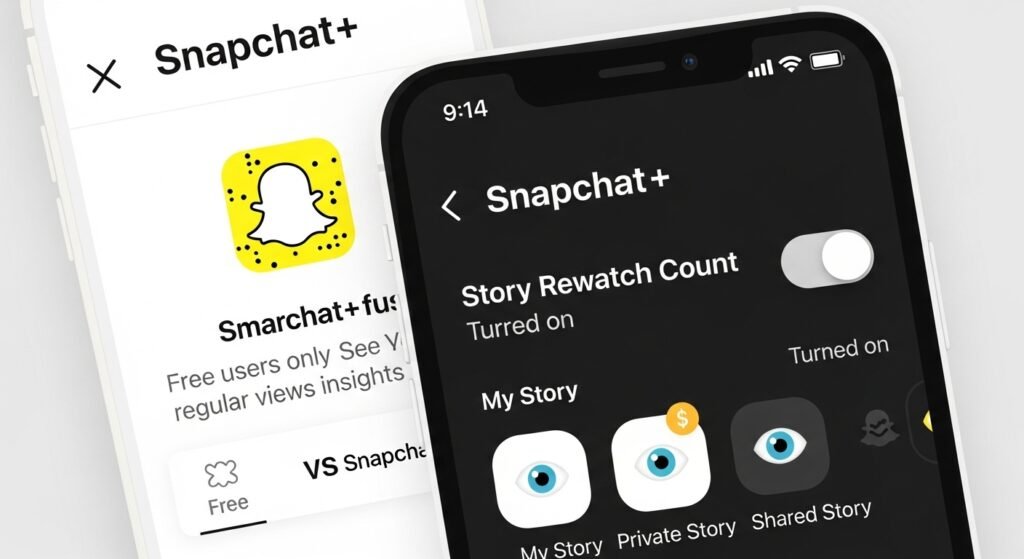
This feature is only for people with Snapchat+. Snapchat+ is the paid upgrade to the app. It gives extras like special badges, better reply priority, and this rewatch count.
If you do not have Snapchat+, you will not see the eyes at all, even if friends rewatch your stories many times. Free users get regular view counts, but not the rewatch info.
Even with Snapchat+, you can turn it on or off. Go to your profile, tap the Snapchat+ card at the top, and switch “Story Rewatch Count” to on or off.
The eyes appear on:
- My Story (your main story for friends)
- Private Stories (ones you share with only some people)
- Shared Stories (group stories)
They do not show the same way on public things like Spotlight.
Eyes vs Normal Views – The Difference
Snapchat always shows a basic view count for stories. That number is how many people watched your story at least once. Everyone sees this number, no Snapchat+ needed.
The eyes are different. They are only about extra watches. So:
- The plain number = total unique people who saw it once or more.
- The 👀 with number = how many unique friends went back for a second (or more) look.
Example: Your story has 25 views and 👀 7. That means 25 friends watched it at least once, and 7 of them watched it again.
When you swipe up on your story, you see the viewer list. A single 👁️ next to a name just means they viewed it. The double eyes 👀 are only for the rewatch summary at the bottom or main area.
What About Eyes in Chats?
Some people search for eyes on Snapchat chat. This is not the same as story eyes.
In chats, Snapchat has other features. For Snapchat+ users, there is something called Peek a Peek. If a friend is looking at your chat without replying, you might see eyes or their Bitmoji peek in. This is about live checking the chat, not rewatching old messages.
For snaps sent in chat, friends can replay once. You get a replay icon or alert, but it is usually an arrow or circle, not eyes.
The main eyes everyone talks about and searches for are on stories. Chat eyes are rare and different.
Why Snapchat Added This
Snapchat wants to help users see what friends like. Posting stories is fun. Knowing which ones get rewatched tells you what works. A funny snap or cute moment that gets many rewatches means people enjoyed it enough to see it twice.
It is one of many Snapchat+ perks. Others include friend rankings like solar systems, custom icons, and more. The eyes are small but nice because they show real interest without showing too much.
Common Questions People Ask
Does the eyes mean someone is watching me right now?
No. It counts rewatches that already happened, not live views.
Does it show who rewatched?
No. Snapchat hides names on purpose.
Why do some stories have no eyes?
Maybe no one rewatched yet, or you do not have Snapchat+ on for that.
Is it about screenshots?
No. Screenshots show a different icon, like arrows or a dot pattern next to the viewer’s name.
Some old rumors say eyes mean streaks or total views. That is not right. Official Snapchat pages say it is rewatches only.
How to Get More Rewatches
Want to see higher numbers next to those eyes? Make stories people want to watch again.
Post fun, surprising, or sweet things. Use cool filters, music, or text. Keep snaps short and clear. Post when friends are online. Ask questions in your story to bring them back.
A big eyes number feels good. It means your content is a hit!
Some people use tools like Snaptroid to help with Snapchat, but the eyes feature comes straight from the app for Snapchat+ users.
Other Icons to Know
Regular view count: Just a number, no emoji.
Single eye 👁️ in viewer list: That person watched it.
Screenshot icon: Arrows or dots next to a name.
Replay in chat: Arrow or circle.
The eyes 👀 stay special for story rewatches.
In Summary
The eyes on a Snapchat story are easy once you know. They are the Rewatch Indicator for Snapchat+ users. They show how many unique friends watched your story more than once. It is not spying or live tracking. It is just a fun way to see extra interest.
Next time you see 👀 on your story, you know your snap was good enough for a repeat watch. Post more of what gets those eyes, and keep enjoying Snapchat. The app changes sometimes, but this feature helps make sharing feel more connected and rewarding.
Explore More
How to Open Snap Without Them Knowing (Risks, Limits, and Tips)
