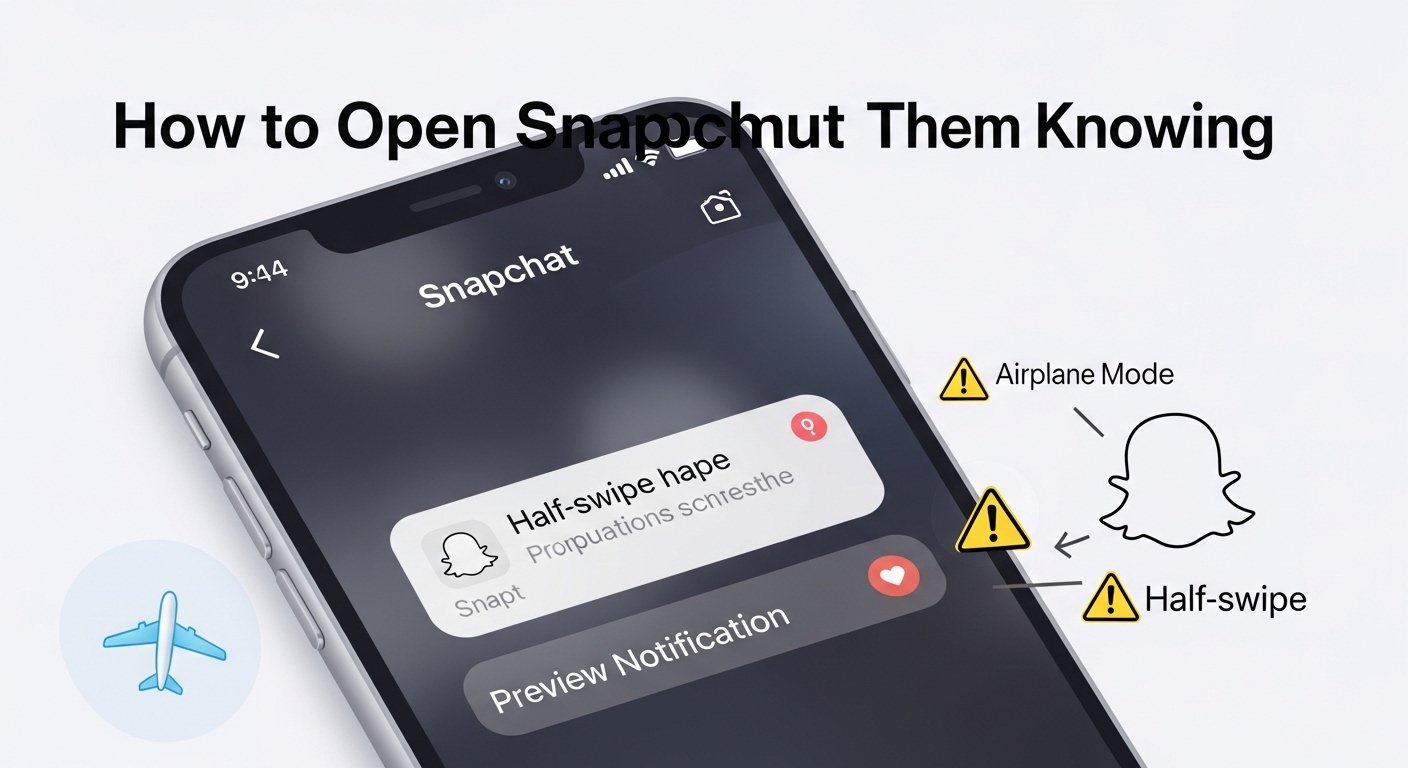
Snapchat is a fun app for sharing quick photos, videos, and messages that disappear after viewing. One big feature is that it tells the sender when you open a snap or read a message. This shows as “Opened” on their side. Many people wonder: can you open a snap without someone knowing? Or can you view a Snapchat without them knowing?
The short answer is: it’s hard to do reliably now. Snapchat focuses a lot on privacy and has made changes over time to stop easy tricks. There are some popular methods people try, but they come with big limits, risks, and they might not work every time. This article explains everything in simple English. We cover the main ways, what risks they have, their limits, and some safe tips.
We want to be clear: this is just information. Snapchat does not support these tricks. Using them might break the app’s rules or cause problems with your account. Always think about privacy and respect others when using social apps.
Why Snapchat Shows “Opened”
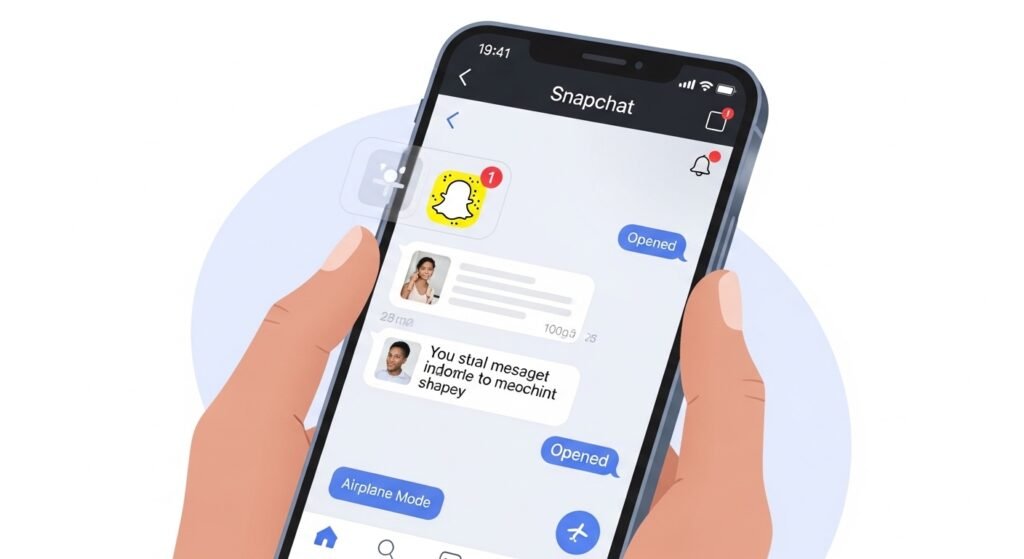
When someone sends you a snap (photo or video) or a chat message, Snapchat marks it as “Delivered” first. When you tap to view it, it changes to “Opened.” This lets the sender know you saw it. It’s part of Snapchat’s design to make chats feel real and quick, like talking face-to-face.
There is no official setting to turn off read receipts like in some other apps. Snapchat wants users to know if their snaps were seen. This is why people look for workarounds to read Snapchat or view a snap without marking it as opened.
Popular Method 1: Airplane Mode Trick
This is one of the most talked-about ways to open snap without them knowing. The idea is to load the snap first, then go offline so Snapchat can’t tell the sender you viewed it.
Here is how people usually try it (steps may differ on iPhone or Android):
- Open Snapchat and go to your chats. Wait a few seconds so new snaps load in the background (you see the icon change to show it’s ready).
- Turn on Airplane Mode (this turns off Wi-Fi, mobile data, everything online).
- Now open the snap or read the message while offline.
- After viewing, close Snapchat fully (swipe it away from recent apps).
- For extra safety, some people log out, clear cache, or even uninstall and reinstall the app.
- Turn off Airplane Mode and log back in.
The hope is that Snapchat doesn’t send the “Opened” update because you were offline.
Does this still work in current times? Some guides from 2025 say it can work if you follow every step carefully, like uninstalling on iPhone or clearing cache on Android. But many users report it fails now. When you go back online, Snapchat often updates and marks it as opened anyway. It might work sometimes for texts or short snaps, but not always for videos or longer content.
Risks and Limits
- It can fail and still show “Opened” later.
- If you forget to close the app fully or clear data, it sends the update.
- Uninstalling and reinstalling takes time and you might lose temporary data (like unsaved chats).
- Snapchat might detect odd behavior if you do this a lot.
- You can usually view the snap only once offline.
- It does not work well for stories (people mention airplane mode Snapchat view story, but it’s even less reliable for stories).
This method is not 100% safe or easy anymore.
Popular Method 2: Half-Swipe (or Half Open)
The half-swipe is a simple finger trick to peek at messages.
How to try it:
- Go to your Chats list in Snapchat.
- Find the chat you want to check.
- Put your finger on the sender’s name or profile icon.
- Slowly swipe right (but not all the way). Stop halfway so you can see part of the message.
- Read what shows without opening fully.
This works best for text chats. You might see the start of the message without Snapchat marking it as “Opened.”
Does it still work? In 2025 and now, it still works for some text messages on many devices. But Snapchat has made changes. It often fails for photo or video snaps — you can’t really view a Snapchat this way for media. If the sender has Snapchat Plus, they might see a special icon (like “Peek a Peek”) showing someone tried to half-swipe their chat.
Risks and Limits
- It only previews text, not full photos or videos.
- If you swipe too far, it opens fully and marks as “Opened.”
- Not reliable on all app versions or devices.
- Snapchat Plus users can detect it sometimes.
- It’s not a full view — you might miss parts of longer messages.
This is the easiest trick for quick text peeks, but it’s limited.
Other Tricks People Mention
- Notification Previews — Turn on Snapchat notifications. On your lock screen or pull-down bar, long-press a notification to see a preview. This sometimes shows part of the snap or message without opening the app.
- Limit: Previews are short and cut off. It does not work for full views.
- Screen Recording or Another Phone — Start recording your screen before opening, or use a second phone to take a photo of the snap.
- Risks: Snapchat might still detect screenshots or recordings in some cases (though less for external photos). It can notify for screenshots.
These are not true ways to how to view a snap without marking opened, but they help save content discreetly.
Third-Party Tools Like Snaptroid
Some people search for tools like Snaptroid to view snaps secretly or download stories without alerts. Snaptroid is a third-party app or website that claims to let users save snaps, view private content, or access features not in the official app. However, most reliable sources say Snaptroid is not safe or real. Many sites calling themselves Snaptroid are scams that ask for personal info, lead to fake downloads, or trick users into surveys. They often don’t work and can risk your device or account.
Risks and Limits
- Using tools like this can get your Snapchat account banned.
- They may contain malware or steal login details.
- Snapchat blocks third-party apps that break its rules.
- Avoid them completely for safety.
Risks of Trying These Methods
Trying to open snap without them knowing has downsides:
- Account Problems — Snapchat does not like tricks that go against how the app works. Doing this too much or using third-party apps (which we do not recommend) can get your account banned or locked.
- It Might Not Work — Many old tricks are patched. What worked last year may fail now because of app updates.
- Privacy and Trust — If someone finds out you viewed their snap secretly, it can hurt trust in friendships or relationships. Snapchat’s design encourages open chats.
- Data and App Issues — Uninstalling or clearing cache can cause glitches, lost memories, or login problems.
- Third-Party Apps — Some sites or apps promise secret viewing. Avoid them! They are often unsafe, can steal your info, or get you banned.
Better Tips for Using Snapchat
Instead of tricks, here are safe ways to handle snaps:
- Talk openly — If you don’t want to reply right away, just say so.
- Use “Do Not Disturb” or mute chats if notifications bother you.
- Save important snaps by tapping to save in chat (but sender knows if you save).
- For stories, view them normally — there is no good way to hide viewing stories.
- Respect privacy — Think if you would like someone viewing your snaps secretly.
If you just want to how to open snap without them knowing for fun or to take time thinking, the half-swipe for texts is the safest simple option. For media snaps, the airplane mode method is the main one people try, but expect it might not always succeed.
Snapchat keeps updating to make things more private and fair. What works today might change tomorrow. The best approach is to use the app as it is meant to be — for quick, honest sharing.
In the end, can you view a Snapchat without them knowing fully? Not easily or perfectly. Tricks have too many limits and risks. Enjoy Snapchat by being yourself and respecting others’ snaps!
Disclaimer: This article is only for information. We do not encourage breaking Snapchat rules or using unsafe apps. Tricks in this article may not always work and can cause problems with your account. Using third-party apps or hacks can be dangerous and may get your account banned or locked. Always respect other people’s privacy and follow Snapchat’s rules. We are not responsible for anything that happens if you try these methods.
