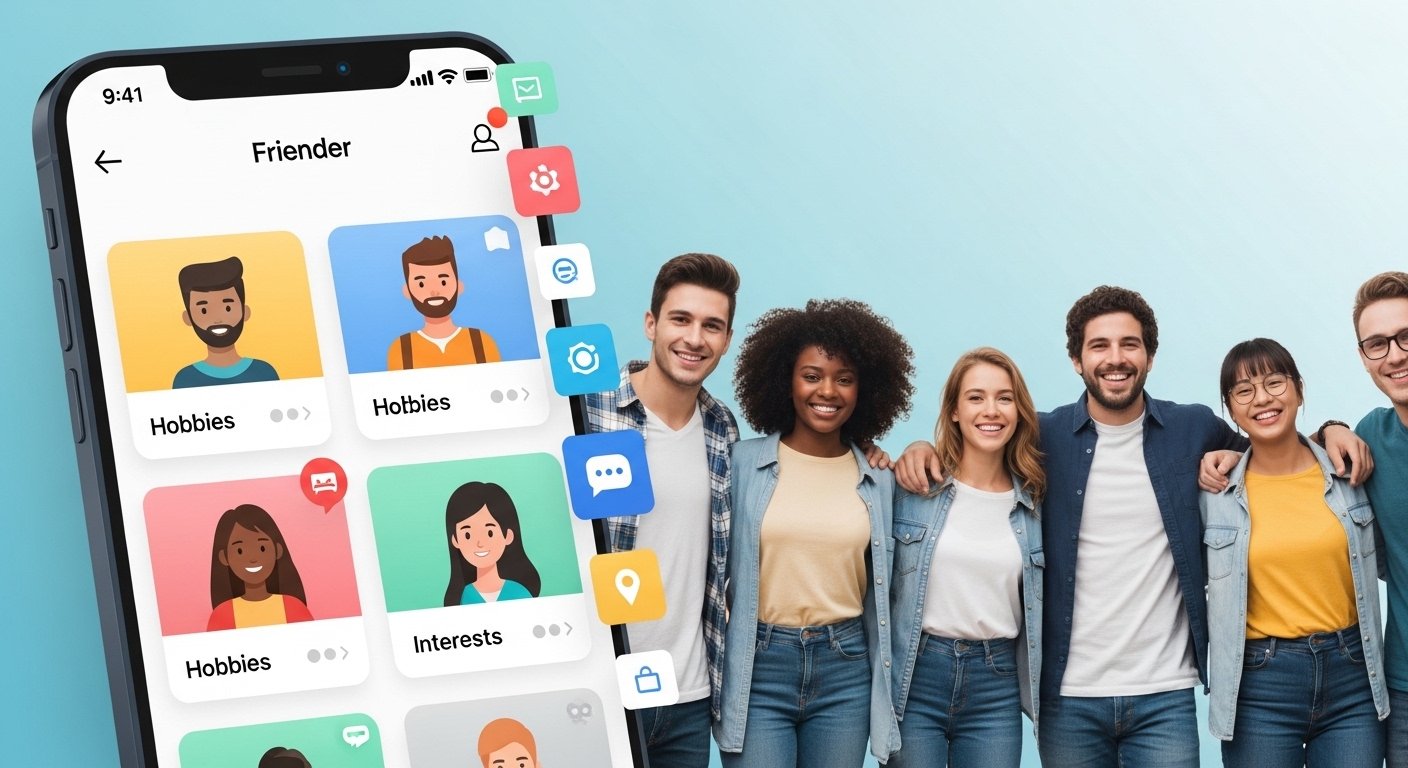
Making new friends can feel hard in today’s busy world. Many people move to new cities, change jobs, or just want more people in their life who share the same likes. Apps like Friender help solve this problem. Friender is a simple app made just for finding real friends, not for dating. It focuses on shared interests and activities so you can meet people who enjoy the same things as you.
In this full Friender app review for 2025, we look at everything you need to know. We cover what the app does, its main features, if it has good free options, how to download it, the user interface, and real tips on how to make new friends using it. This review uses the latest info from 2025 and early 2026 to give you honest and up-to-date details. The goal is to help you decide if Friender is right for you.
What Is the Friender App? (Friender App Description)
Friender is a friendship app that connects people based on hobbies, activities, and interests. Unlike dating apps, it is built only for platonic friends. You choose from over 100 activities like hiking, watching movies, playing sports, cooking, traveling, gaming, or just coffee chats.
The main idea is simple: shared interests make better friendships. The app uses a swipe system like Tinder but for friends. You swipe right if you like someone’s profile and interests, or left if not. If both swipe right, you can chat and plan to meet.
Friender started years ago but keeps updating. In 2025, it remains a good choice for people who want real connections, not just online talks. It helps fight loneliness by pushing for in-person meetups through events and local matches.
The app is safe and focused on friendship. Profiles show hobbies first, not looks alone. This makes it easier to start talks about things you both love.
Friender App Features: What Makes It Special?
Friender has many features that help you find and keep friends. Here are the key ones in 2025:
- Interest-Based Matching — This is the best part. You pick activities you love, and the app matches you with people who picked the same. This leads to better talks and stronger friendships.
- Swipe Interface — Easy to use. Browse profiles by swiping. See their photo, bio, and list of interests. Swipe right to show interest.
- Chat and Messaging — Once matched, you can message for free. Talk about shared hobbies to plan meetups.
- Create and Join Events — Organize or join group activities. Examples include park walks, game nights, or book clubs. This is great for shy people who like group settings first.
- Location-Based Search — Finds people near you so meetups are easy. You can set distance limits.
- Profile Customization — Add photos, write a short bio, and list many interests. Good profiles get more matches.
- Ad-Free Experience — Many users say the app has no ads or very few, making it nice to use.
- Safety Tools — Report bad users, block people, and keep chats private.
In 2025, Friender keeps things simple. No complex games or extras. It focuses on real friend-making.
Friender App Free Options and Premium (If Any)
One big plus is that Friender is mostly free. You can:
- Download the app for free
- Make a profile
- Browse and swipe
- Match with people
- Message matches
- Create or join events
- Use most features without paying
Reviews from 2025 show no premium version right now. Some older info mentions possible future paid features, but as of 2025-2026, it stays free. This makes it better than some apps that lock good things behind paywalls.
No hidden costs for basic friend-making. If you want more, some events might need small fees (like for a group dinner), but that’s not from the app.
This free model helps everyone try it without worry.
Friender App Download Guide: How to Get It on iOS and Android
Getting Friender is easy. It is available on both iPhone and Android.
For iOS (iPhone/iPad):
- Open the App Store on your Apple device.
- Search for “Friender: Make New Friends” or “Friender app”.
- Look for the developer Friender, LLC.
- Tap Get or the download button.
- It installs fast. Latest version in 2025-2026 is around 3.0.6 or newer with bug fixes.
You can find it directly on the iOS App Store by searching “Friender make new friends”.
For Android:
Friender is on Google Play Store too in many regions. Search the same way: “Friender: Make New Friends”.
If not in your country, check the official site or app pages. Some reviews mention it as iOS-first, but Android users can download it.
Friender App Official Website
The main site for info is frienderapp.com or similar links from app stores. Instagram (@frienderapp) shows updates, screenshots, and tips. No big official website for sign-up, as it’s app-only.
Always download from official stores to stay safe.
Friender App Interface and User Experience
The Friender app interface is clean and easy. It looks like friend versions of dating apps but feels different.
- Home screen shows potential matches with photos and interest lists.
- Swiping is smooth on phones.
- Profile setup takes minutes: add pics, bio, pick interests from a big list.
- Chat screen is simple like WhatsApp.
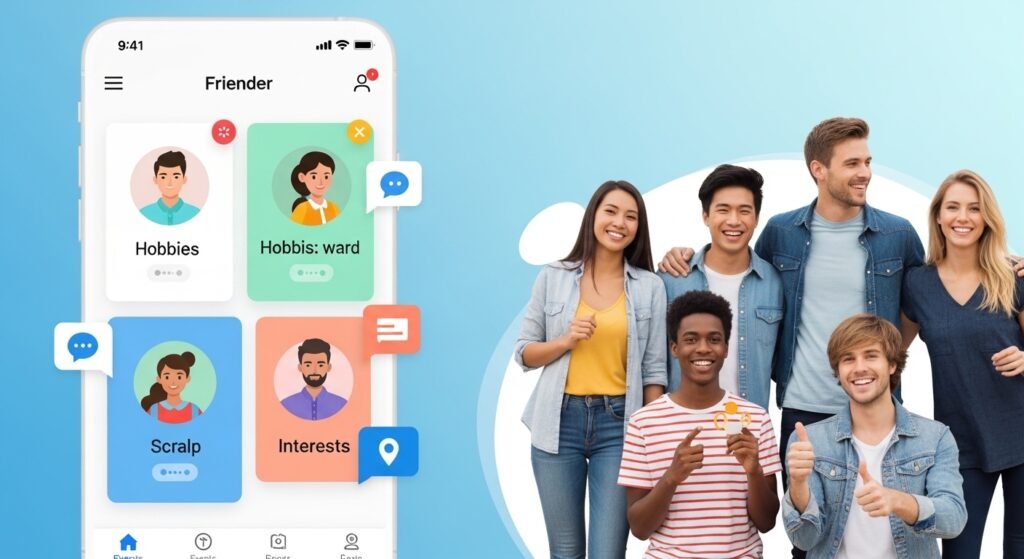
Screenshots show colorful cards for activities. The design is modern in 2025 updates, with good colors and easy buttons.
Many users like it because it’s not too busy. No overload of notifications.
How to Make New Friends on Friender (Friender App Make Friends Tips)
Here are real steps to succeed on Friender in 2025:
- Make a Strong Profile Use clear photos (smiling, doing hobbies). Write a fun bio like “Love hiking and trying new food – looking for adventure buddies!” Pick 10+ interests.
- Be Active Swipe daily. Reply to messages fast. Matches go away if you wait too long.
- Start Good Chats Talk about shared interests first. “I saw you like gaming – what’s your favorite game?” This works better than “Hi”.
- Plan Meetups Soon After a few messages, suggest coffee or an event. Public places are safe.
- Use Events Join group activities if one-on-one feels scary. Great for new cities.
- Stay Safe Meet in public, tell a friend, use video call first if you want.
- Be Patient Not every match becomes a best friend. Keep trying.
Many people in 2025 reviews say they made good friends this way, especially for hobbies.
Friender App Reviews: What Users Say in 2025
Users give good feedback:
- Pros: Great for interest matches, free, easy to use, helps real meetups.
- Good ratings on app stores (around 4-5 stars in past).
- Helps people new to areas or after life changes.
Some cons:
- Smaller user base than Bumble BFF or Meetup, so fewer matches in small cities.
- Needs active users near you.
- Sometimes slow if not many people.
Overall, it’s praised for being real friendship-focused.
Common Issues: Friender App Not Working?
If Friender app not working:
- Check internet.
- Update the app.
- Restart phone.
- Clear cache.
- If login problems, contact support via app.
Most issues are fixed in updates. In 2025, it’s stable.
Friender App vs Other Friend Apps in 2025
Friender stands out for pure interest matching. Compare to:
- Bumble BFF: More users, but mixed with dating feel.
- Meetup: Event-based, good groups.
- Timeleft: Dinner with strangers.
Friender is best if you want simple swipes on hobbies.
Final Thoughts on Friender App Make New Friends 2025
Friender is a solid choice in 2025 for anyone wanting new friends. It’s free, easy, and built around real shared interests. If you live in a busy area and love activities, try it. Download today and start swiping for friends!
Whether you want one close friend or a group for fun, Friender can help. Making friends takes time, but this app makes it simpler and fun.
Disclaimer:
This article is for information only. It is not a promotion, advertisement, or affiliate content. We are not paid by Friender or any other company. We only share facts and opinions to help you learn about the app. We are not responsible for any problems that may happen if you use the app. Always use apps safely and follow their rules.
Explore More
- Hosted Time App – Download, Login, Android App & Fix Not Working Issues
- Go Go Gold App: Free Android & iPhone Download, Login, Legit Reviews & Real Money Guide
- Declutter App: Reviews, Android & Web Application Guide (UK) – Best Email & Photo Declutter App
