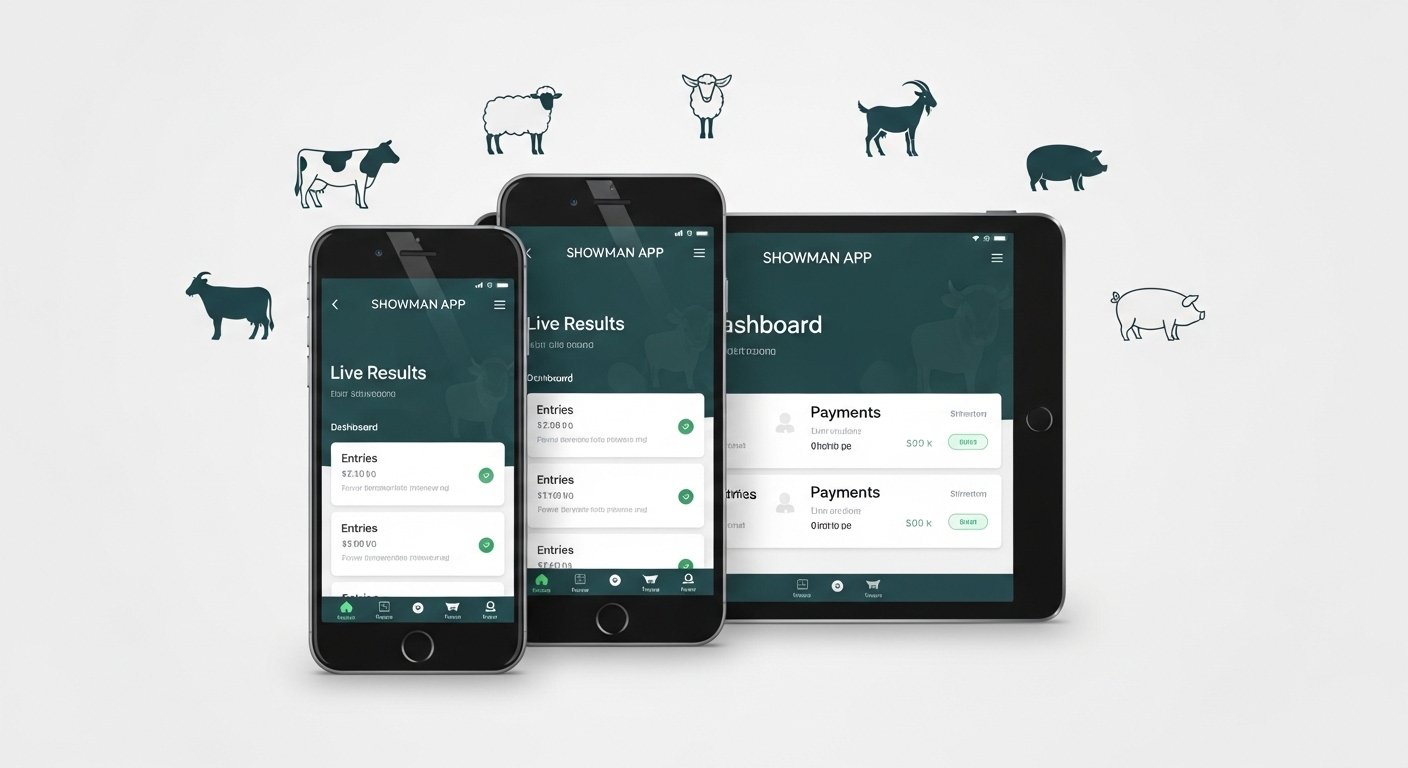
The Showman App is a popular online tool made for livestock shows. It helps people who raise and show animals like cattle, sheep, goats, pigs, and more. This app makes everything easier—from entering shows to seeing results and managing payments. It is cloud-based software built specially for livestock events in places like the USA (for fairs, junior shows, breed associations, etc.).
Many livestock shows now use the Showman platform instead of old paper forms. It saves time, reduces mistakes, and lets everyone stay updated in real time. Whether you are a young exhibitor (like in 4-H or FFA), a parent, a show manager, or even a judge, this app can help you.
Important note: Showman is mainly a web-based platform that works great on phones, tablets, and computers through a browser. There is no official dedicated “Showman livestock app” on Google Play or Apple Store for the livestock management (some other apps have similar names but are different, like quiz games). You access it directly at showman.app or useshowman.com. It is mobile-friendly, so it feels like an app on your Android or iPhone.
Why Livestock People Love the Showman App
Livestock shows can be hard to manage. There are many entries, classes, payments, and results to track. Showman fixes these problems with simple tools:
- Online entry — No more mailing papers. Enter your animals from home.
- Payments — Pay fees right in the system (safe and quick).
- Live results — See placings as soon as judges finish.
- Check-in — Easy at the show grounds.
- Tools for managers — They handle shows better.
- Judge profiles — Judges can make accounts to get booked for shows.
It works for many species: cattle, sheep, goats, swine (pigs), and others. Big events and small county fairs use it.
How to Do Showman App Download (Free Access)
Good news: The Showman App download is free! There is no cost to make an account or use it as an exhibitor.
Since it is a web platform (not from an app store for livestock version):
- Open your phone or computer browser (like Chrome, Safari).
- Go to the official website: https://showman.app or https://useshowman.com.
- The site loads fast on Android phones. It works like an app—you can add it to your home screen for quick access.
How to add to Android home screen (like a free app):
- Open showman.app in Chrome.
- Tap the three dots (menu) at the top right.
- Choose “Add to Home screen” or “Install app”.
- Name it “Showman” and add it.
- Now you have a Showman app download for Android icon on your phone—free and easy!
No APK file or third-party download needed. Always use the official site to stay safe. This way you get the real Showman app free download experience.
Showman App Login – Step-by-Step Easy Guide
Showman app login is simple and fast. You need an account to enter shows, see results, or manage things.
For new users (exhibitors):
- Go to showman.app.
- Look for “Create Exhibitor Account” or “Sign Up” button (usually on the home page).
- Fill in basic info: your name, email, phone, password.
- Verify your email if asked (check your inbox for a link).
- Log in with your email and password.
For returning users:
- Visit showman.app.
- Click “Login” or “Sign In”.
- Enter your email and password.
- If you forget password, click “Forgot Password?” to reset.
Tips for easy login:
- Use the same email for all shows.
- Save password in your phone (use secure manager).
- If on Android, the browser remembers login for faster access next time.
- Show managers or secretaries have different logins (admin dashboard).
Once logged in, you see your dashboard with past entries, upcoming shows, and results.
How to Enter a Livestock Show Using Showman
Entering shows is the main reason people use it.
- Log in to your account.
- Go to “Shows” or “Upcoming Shows” section (or visit useshowman.com/shows).
- Search or find your event (county fair, state show, jackpot, breed show).
- Click the show name.
- Choose species (cattle, sheep, etc.) and classes.
- Add your animals—one by one (enter tag numbers, birth dates, etc.).
- Pay any fees online (credit card usually).
- Submit—get confirmation!
You get class lists instantly. Changes are easy before deadlines.
Showman App Results – How to Check Livestock Results Fast
Showman app results are a favorite part. Many shows post live or final results right there.
To view results:
- Go to showman.app and log in (or even without login for public results).
- Find the show page (search by name or go to “Shows”).
- Scroll to classes or look for “View Results” button.
- Click on your class—see placings, champions, reserves.
- Some shows update live during the event!
For managers: They post results from admin side. Exhibitors see them instantly.
Live updates example: During a fair, people say “Check Showman.app for live results!” You scroll down and click “view results” for your class.
You can also download results (for managers) as CSV files for reports.
Showman App Livestock – What It Covers
Showman app livestock supports many types:
- Cattle (beef, dairy, market steers, heifers)
- Sheep (market lambs, breeding ewes)
- Goats (market wethers, dairy does, boer goats)
- Swine (market hogs, breeding gilts/boars)
- Other (like horses or small animals in some shows)
Each has special rules and classes. The app handles them all. It is great for youth shows (4-H, FFA, junior nationals) and open shows.
Benefits for livestock families:
- No lost entry forms.
- Pay from home—no cash at fair office.
- See results on phone while at the show.
- Track your show history.
Extra Features in Showman
- Judge sign-up — Judges create profiles to get hired.
- Check-in at show — Scan or search exhibitors fast.
- Auctions — Some shows link results to sales.
- Help center — Go to showman.helpscoutdocs.com for guides (like videos on registration).
Many fairs post tutorial videos on Facebook or YouTube showing how to use it.
Is Showman App Safe and Free?
Yes—Showman app download free for users. No hidden fees for exhibitors (shows pay to use the platform).
It uses safe payments and protects your data. Always go to official site showman.app.
Final Thoughts on Showman for Livestock Shows
The Showman platform changes how livestock shows run. It makes entry, management, and results simple for everyone. If you show animals, make your free account today at showman.app. Add it to your Android phone for quick Showman app login anytime.
Next time a show says “Entries via Showman” or “Results on Showman App”, you will know exactly what to do. It saves time and stress so you focus on your animals.
Happy showing! If you have questions about a specific show, check their page on Showman or contact the fair office.
Disclaimer:
This article is for information only. It is not a promotion, advertisement, or affiliate content. We do not sell, endorse, or get paid for Showman App. Always use the official website (showman.app) for any actions. We are not responsible for any problems, mistakes, or losses from using the app. Please check rules and details with your local fair, show, or event before entering.
Explore More
- MovieBox Pro App: Download, Features & Interface Guide for Android & iPhone
- StayConnect App – Download, Screen Mirroring, Casting & Use on Hotel TVs, MacBook, Android & iPhone
- Movieweb App: Download, Alternatives, Reddit Reviews & Vercel Info 2026
