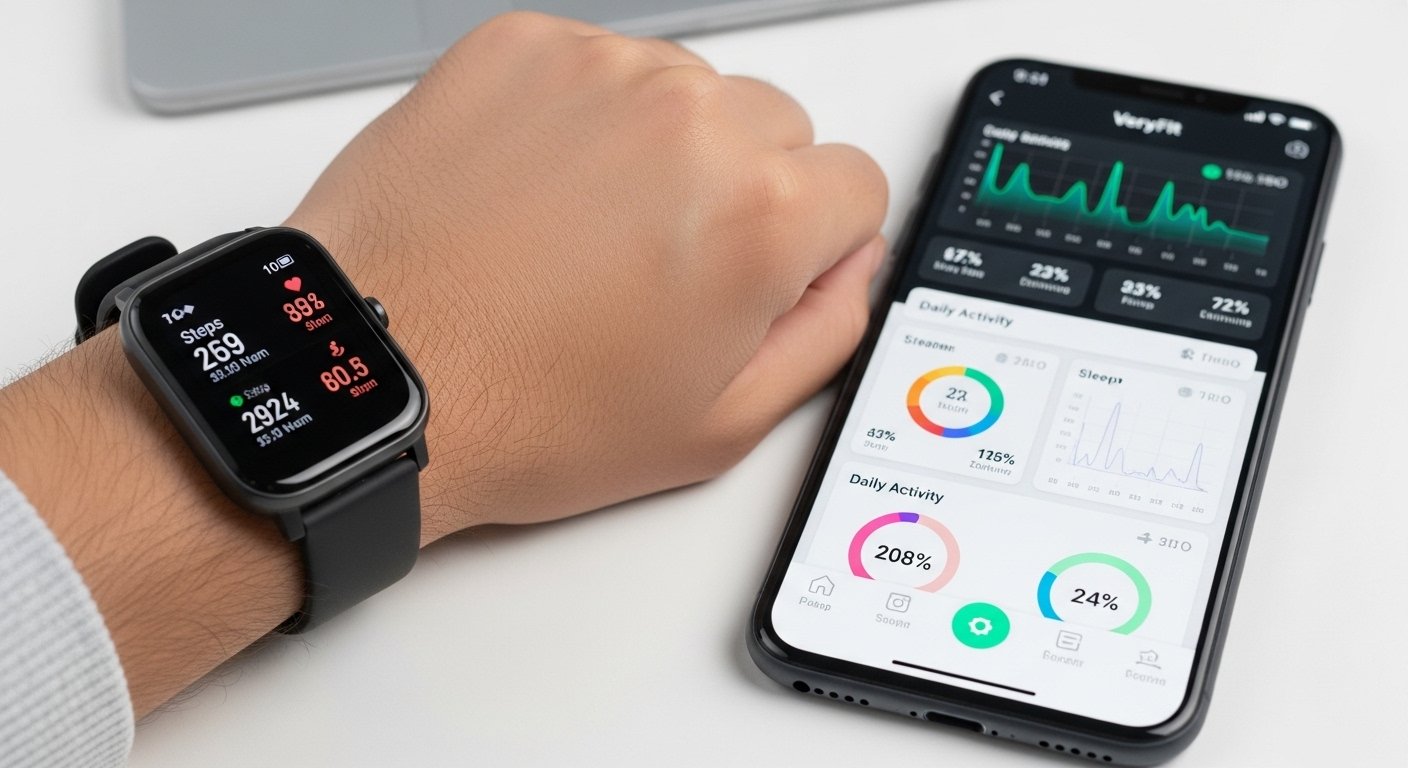
Many people buy cheap smartwatches or fitness bands. These often use the VeryFit app. The app shows your steps, heart rate, sleep, and other health info on your phone. This guide explains everything in simple words.
We talk about what the app does, if it is safe, how to get it, good and bad things, and easy ways to fix problems.
What Is the VeryFit App?
VeryFit is a free phone app. It works with many smartwatches and fitness bands. The company is from China. It is called Shenzhen DO Intelligent Technology Co., Ltd.
Lots of low-price watches from Amazon or other shops use this app. It takes data from your watch and shows it nicely on your phone.
There is also an older app called VeryFitPro. It does almost the same things. But many new watches use the normal VeryFit app now.
This app is great for people who want easy tracking. You do not need fancy paid apps.
What Features Does VeryFit Have?
The app helps you stay healthy in many ways. It counts your steps every day. It shows how far you walked and how many calories you burned.
It checks your heart rate and makes simple charts. It watches your sleep too. It tells you about deep sleep, light sleep, and times you wake up.
You can start sports modes like walking, running, cycling, or swimming. The app sends alerts from your phone to your watch. You get calls, text messages, WhatsApp, and other app notifications on your wrist.
It has reminders for good habits. Your watch can buzz to tell you to drink water, stand up if you sit too long, or take medicine. You can set alarms too.
You can change watch faces. There are many free designs to make your watch look nice. Some watches show weather, blood pressure, blood oxygen, or stress. But these are just estimates. They are not for doctors.
The app shares data with Apple Health on iPhone. You see daily, weekly, and monthly reports. This helps you see your progress.
Many people like the reminders most. They help build better habits every day.
Is the VeryFit App Safe to Use?
People often ask if VeryFit is safe. Yes, it is safe for normal use.
You get it from official places. On Android, use Google Play Store. On iPhone, use Apple App Store. These stores check apps for bad things.
The company has a privacy policy. It collects data like steps, heart rate, age, height, and weight. Sometimes it uses location for weather. They protect data with encryption and safe servers.
The app says it is not a medical tool. Heart rate, blood oxygen, and blood pressure numbers are for fun only. Do not use them for health decisions.
There are no big reports of scams, viruses, or data leaks in recent years. The app has millions of downloads. Ratings are good. On Google Play, it gets about 4.8 stars from over 130,000 reviews. On App Store, it is around 4.5 stars from many users.
Some people worry because it is from China and collects health info. But no major problems are known. To stay extra safe, update the app often. Give only needed permissions like Bluetooth. Use a strong password. Do not share your login.
In 2026, it is still safe if you download from official stores and keep things updated.
How to Download VeryFit for Android
Downloading VeryFit on Android is very easy.
Open Google Play Store on your phone. Search for “VeryFit”. Look for the one by Smart Wearable Devices.
Tap Install. It is free. After it downloads, open the app. Allow Bluetooth and other permissions it asks for.
It works on most Android phones from version 6.0 or higher. The app does not take much space.
Always download from Play Store. It is the safest way.
How to Download VeryFit for iPhone
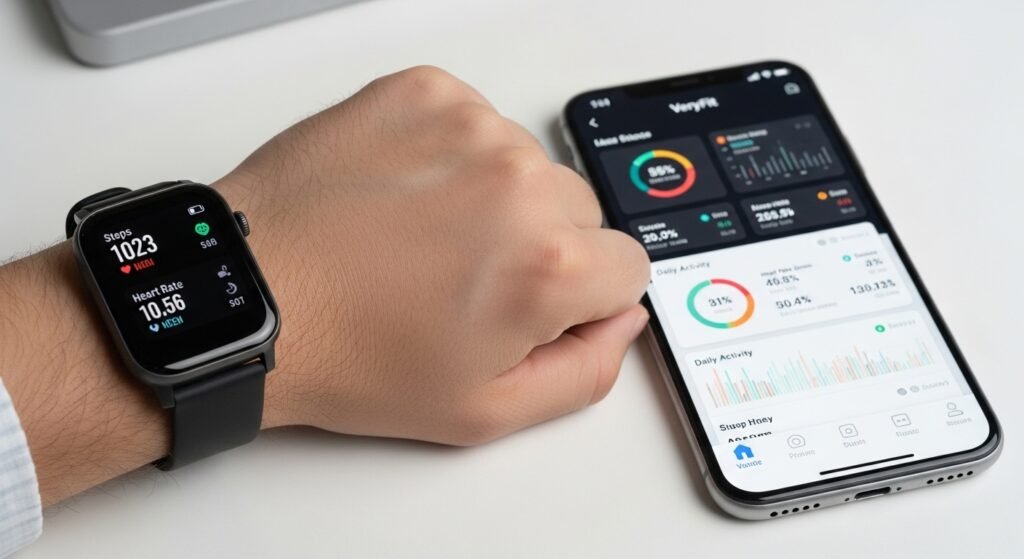
On iPhone, it is simple too.
Open the App Store. Search “VeryFit”. Find the app by Shenzhen DO Intelligent Technology.
Tap Get or Install. It is free. Open it after download. Allow Bluetooth and permissions.
It needs iOS 13.0 or later. It connects well with Apple Health if you turn that on.
Use only the App Store to avoid fake versions.
How to Set Up VeryFit with Your Smartwatch
After you download the app, connect your watch like this.
First, charge your watch and turn it on. Turn on Bluetooth on your phone.
Open the VeryFit app. Make an account with your email or phone number.
Tap to add a device. Sometimes scan a QR code from the watch box or manual.
Choose your watch model if it asks. Wait for it to pair. Keep the phone and watch close together.
If the app asks, update the watch software. This is called firmware.
Add your info like age, height, weight, and gender. This makes the app’s numbers more correct.
Now, data will sync when the watch and phone are near each other. It often happens automatically.
VeryFit App Review: What People Like and Do Not Like
Many users in 2026 say good things about VeryFit.
They like that it is free for most features. It works with lots of cheap watches. The app is easy to use with big buttons and clear words.
People enjoy many free watch faces. Reminders are very helpful for daily life. The phone battery lasts long. It syncs data well most times. Ratings are high because it does more than expected for a free app.
But there are some problems too. It is not as advanced as expensive apps. There are no detailed maps sometimes. Sync can be slow for some people.
There are a few ads. Health numbers like blood pressure are only guesses. Some older versions had bugs, but updates fix them. The app allows only up to 10 watches per phone.
Overall, it is a great choice for beginners. If your watch needs VeryFit, this is the best app for it.
Why Does VeryFit Stop Working? Easy Fixes
Sometimes the VeryFit app does not work. People ask why it crashes or will not connect. Here are common problems and simple fixes.
If the app crashes or will not open, close it fully. Restart your phone. Go to settings, find VeryFit, and clear cache. On Android, you can clear data too, but you will log in again.
If the watch will not connect or sync, turn Bluetooth off and on. Charge the watch fully. Keep it close to the phone. In the app, forget the device and pair again. Update the app and watch firmware.
For no notifications, check settings in the app. Turn on calls, messages, and apps. On your phone, allow VeryFit notifications.
If data looks wrong or heart rate is missing, wear the watch tight. Update firmware. Restart everything.
If the app is stuck loading, check your internet. Force stop the app and open it again. Reinstall if needed.
For login problems, check your email for codes. Try a different email. Wait a little if it is slow.
Always update your phone system. Check for app updates often. Developers fix problems fast.
Most issues go away with restart, update, or re-pair. Try one step at a time.
If nothing helps, look for support in the app settings.
Final Thoughts on VeryFit
VeryFit is a helpful free app for cheap smartwatches. It tracks steps, sleep, heart rate, and sends useful alerts. The review shows it makes many people more active and healthy.
It is safe when you get it from official stores. Downloading for Android or iPhone is quick and easy.
When VeryFit stops working, the fixes above usually solve it fast.
If you want simple fitness tracking without spending much money, VeryFit is a good pick. Give it a try!
Disclaimer:
This article is for information only. It is not a promotion or an affiliate ad. We do not sell or get money from the VeryFit app. The information here may change over time. Use the app at your own risk. The app is not a medical tool. Health data like heart rate, blood pressure, or sleep is just for personal tracking. Always follow your doctor’s advice for health decisions.
Explore More
- Steady App: Download, Jobs, Reviews, Login & Official Website Guide 2026
- Runna App Review: Beginner’s Guide, Reddit Opinions & Running App Insights
- OnStream App: Safe Download for Android, iOS & Firestick + Alternatives & Fixes
