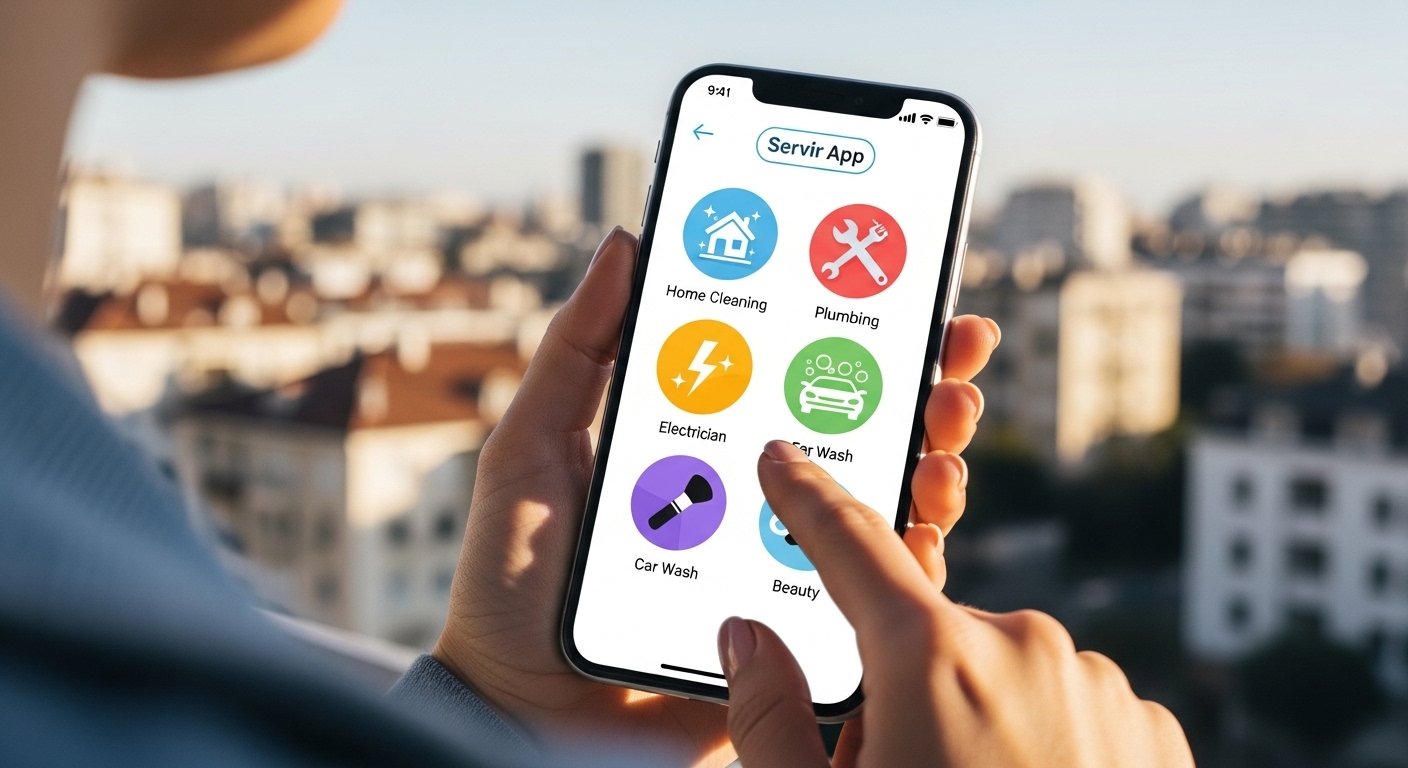
In today’s fast world, everyone is busy. You may need a plumber right away when your tap leaks. Or you want a clean home before guests come. Maybe you need a car wash at your door or an electrician to fix lights. Waiting on the phone or searching many places takes too much time.
This is where the Servir App comes in. It is a simple mobile app that lets you book all kinds of services with just a few taps on your phone. No more long calls or confusing websites. Servir makes life easier by bringing trusted service providers to your doorstep quickly.
Servir App is made for people who want speed, trust, and comfort. It works great in places like Karachi, Lahore, Islamabad, and other big cities in Pakistan where traffic and busy schedules make life hard. With Servir, you can book services in minutes and relax.
What Is the Servir App?
Servir App is a smartphone application for Android and iOS. It helps users find and book home services, beauty services, repair work, cleaning, and more. Think of it as your personal helper in your pocket.
You open the app, choose what you need, pick a time, and pay easily. Service providers (like plumbers, cleaners, or beauticians) get your request and come to you. The app shows real reviews, prices, and photos so you know what to expect.
The name “Servir” means “to serve” in some languages. This app truly serves you by making bookings simple and fast.
Many people love apps like this because they save time and give peace of mind. Servir stands out because it focuses on easy use, fast response, and fair prices.
Why Use Servir App? Key Benefits
Life is already stressful. Servir removes one big stress: finding good service people.
Here are the main benefits:
- Very Easy to Use — The app has a clean design with big buttons and simple steps. Even if you are not good with phones, you can use it.
- Fast Booking — Book in under 2 minutes. See available providers right away.
- Many Services in One Place — No need for different apps for cleaning, repairs, or beauty.
- Trusted Providers — All service people are checked with ID, background, and reviews.
- Clear Prices — See the full price before booking. No hidden charges.
- Safe Payments — Pay through the app with easy methods like EasyPaisa, JazzCash, bank cards, or cash on delivery.
- Real-Time Tracking — See where your service person is coming from.
- 24/7 Support — Chat or call help if needed.
These things make Servir better than calling random numbers from ads or asking friends.
Services You Can Book on Servir App
Servir covers many daily needs. Here are some popular ones:
Home Repair and Maintenance
- Plumber for leaking pipes or blocked drains
- Electrician for lights, fans, or wiring
- Carpenter for furniture fix or new shelves
- AC repair and service
- Painter for wall painting
Cleaning Services
- Deep home cleaning
- Kitchen and bathroom deep clean
- Sofa and carpet cleaning
- Move-in/move-out cleaning
Beauty and Personal Care
- Home salon for hair cut, color, or styling
- Manicure and pedicure at home
- Facial and massage
- Bridal or party makeup
Other Popular Services
- Car wash and detailing at your home
- Pest control for bugs or rats
- Laundry and dry cleaning pickup
- Home tutoring (for kids)
- Appliance repair (fridge, washing machine)
New services get added often based on what users want. In Karachi, services like AC repair are very popular because of hot weather.
How to Download and Start Using Servir App
Getting started is very simple.
- Open Google Play Store (for Android) or App Store (for iPhone).
- Search for “Servir App” or “Servir Service Booking”.
- Tap “Install” and wait for download.
- Open the app.
- Sign up with your phone number. You get a code via SMS to verify.
- Add your name, location (like your area in Karachi), and save.
- Done! Now browse services.
The app asks for location to show providers near you. This makes arrival faster.
If you face any problem, there is a help button inside the app.
Step-by-Step: How to Book a Service on Servir
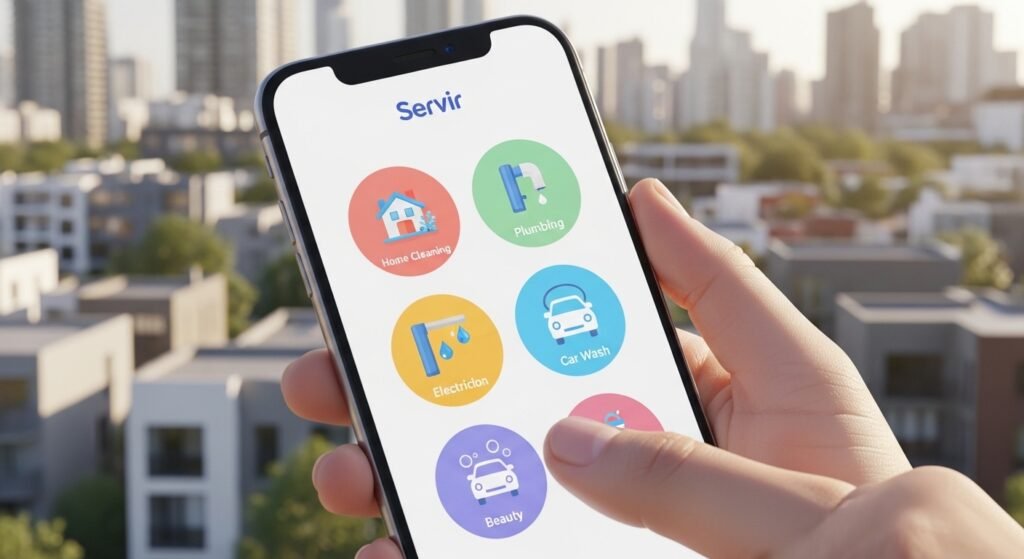
Booking is fun and quick. Let’s take an example: booking a plumber.
- Open Servir App.
- On home screen, see categories like “Home Repair”.
- Tap “Plumber”.
- Choose your problem (like “Leaking Tap” or “Bathroom Blockage”).
- See list of plumbers near you. Each shows photo, rating (like 4.8 stars), experience, and price range.
- Pick one you like. Read reviews from other users.
- Choose date and time that suits you.
- Enter your full address and any extra details (like “Gate is blue”).
- See total price. It includes service fee and any parts if needed.
- Pay now (safe) or pay later when the person comes.
- Get confirmation with provider name and ETA (estimated time arrival).
- Track the provider on map as they come.
After service, rate the person and write a review. This helps others.
Most bookings take less than 3 minutes.
Safety and Trust Features in Servir App
Safety is very important when someone comes to your home.
Servir takes care of this:
- All providers show verified ID proof and police check.
- Profiles have real photos and past work pictures.
- Users can see ratings and reviews only from real bookings.
- In-app chat to talk before arrival.
- Emergency button to contact support or share live location with family.
- Money-back guarantee if service is bad.
- Option to book only female providers for women users (for beauty or cleaning).
These features build trust. Many users say they feel safe using Servir.
Why Servir Is Better Than Other Apps or Traditional Ways
There are many service apps now. But Servir focuses on simplicity and speed.
Compared to calling from Facebook ads or Olx:
- No fake numbers or no-shows.
- Fixed prices, no bargaining stress.
Compared to other big apps:
- Simpler interface, less ads.
- Faster matching because of local focus.
- Better support in Urdu if needed.
- Lower fees for users in some cases.
Users in Karachi like it because providers know local areas well and avoid traffic delays.
Tips to Get the Best Experience with Servir App
To make your bookings perfect:
- Add your exact location and pin on map for fast arrival.
- Book in advance for busy times like evenings or weekends.
- Read reviews carefully — look for recent ones.
- Describe your problem clearly with photos if possible.
- Be home on time so provider does not wait.
- Give honest ratings after service — it helps everyone.
- Use promo codes when available for discounts.
- Update the app often for new features.
Following these makes using Servir even better.
What Users Say About Servir App
Many people share good stories.
One user from Karachi said: “My AC stopped in summer heat. I booked on Servir at night. Person came in 45 minutes and fixed it. Very happy!”
Another: “I am a working mom. Servir helps me book home cleaning without leaving office. Providers are polite and do good work.”
Some say prices are fair and support team answers fast on chat.
Of course, like any app, sometimes there are small delays in peak hours. But overall, ratings are high.
Future of Servir App
The team behind Servir works hard to improve. They plan to add:
- More services like pet care or event planning.
- Video call option to show problem before booking.
- Subscription plans for regular users (like monthly cleaning).
- Better AI to suggest best provider.
- Expansion to smaller cities in Pakistan.
This shows Servir listens to users and grows.
Final Thoughts
In a busy city like Karachi, time is very valuable. Servir App helps you save time, money, and stress by making service booking easy and fast on your phone.
Whether you need urgent repair or regular cleaning, Servir brings reliable help to your door. It is safe, simple, and made for real people.
Download Servir App today and see how easy life can be. Your next service is just a few taps away!
Disclaimer:
This article is only for information. It is not an ad or promotion. We are not paid by Servir App. Use the app at your own risk. We are not responsible if anything goes wrong.
Explore More
- Stream East App – Watch Live Sports & Entertainment Easily Online
- Anglian Water App – Login, Download & Smart Meter App Guide
- Oticon Companion App – Download for Android & iPhone Easily
