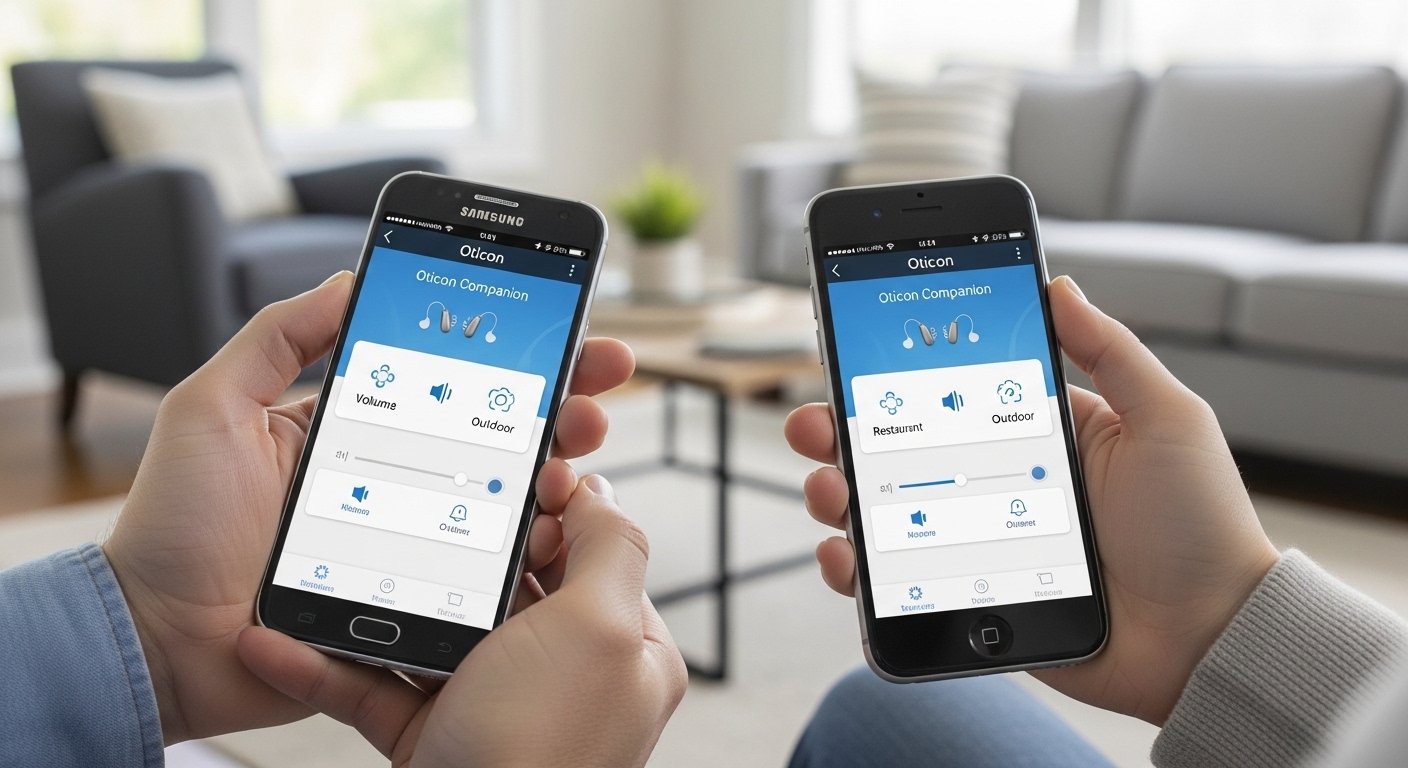
The Oticon Companion App – Download for Android & iPhone Easily is a helpful tool for people who use Oticon hearing aids. This app lets you control your hearing aids right from your phone. It makes life easier, more private, and more fun with your hearing aids.
Oticon is a well-known company that makes high-quality hearing aids. They created the Oticon Companion app to give users better control and support. The app is free, safe, and comes from the official Oticon team. Many users say it helps them hear better in different places, like noisy rooms or when talking on the phone.
In this article, we will explain everything in simple words. You will learn what the app does, how to download Oticon Companion app for Android and Oticon Companion app for iPhone, how to set it up, its main features, and tips to use it well. This guide follows facts from Oticon’s official website and trusted sources.
What Is the Oticon Companion App?
The Oticon Companion app is a mobile application made just for Oticon hearing aid users. It works as a remote control for your hearing aids. You can change settings without touching the aids or asking someone for help.
Before this app, Oticon had another app called Oticon ON. Now, the Companion app combines everything into one better tool. It works on both Android phones and iPhones (including iPads and Apple Watch for some features).
The app connects to your hearing aids using Bluetooth. This lets you adjust sound, check battery, and get help from your hearing doctor even from far away.
Oticon makes sure the app is easy for everyone, even if you are not good with phones. The design is clean, with big buttons and clear steps.
Why Use the Oticon Companion App?
Many people with hearing aids want more control over their sound. The app gives you that power in a simple way.
Here are some big reasons to use it:
- You can change volume for each ear separately or both together.
- Switch between programs your hearing care professional set for you (like quiet room, noisy place, or music).
- Make sound clearer in crowds with features like SpeechBooster.
- Stream phone calls, music, podcasts, or videos straight to your hearing aids.
- Find your lost hearing aids with the “Find my hearing aids” tool.
- Track how much you use your hearing aids with HearingFitness.
- Get remote help from your audiologist using video calls (called RemoteCare).
- Use your phone as a remote microphone in meetings or classes.
- For some users, get help with tinnitus sounds.
These features help you feel more independent and confident. Many users say the app makes daily life better, like talking to family or enjoying TV.
How to Download the Oticon Companion App
Downloading the app is very easy and free. Always get it from official stores to stay safe.
Oticon Companion App Download for iPhone (iOS)
- Open the App Store on your iPhone or iPad.
- In the search bar, type “Oticon Companion”.
- Look for the app made by Oticon (it has the Oticon logo).
- Tap “Get” or the cloud icon to download.
- If asked, use your Apple ID password or Face ID/Touch ID.
- Wait for it to install. It takes only a minute or two.
The app needs iOS 15.0 or later. It also works on Apple Watch for quick changes when your phone is nearby.
Direct link (you can tap this on your phone): Search “Oticon Companion” in App Store or visit apps.apple.com and find id1597064213.
Oticon Companion App for Android
- Open the Google Play Store on your Android phone or tablet.
- Search for “Oticon Companion”.
- Choose the one from Oticon (check the developer name).
- Tap “Install”.
- Accept any permissions (like Bluetooth and location for some features).
- The app will download and install quickly.
It works on most recent Android phones that support Bluetooth. Some older phones may have fewer features.
Direct link: Search in Play Store or use play.google.com/store/apps/details?id=com.oticon.app.
Always download from these official stores. Do not use other websites to avoid fake apps.
How to Set Up the Oticon Companion App
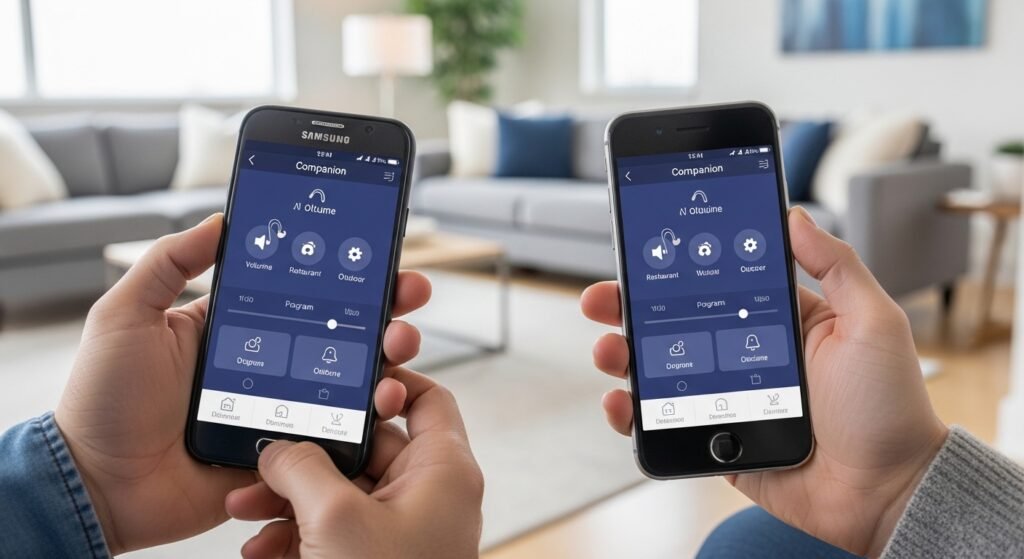
After download, you need to connect (pair) your hearing aids to the app. The steps are a bit different for iPhone and Android.
For iPhone Users
Oticon hearing aids are “Made for iPhone” (MFi), so pairing is smooth.
- Turn on Bluetooth in your iPhone settings.
- Open the Oticon Companion app.
- Follow the on-screen steps to pair.
- Put your hearing aids close to the phone.
- Turn your hearing aids off and on (open and close battery door or restart rechargeable ones).
- The app will find them and connect.
- If needed, go to iPhone Settings > Bluetooth and confirm the connection.
It usually takes a few minutes the first time.
For Android Users
Android pairing uses ASHA Bluetooth or other methods.
- Turn on Bluetooth in your phone settings.
- Open the Oticon Companion app first (do not pair in Bluetooth settings yet).
- The app will search for your hearing aids.
- Put hearing aids near the phone.
- Restart hearing aids if needed.
- Grant permissions in the app (location helps with finding aids).
- Follow app instructions to finish pairing.
Some Android phones connect better than others. Newer phones with LE Audio work great.
If pairing fails, restart your phone, update the app, or check Oticon support pages.
Main Features of the Oticon Companion App
The app has many useful tools. Here are the key ones explained simply.
Control Volume and Programs Use sliders to make sound louder or softer for each ear. Tap arrows to switch programs like “All-Around”, “Speech”, or custom ones from your doctor.
Sound Equalizer Adjust low, mid, and high sounds. This helps if music sounds too bassy or voices too sharp. Change by +/-6 dB.
SpeechBooster This reduces background noise and makes speech clearer in busy places like restaurants or parties.
Streaming Audio Take calls, listen to music, watch videos – sound goes directly to your hearing aids like wireless headphones.
Find My Hearing Aids If you lose one, the app shows direction and distance to help you search.
HearingFitness Tracks how long you wear your aids each day. It motivates you to use them more for better hearing health.
RemoteCare Talk to your hearing professional on video. They can adjust your aids from far away – no need to visit the clinic every time.
Tinnitus SoundSupport For people with ringing in ears, play soothing sounds to mask it.
Remote Microphone Use your phone to pick up sound far away and send it to your aids – great for meetings.
Battery Check See how much battery is left in each aid.
Apple Watch Support Change volume or programs quickly from your watch (iOS only).
These features make the app powerful yet simple.
Tips for Best Experience with Oticon Companion App
- Keep the app updated for new fixes and features.
- Charge your phone and hearing aids well.
- Stay in Bluetooth range (about 10-30 feet).
- If connection drops, restart aids and app.
- Visit Oticon support site for help: www.oticon.com/support/oticon-app.
- Talk to your audiologist if features are missing – some depend on your hearing aid model (works with many like Oticon Intent, Real, More, Opn, and newer).
- Use airplane mode or restart phone if Bluetooth acts strange.
Many users face connection issues at first but get better with updates.
Common Questions About Oticon Companion App Download
Is the app free? Yes, 100% free.
Which hearing aids work? Most Bluetooth Oticon aids, like recent models. Check compatibility on Oticon site.
Does it work offline? Basic control yes, but RemoteCare needs internet.
Is it safe? Yes, from official Oticon. It protects your data.
Can I use it on tablet? Yes, iPad or Android tablet.
Final Thoughts
The Oticon Companion app is a great way to take charge of your hearing. With easy Oticon Companion app download for both Android and iPhone, you can start in minutes. It gives you control, support, and better hearing every day.
If you have Oticon hearing aids, try the app today. It can change how you enjoy sounds around you. For more help, go to the official Oticon website or talk to your hearing care professional.
Disclaimer:
This article is for information only. It is not a promotion, advertisement, or affiliate post. We do not sell or earn from the Oticon Companion App. The content is based on official Oticon information and trusted sources. Please follow instructions carefully and check with your hearing care professional if needed. We are not responsible for any problems, mistakes, or issues that may happen while using the app.
Explore More
- BRS App – Download the BRS Golf & Booking App Easily
- TRL App – Easy Guide, Features & Free Download
- NHS Loop App – Download & Login Guide for Loop App NHS
