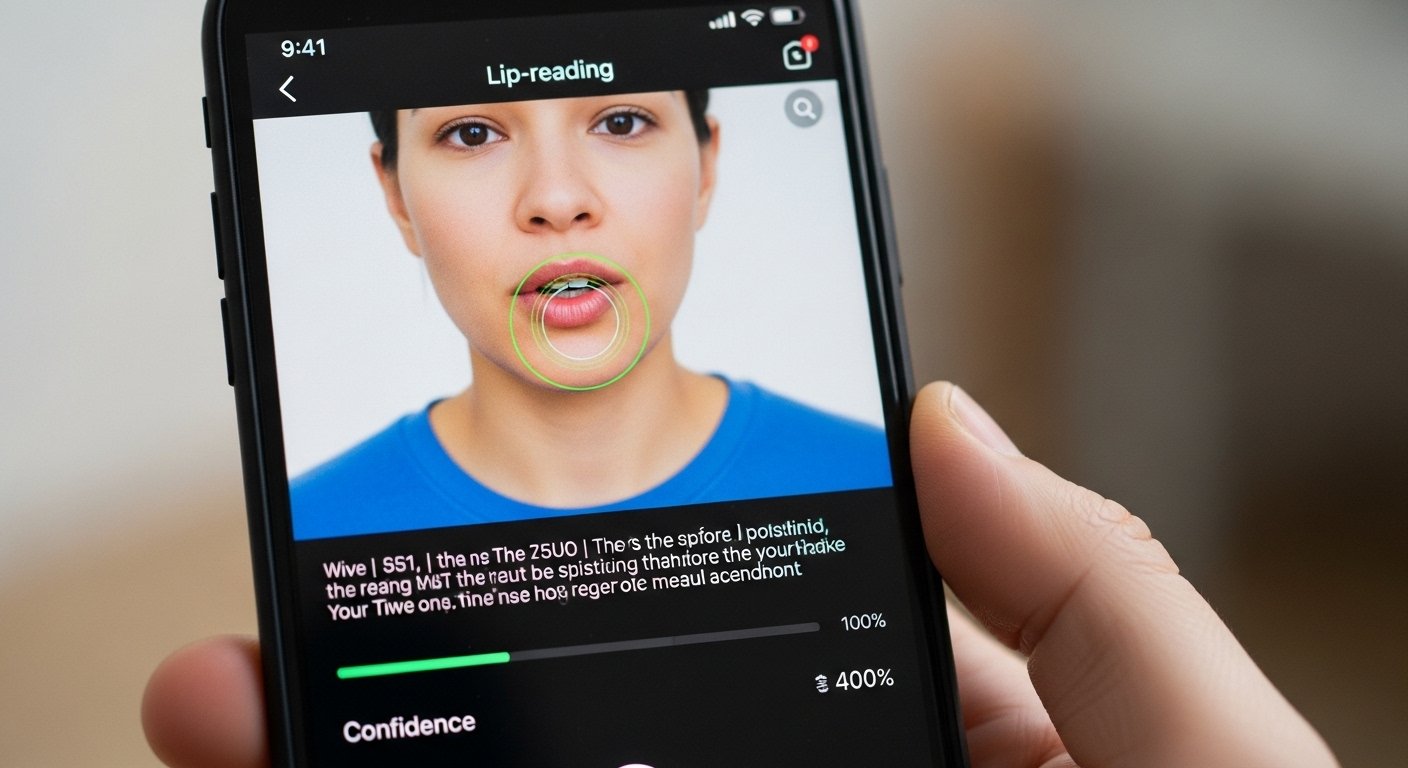
In today’s world, communication is key. Sometimes, sound is missing from videos, or it’s too noisy to hear clearly. This is where lip reading app technology comes in. These apps use smart AI to watch lip movements and turn them into text. If you have an iPhone and want a free lip reading app, this guide will help you understand the options.
Many people search for lip reading app free or lip reading app iPhone to make videos easier to understand. Whether for fun, learning, or helping those with hearing challenges, these tools are growing fast. We will look at how they work, the best choices, and what to know before you download.
What Is a Lip Reading App?
A lip reading app is a tool that reads lips from videos or live views. It uses artificial intelligence (AI) to study mouth shapes, jaw moves, and face expressions. Then, it guesses the words being said and shows them as text.
This is also called visual speech recognition. Old lip reading was done by humans, like experts who help in courts or for deaf people. Humans get about 30-40% right on average without extra clues. But AI has changed this a lot.
Modern apps use deep learning. They train on thousands of hours of videos with known speech. This makes them better than most people at reading lips in clear videos.
Why Use a Lip Reading App for Videos?
Videos without sound are common. Think of old clips, security videos, or social media posts with muted audio. A lip reading app for videos can bring back the words.
Here are some good reasons to use one:
- Help deaf or hard-of-hearing people understand silent videos.
- Watch content in noisy places, like trains or crowds.
- Analyze interviews, news, or talks where audio is bad.
- Fun for learning languages or practicing speaking clearly.
- Useful for doctors, teachers, or caregivers who need to understand patients or students quietly.
With iPhone’s strong camera and fast processor, these apps run well on your phone.
Advanced Lip Reading App Technology Explained
The tech behind these apps is exciting. It starts with computer vision. The app spots the face and focuses on the mouth area.
Then, it uses neural networks – like smart brains made of code. These networks learn patterns. For example, “o” sound makes round lips, “th” makes tongue between teeth.
Newer tech uses models trained on big data sets. Some reach over 90% accuracy in good conditions – much better than human lip readers.
For videos, the app processes frame by frame. It looks at sequences of mouth moves to understand full sentences, not just single words.
Some apps add context. They guess based on common phrases or topics. This helps when lips are not clear.
But the tech is not perfect. It works best when:
- The face is straight on.
- Lighting is good.
- Person speaks slowly and clearly.
- No beard or hand blocking mouth.
- One speaker at a time.
In real life, accuracy drops with accents, fast talk, side views, or poor video quality.
Best Free Lip Reading App Options for iPhone
Finding a truly free lip reading app free download for iPhone can be tricky. Many say “free” but have in-app purchases for full use.
Here are some popular and useful ones based on current options:
AI Lip Reading – Video Reader This app is available on the App Store. It is listed as free to download with in-app purchases. You can record short clips or use videos. The AI turns lip moves into text. It helps in healthcare, for caregivers, or noisy places. Some users say it works well in clear conditions, with claims of over 90% accuracy when good. But you may need credits for longer videos. It is one of the more advanced for iPhone users right now.
Other apps focus more on live speech-to-text, like Google Live Transcribe (free on iOS in some forms). It transcribes spoken words in real time but uses sound, not just lips. For pure lip reading, options are fewer.
Some web-based tools let you upload videos for lip reading, but they are not iPhone apps. For true mobile use, check the App Store for “AI Lip Reading” or similar names.
Always download from the official App Store to stay safe.
How to Download and Use a Lip Reading App on iPhone
Getting a lip reading app free download is simple:
- Open the App Store on your iPhone.
- Search for “lip reading” or “AI lip reading”.
- Look for apps with good ratings and recent updates.
- Tap “Get” to download (it’s free to start).
- Open the app and follow setup – allow camera access.
- Record a video or upload one from your library.
- Wait for processing – text appears on screen.
- Save or share the transcript.
Tips for best results:
- Use good lighting and front-facing view.
- Speak clearly and not too fast.
- Trim long videos to short clips first.
- Test with simple sentences at first.
Limitations and When Lip Reading App Technology Can Be Bad
No tech is perfect. Here are honest points about lip reading app technology bad sides:
Accuracy is not 100%. Even top apps get things wrong in real-world use. Shadows, angles, or accents lower results.
Privacy risks exist. If an app records your face or video, think about data safety. Only use trusted apps.
It can miss context. Words that look the same on lips (like “bat” and “pat”) confuse the AI.
Not good for groups or fast talks. Multiple speakers make it hard.
Ethical issues: In wrong hands, it could spy on silent talks. Always use for good reasons.
For important things like legal or medical, do not rely only on apps. Get human help too.
Future of Lip Reading Apps on iPhone
The future looks bright. Companies like Apple are exploring face and lip tracking in new tech. AI gets smarter each year.
Soon, we may see built-in iPhone features for lip reading. Or apps with even higher accuracy.
For now, tools like AI-based ones lead the way. They help make videos accessible and fun.
Final Thoughts
A lip reading app iPhone can change how you watch videos without sound. With free lip reading app options, you can try them easily. Look for advanced AI ones that process videos well.
Remember to check reviews and updates. Use them responsibly. They are tools to help communication, not replace it.
If you need to understand silent videos better, download one today. It might surprise you how well modern tech reads lips!
Disclaimer:
This article is for information only. It is not a promotion, advertisement, or affiliate post. We do not sell or get paid for any apps mentioned. The apps are third-party tools, and we do not guarantee they are always safe, accurate, or free. Use them at your own risk. We are not responsible for any problems, errors, or issues from downloading or using the apps. Always check app safety and privacy before using.
Explore More
- Overlander App for Android: Camping Guide, Eye Overlander App Review & Español Version
- What Is the Best Boondocking App in the USA? Free Android App Reviews & App Store Guide
- BestPlay App Review 2026: Is It Legit or Scam? Coin Value, Play-to-Earn & Android/iPhone Guide
