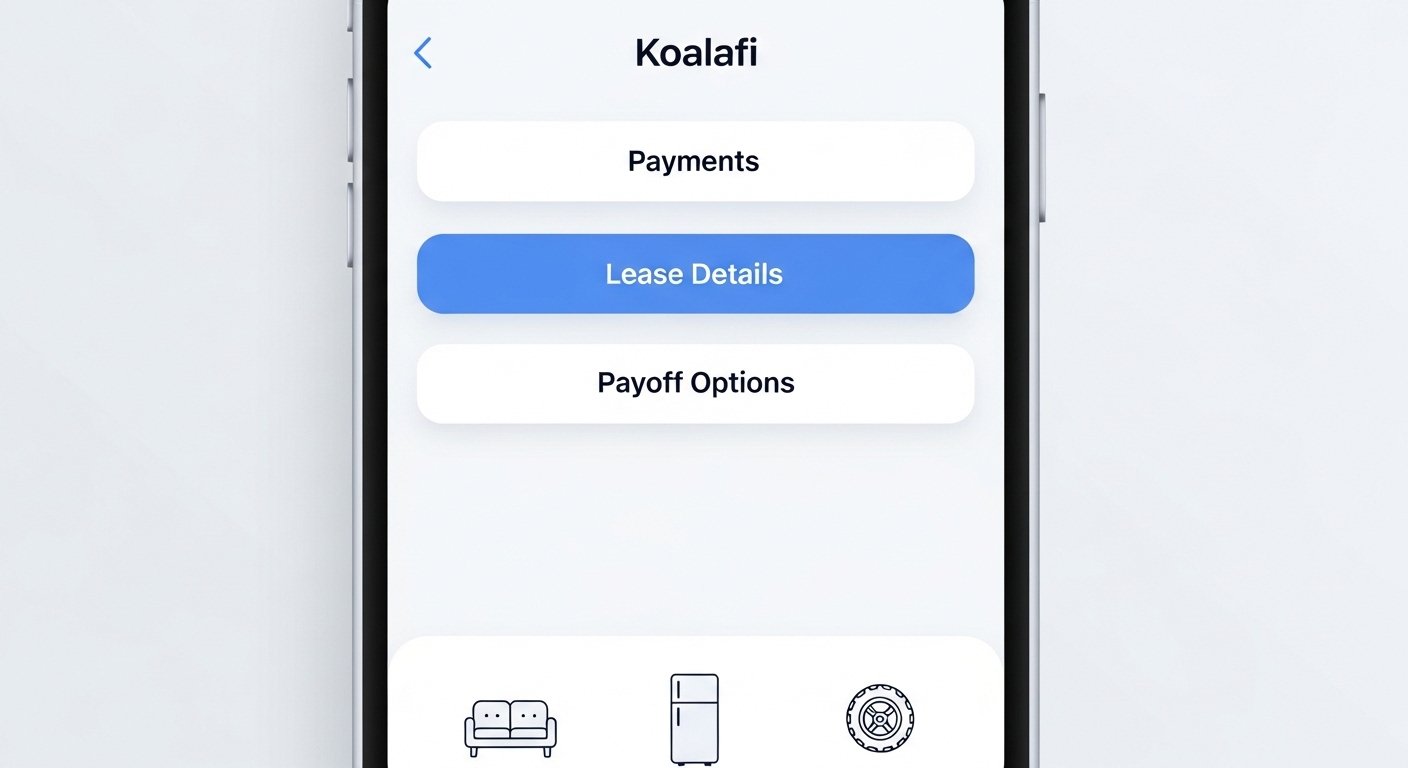
The Koalafi App – Download, Login & Complete User Guide is a helpful tool for people who use Koalafi’s lease-to-own financing. Koalafi is a real company (you can visit their official site at koalafi.com) that helps customers buy things like furniture, mattresses, tires, auto parts, appliances, and more by paying over time. They focus on making financing easy for people who may not have perfect credit or no credit at all. The app is made for customers to manage their leases in a simple way.
This guide explains everything about the Koalafi app in very easy English. It covers what the app does, how to download the Koalafi app, how to do Koalafi app login, and how to use all the main features. The information comes from Koalafi’s official website, help center, and App Store listing to make sure it is correct and up-to-date. Always check the official sources for the latest details, as apps can get new updates.
What is Koalafi and Why Use Their App?
Koalafi (pronounced like “qualify” with a “koala” twist) is a financing company that offers lease-to-own plans. This means Koalafi pays for your item upfront at a partner store, and you pay them back in small, regular payments over time. You get to use the item right away while you pay.
Many people like Koalafi because:
- It looks beyond just credit scores for approvals.
- Approvals can go up to $7,500 for bigger purchases.
- You can pay early to save money (early payoff options).
- On-time payments may help build your credit over time.
- No credit needed does not mean no check at all, but it is more flexible than traditional loans.
The Koalafi app (full name: Koalafi: Lease-to-own) makes managing your lease simple from your phone. Instead of using only the website, the app lets you do everything quickly with just a few taps. It is free to download and use if you have an active Koalafi lease.
The app is currently available for iPhone users on the Apple App Store. It is designed by West Creek Financial, Inc. (Koalafi’s parent company). As of recent info, the app has features like viewing your balance and making payments. Android users may use the customer portal website on their phone browser for similar functions, but check the official site for any Android updates.
How to Download the Koalafi App
Downloading the Koalafi app is very easy and takes only a minute or two.
- Open the App Store on your iPhone (the blue icon with a white “A”).
- In the search bar, type “Koalafi” or “Koalafi Lease-to-own“.
- Look for the app named “Koalafi: Lease-to-own” by West Creek Financial, Inc. It has a simple icon and description: “Manage your Koalafi lease”.
- Tap “Get” or the download button (it is free).
- Use your Apple ID password or Face ID/Touch ID to confirm.
- Wait for it to install – the app icon will appear on your home screen.
Once downloaded, open the app. It is lightweight and works well on most recent iPhones. Always download from the official App Store to stay safe – avoid third-party sites.
If you do not have an iPhone, go to koalafi.com on your phone’s browser and use the customer portal at customer.koalafi.com. It works almost the same way.
How to Do Koalafi App Login
After you download and open the app, you need to log in to see your account.
Here are the simple steps for Koalafi app login:
- Open the Koalafi app on your phone.
- You will see a login screen. Enter the phone number you used when you first applied for Koalafi (this is very important – many people have login issues because they use the wrong number).
- Tap “Next” or “Continue”.
- You may get a one-time code sent to your phone by text (SMS). Enter that code.
- If you set up a password before, enter it. Or create a new one if it is your first time.
- Once in, you can see your dashboard.
If you forget your details or get locked out:
- Use the “Forgot password?” or “Reset password” link.
- Follow the steps to reset using your phone number or email.
- If still stuck, call Koalafi customer support at 844-937-8275 (Monday–Friday 8am–9pm ET, Saturday 8am–8pm ET).
The login is secure and protects your information. Do not share your login details with anyone.
Main Features of the Koalafi App – What You Can Do Inside
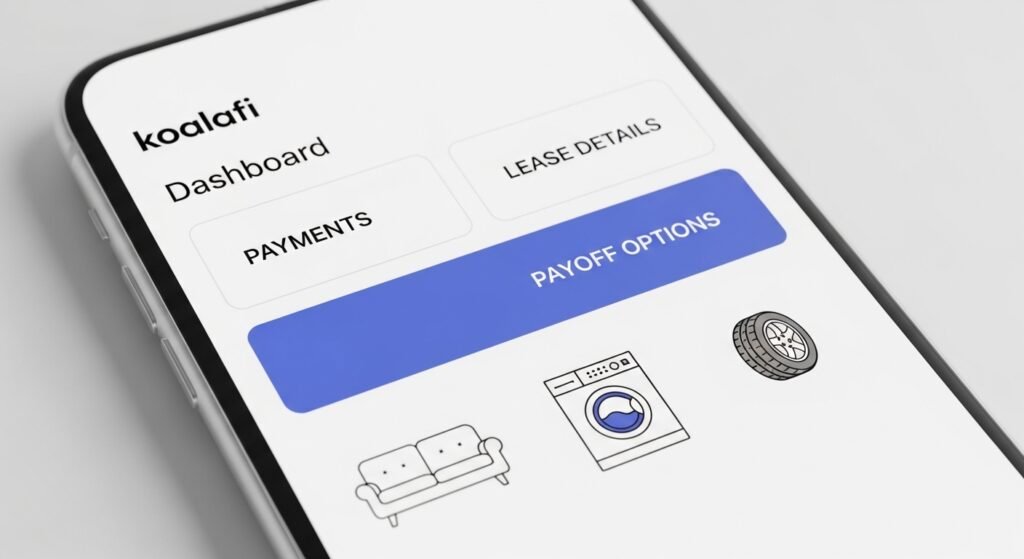
The app is built to make your life easier. Here are the key things you can do:
View Your Lease Details See your current balance, how much you have paid, and remaining payments. Check the lease terms, like how long it is and your payment schedule (weekly, biweekly, or monthly).
Make Payments Quickly Pay your next amount with a debit card or bank account. Set up automatic payments so you never miss one. You can also make one-time extra payments to pay off faster.
Check Early Payoff Options See if you can pay early to save money. The app shows your early buyout amount (this can change daily). Pay it in one go to finish your lease sooner and possibly save on total cost.
See If You Are Pre-Approved for More Shopping If you have been good with payments, the app may show you pre-approval for new purchases at partner stores. This helps you shop again without starting over.
Update Your Information Change your email, phone, or payment method if needed. Keep everything current to avoid problems.
Get Support Find quick links to FAQs or contact support right in the app.
The app is user-friendly with big buttons and clear text. It helps you stay on top of your lease without calling or going to the website every time.
Step-by-Step: How to Use the App After Login
Once logged in, the app home screen shows an overview. From there:
- Tap on your lease to see full details.
- Go to “Payments” to pay now or schedule.
- Check “Payoff Options” for early buyout info.
- Look for “Shop Again” or pre-approval section if available.
If you make a payment, it updates fast – you will see the new balance right away.
Tips for best use:
- Turn on notifications so you get reminders before payments are due.
- Check your balance often to stay in control.
- If you return an item, contact Koalafi support through the app or website.
Common Questions About the Koalafi App
Many people ask these things:
Is the app safe? Yes, it uses secure connections and follows privacy rules. Koalafi has a privacy policy on their site.
What if I have no iPhone? Use the customer portal at customer.koalafi.com on any phone or computer. It has almost the same features.
How do I contact support if needed? Call 844-937-8275 or use the help section in the app/portal.
Can I apply for new financing in the app? The app is mainly for managing existing leases, but it may show pre-approvals. New applications usually start at partner stores or online via koalafi.com.
Are there fees? The app is free, but your lease has its own terms like rental payments. Read your agreement carefully.
What items work with Koalafi? Furniture, mattresses, tires, car repairs, appliances, electronics, and more at thousands of partner stores.
Why the Koalafi App is Helpful for Everyday Users
In simple words, the Koalafi app puts control in your hands. You do not need to wait on hold or visit a store to check your account. It saves time and helps you pay on time, which can lead to better financial habits. Many users say it makes managing payments stress-free.
Koalafi aims to help people get what they need now and build a better future. The app is part of that – easy, clear, and focused on the customer.
For the most current info, always visit koalafi.com or the App Store page. If you have a lease, download the app today and log in to see how simple it is!
Disclaimer:
This guide is only for information. It is not an ad or promotion. We are not part of Koalafi. Always check the official website or app. We are not responsible for any problems from using the app or this guide.
Explore More
- Thunder TV App: Download, Firestick Setup, Free Access, Login, Reviews & Fix Not Working Issues
- Resuscitation Skills App – HealthStream, American Red Cross | iPhone & Android Login Guide
- Friender App Review 2025: Features, Free Options, Download Guide & How to Make New Friends
