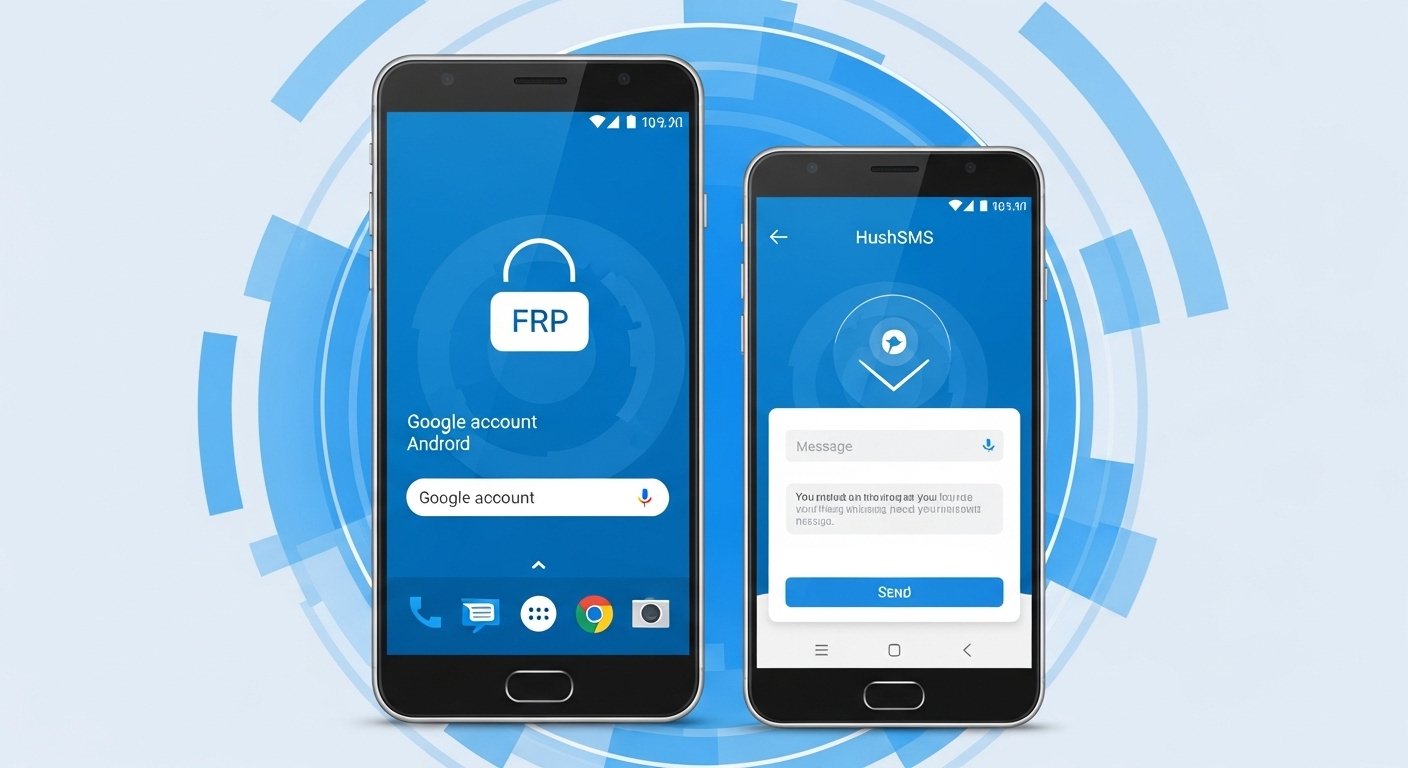
Factory Reset Protection (FRP) is a security feature from Google. It protects your Android phone after a factory reset. If you forget your Google account details, the phone asks for them before you can use it again. This stops thieves from using stolen phones easily.
Many people search for tools like HushSMS APK download to bypass this lock. HushSMS is an old Android app. It was first made for sending special “flash” SMS messages. These are like silent notifications that phone companies use. Some people found it could help bypass FRP on older Samsung phones by sending a special message to the locked device.
This creates a popup that might let you open a browser or settings. From there, users try to install other apps to add a new Google account and skip the verification.
Important Note: This article explains what HushSMS is and how people used it in the past. We do not encourage bypassing FRP on devices you do not own. FRP is there to protect your data. Only use methods on your own phone if you forgot the account. Always try official ways first, like recovering your Google account through Google’s help page.
What Is HushSMS APK and How Does It Work?
HushSMS is an app from SilentServices. Its main job is security testing (pen-testing). It lets users send hidden or flash SMS that normal apps cannot send. This includes WAP Push messages (SI or SL types).
For FRP bypass, people use it like this:
- Install HushSMS on another Android phone.
- Send a special message to the locked Samsung phone’s number.
- The message pops up over the FRP screen.
- This popup might open YouTube, Chrome, or settings.
- From there, download more APKs (like Google Account Manager or FRP bypass tools) to sign in with a new account.
This method worked best on older Android versions (like Android 5 to 9). It was popular for Samsung Galaxy models like S8, S9, Note 8, and Note 9.
On newer phones (Android 10 to 14), Google fixed many holes. SMS-based tricks like this often fail now. Security patches stop popups from working during setup.
HushSMS APK Features
People like HushSMS because it is small and free. Here are some key points:
- Send flash SMS or silent messages.
- Test phone security against special SMS.
- No need for a computer in some cases (uses another phone).
- Small file size (around 300 KB).
- Works on many Android phones for its main SMS job.
For FRP, it was free and did not need rooting. But success depends on the phone model, Android version, and security updates.
Supported Devices and Versions
HushSMS FRP bypass was mostly for Samsung phones. It worked on:
- Samsung Galaxy S series (older models).
- Samsung Note series.
- Android 6 to Android 9 (best results).
- Some Android 10 cases (but not always).
For HushSMS APK Android 10, HushSMS APK Android 14, or newer, it rarely works today. Google made FRP stronger in Android 11+. Many users report failure on Android 12, 13, or 14 Samsung phones.
It does not support other brands like Xiaomi or Huawei well. It is Samsung-focused.
How to Download HushSMS APK (Latest and Old Versions)
HushSMS is not on Google Play Store anymore. You must download the APK from third-party sites.
Warning: Downloading APKs from unknown sites is risky. Many fake files have malware. They can steal your data, install viruses, or damage your phone. Always scan files with antivirus. Use trusted sites only.
Common versions people search for:
- HushSMS APK latest version download – Often listed as v2.7.8 or v2.8.8 (from 2024-2025 sites).
- HushSMS APK 2.7.6 download – An older popular version.
- HushSMS APK old version – Like v2.7.x or earlier for better compatibility on some phones.
Steps to download safely:
- Use your browser on another phone or PC.
- Search for “HushSMS APK” on known APK sites (like APKCombo, Aptoide, or others mentioned in old guides).
- Pick a site with good reviews and clear version info.
- Download the file (small size, quick).
- Enable “Install from unknown sources” in settings.
- Install on a helper Android phone (not the locked one).
Do not pay for it. It is free. Avoid sites asking for surveys or personal info.
Step-by-Step Guide to Use HushSMS for FRP Bypass (Old Method)
This is how people used it before. It may not work now on new phones.
What you need:
- Two Android phones (one locked Samsung, one helper).
- SIM card in the helper phone (with balance for SMS).
- Wi-Fi on the locked phone during setup.
Steps:
- On the helper phone, install HushSMS APK.
- Open the locked Samsung and go through setup until the Google verification screen.
- Connect to Wi-Fi if asked.
- On the helper phone, open HushSMS.
- Choose “WAP PUSH SL” or similar option.
- Enter the locked phone’s phone number.
- In the message, type a link like “www.youtube.com” or a known bypass site.
- Send the message.
- If it works, a popup appears on the locked phone.
- Tap it to open browser or YouTube.
- From browser, download Google Account Manager APK and FRP bypass APK.
- Install them (enable unknown sources again).
- Use the apps to add a new Google account.
- Restart and complete setup.
This is old. On Android 10–14, the popup often does not appear or gets blocked.
Risks and Dangers of Using HushSMS APK
Using tools like this has big risks:
- Malware and viruses – Many download sites have fake APKs with spyware. They steal contacts, photos, or bank info.
- Does not work anymore – Google patched SMS exploits. It fails on most Android 10–14 devices in 2026.
- Legal issues – Bypassing FRP on a stolen phone is a crime. Only do it on your own device.
- Warranty void – Some methods can cause problems.
- Data loss – Wrong steps might brick the phone.
Many security experts say avoid unknown APKs. They are high-risk.
Better and Safer Alternatives for FRP Bypass on Samsung (Android 10–14)
For newer phones, use safe methods. Here are some:
- Official Google Recovery – Go to accounts.google.com/signin/recovery. Use your email or phone to reset the password.
- Samsung Find My Mobile – If you set it up, log in at findmymobile.samsung.com to unlock.
- Professional Tools (PC Needed) – Tools like:
- DroidKit or iMyFone LockWiper (Android).
- Tenorshare or PassFab Android Unlock. These support Samsung Android 10–14. They are paid but safer and updated.
- Other Free Methods – TalkBack trick, Alliance Shield, or emergency call methods (search recent YouTube for 2025–2026 updates).
- Visit Service Center – Take proof of ownership (bill) to Samsung center. They can help remove FRP.
These are better for Android 14 or recent Samsung models.
Frequently Asked Questions (FAQs)
Is HushSMS APK safe to download? No, not always. Many sites have malware. Use antivirus and trusted sources.
Does HushSMS work on Android 14? Mostly no. It fails on new Android versions due to security updates.
Can I use HushSMS for FRP unlock Samsung without PC? Yes, in the past for old models. Now, it is not reliable.
Where to get HushSMS APK old version? From APK sites, but be careful.
Is there a HushSMS latest version for 2026? Some sites claim v2.8.8, but effectiveness is low.
In the end, HushSMS was useful years ago for HushSMS APK FRP unlock on older Samsung phones. Today, for HushSMS APK FRP bypass on Android 10–14, look for updated tools or official help. Stay safe, protect your device, and only unlock phones you own.
Disclaimer:
This article is for information only. It explains what HushSMS APK is and how people used it in the past. We do not promote or support FRP bypass on phones you do not own. Always try the official Google account recovery first. This article is not promotional and not an affiliate post. We do not earn money from any tools mentioned here. Downloading APK files from unknown websites can be risky and may contain viruses. We are not responsible for any damage, data loss, or problems. Use this information only on your own phone and at your own risk. ⚠️📱
Explore More
- Clone App Mod APK (VIP & Premium Unlocked) – No Ads, Multiple & Parallel Clone App Latest Version Download
- YouCine Mod APK Download (VIP Premium Unlocked) for Android TV & TV Box – Latest Version
- WWE SuperCard Hack APK Download for Android (No Survey) – Latest Version
