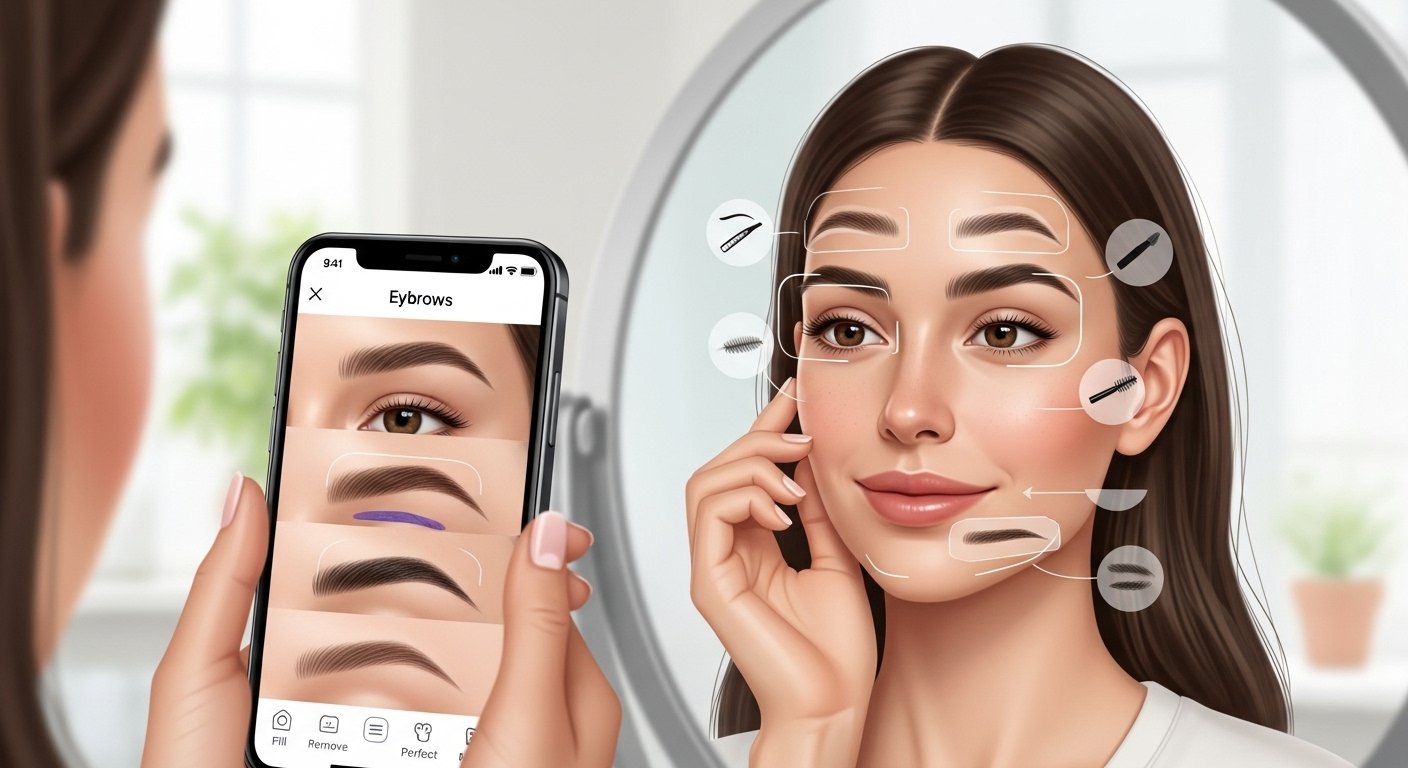
Do you want perfect eyebrows without going to a salon? Many people struggle with thin eyebrows, uneven brows, or over-plucked ones. The good news is that eyebrow apps can help you fix this easily at home. These apps let you try different looks, fill in sparse areas, remove extra hairs digitally, and find the best shape for your face—all for free or with free features.
In this guide, we will talk about the best eyebrow app free options. We will cover popular ones like those from big brands such as Anastasia Beverly Hills and Benefit, plus other easy-to-use apps. You will learn how to download them, use them to fill, remove, or perfect your brows, and get tips for the best results. Everything here is simple and in easy English.
Why Use an Eyebrow App?
Eyebrows frame your face and make your eyes look bigger and brighter. But not everyone has full, even brows naturally. Some have thin eyebrows, no eyebrows in spots, or just want to try new styles without commitment.
An eyebrow app is like a magic mirror on your phone. You take a selfie, and the app shows you new brows in seconds. You can:
- See how different shapes look (arched, straight, thick, thin).
- Fill in gaps to make brows look fuller.
- Remove stray hairs or clean up the shape digitally.
- Try colors that match your hair.
- Get ideas before you pluck, wax, or use makeup.
Many apps use AI (smart technology) to map your face and suggest the best brows. This helps avoid mistakes like bad shaping. Plus, most are free to download and try.
Is There an Eyebrow App? Yes, and Many Are Free!
Yes, there are many eyebrow apps available today. Some are from famous makeup brands, and others are general beauty editors. You can find them on the App Store for iPhone or Google Play for Android.
Popular free or partly free options include:
- YouCam Makeup
- BeautyPlus
- PhotoDirector
- Fotor
- AirBrush
- Perfect365
These apps have tools to fill in eyebrows, change shapes, and even add volume. Some let you remove unwanted brow hairs in photos too.
Special brand apps like Anastasia Beverly Hills’ The Brow App or Benefit’s old Brow Try-On tool help with professional looks. Even if some brand apps are older, their ideas inspire today’s tools.
Best Free Eyebrow Apps to Download Right Now
Here are some top eyebrow app download choices that are easy and mostly free. They work well for filling, shaping, and perfecting.
1. YouCam Makeup – The Top Choice for Eyebrow Editing
YouCam Makeup is one of the best fill in eyebrow app and overall beauty apps. It is free to download with many free features.
Key features for brows:
- Over 100 eyebrow shapes to try.
- Many colors (70+ shades) to match your look.
- AI brow mapping to find the perfect shape for your face.
- Fill tool to add hairs where brows are thin or missing.
- Adjust thickness, arch, and length.
- Remove or clean up stray brows in photos.
How to use it:
- Download from App Store or Google Play.
- Open the app and take a selfie or upload a photo.
- Go to makeup tools > eyebrows.
- Pick a style or use auto-suggest.
- Save or share your new look.
It is great for people with thin eyebrow app needs or no eyebrow app fixes. The results look natural and realistic.
2. BeautyPlus – Easy and Fun for Beginners
BeautyPlus is a free selfie editor with strong eyebrow filters.
It offers:
- Different eyebrow shapes and effects.
- Fill and volume tools.
- Fun colors and styles.
- Easy removal of extra hairs.
This app is simple for new users. It works well for quick edits before posting photos.
3. PhotoDirector and Fotor – Great for Photo Editing Brows
These are free photo editors with eyebrow tools.
In PhotoDirector:
- Try shapes, arches, and colors without commitment.
- Adjust and perfect brows easily.
Fotor has an online eyebrow filter (no download needed sometimes):
- Visual try-on.
- Change shape and color.
- Good for remove eyebrow app style cleanups.
Both are good if you want to edit old photos or try looks online.
4. Anastasia Beverly Hills – The Brow App (Inspired Tools)
Anastasia Beverly Hills made a famous Anastasia eyebrow app called The Brow App. It uses their Golden Ratio method to shape brows perfectly based on your face.
It includes:
- AR try-on to see recommended shape and color.
- Step-by-step guides to fill and groom at home.
- Product suggestions like Brow Wiz.
Even if the app is from a few years ago, many features live on in their website brow quiz or similar tools in other apps. Search for “Anastasia brow try-on” to find updates or similar free options.
It is perfect for people who love pro-level brows.
5. Benefit – Brow Try-On Tools
Benefit Cosmetics had a Benefit eyebrow app tool called Brow Try-On. It let you upload a photo and try different shapes.
It helped find the best width, arch, and color. Benefit is known for natural, full brows.
Today, you can find similar features in apps like YouCam or on their site. It is great for perfect eyebrow app goals.
How to Fill In Eyebrows with an App
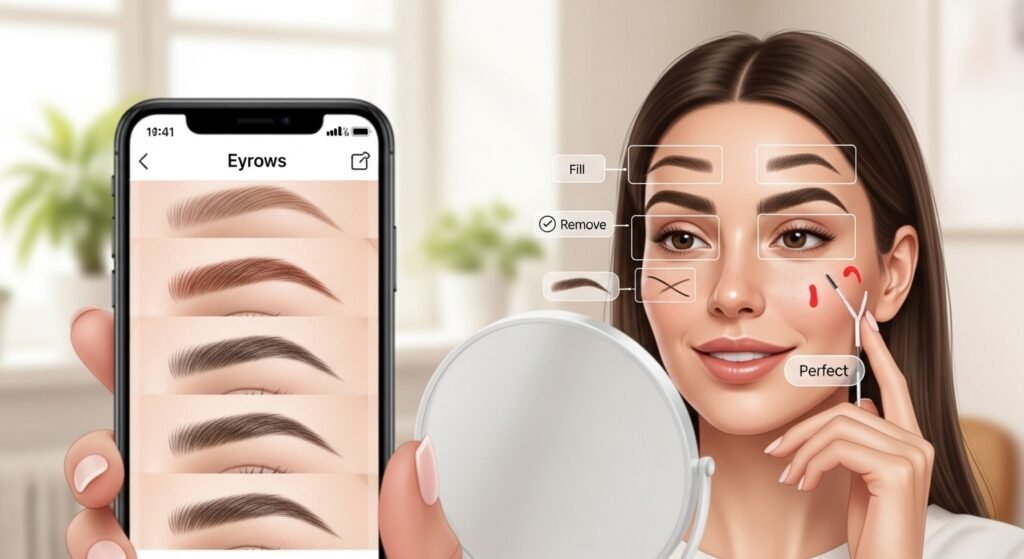
Many people need a fill in eyebrow app for sparse or thin brows.
Steps in most apps:
- Take a clear selfie (good light, straight face).
- Open eyebrow tool.
- Choose “fill” or “add hairs.”
- Pick a color close to your natural or hair color.
- Adjust density so it looks real—not too fake.
- Use brush to add where needed.
- Blend for natural finish.
Tips:
- Start light and build up.
- Match direction of hair growth.
- For thin eyebrow app fixes, add volume gradually.
Apps like YouCam Makeup make this super easy with one-tap fills.
How to Remove or Clean Up Eyebrows in Apps
Want to remove eyebrow app style? Or clean strays?
Use these steps:
- Select the remove or erase tool.
- Brush over unwanted hairs.
- Or use “clean up” filter.
- For big changes, use “shape” tool to redraw.
This is helpful before real plucking or for photo edits.
Perfect Your Brows – Tips for Best Results
To get perfect eyebrow app looks:
- Know your face shape (round, oval, square). Apps suggest shapes—oval faces suit soft arches, round faces like higher arches.
- Use natural colors first.
- Try bold for fun, but subtle for daily.
- Practice symmetry—most apps show guides.
- Save favorites to compare.
- Combine with real makeup tips from apps.
For no eyebrow app cases (like alopecia), apps can add full brows digitally to see possibilities.
Extra Tips for Thin or No Eyebrows
If you have very thin or missing brows:
- Use volume tools in apps like AirBrush.
- Try symmetry checkers like TryBrows (free online tool).
- Apps help build confidence before microblading or other treatments.
Are These Apps Really Free?
Most are free to download and use basic features. Some have in-app buys for extra tools, but you can do a lot without paying. No misleading—always check reviews before download.
Final Thoughts
An eyebrow app free download can change how you see your brows. From filling sparse areas to removing extras, shaping perfectly, or trying brand looks like Anastasia and Benefit—these tools make it simple and fun.
Start with YouCam Makeup for the most options. Download one today, take a selfie, and see your perfect brows in minutes. You will love how easy it is to look your best!
Disclaimer:
This article is for information only. We are not promoting or selling any apps. We do not have any affiliate links and do not earn money from any app mentioned. Always check the app’s safety before downloading. Results may vary for different people. Use the apps at your own risk.
Explore More
- The Only Friends App: Free Download, What It Is, Uses & Honest Review
- The Crazy Balls App Review 2026 – Is Crazy Balls App Legit or a Scam?
- The Headway App Free Alternative: Reviews, Book Summaries, Costs & How to Use
