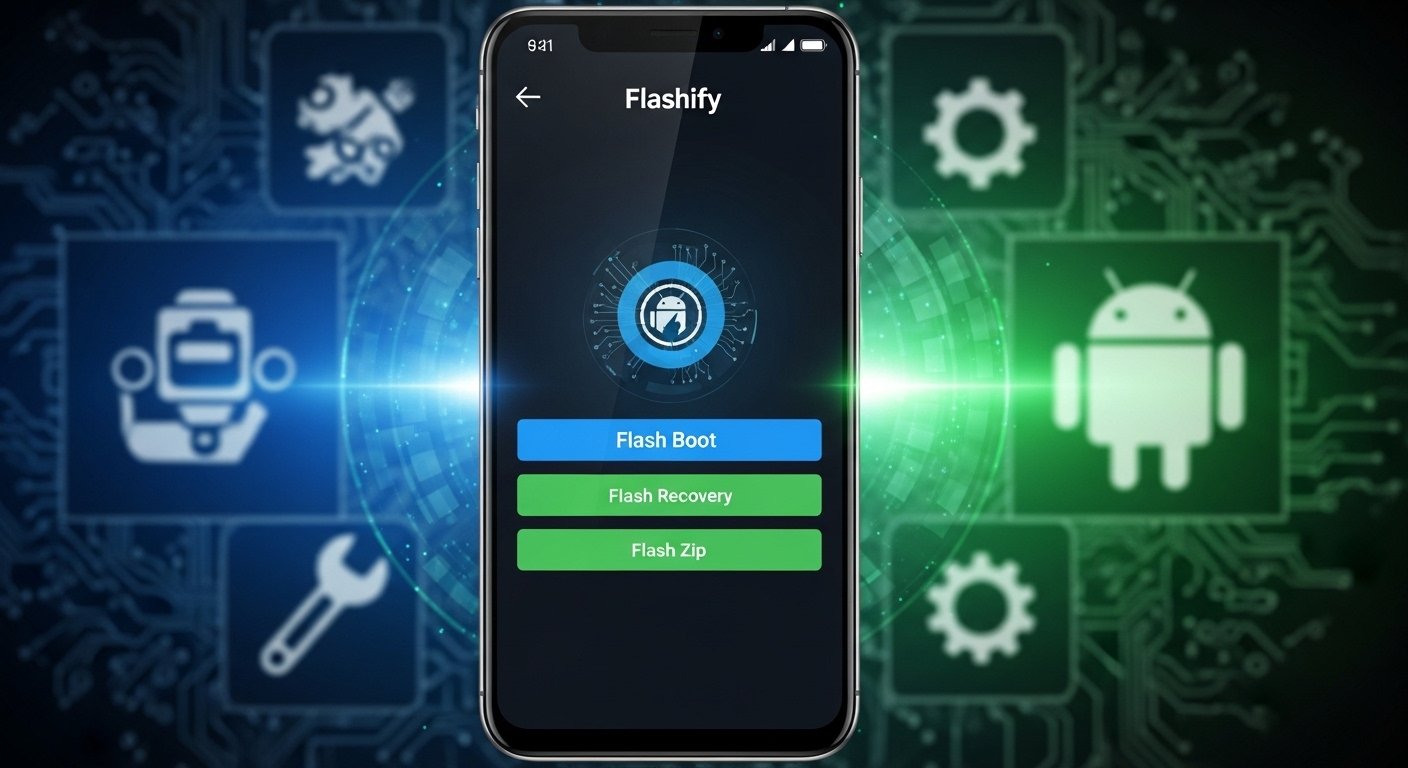
Flashify is a popular Android app made for people who like to customize their phones. It helps flash boot images, recovery images, and zip files in a simple way. The app was created by developer Christian Göllner and first became well-known around 2013-2015 on forums like XDA Developers.
Many Android users search for Flashify APK download because it makes flashing easier than using fastboot commands on a computer. This guide explains everything about Flashify in very easy English. We cover what it is, how it works, versions like pro or full, if it needs root, old versions, and safe places to get it. We focus on real facts so you stay safe.
What Is Flashify App?
Flashify is a tool app for Android phones that need root access most of the time. It lets you flash (install) custom files directly from your phone without always booting into recovery mode.
Main things Flashify can do:
- Flash boot.img files (like custom kernels)
- Flash recovery.img files (like TWRP, CWM, or Philz recovery)
- Flash zip files (like custom ROMs or mods)
- Backup your current boot, recovery, or other images to local storage or cloud
- Download some stock recoveries or kernels right in the app (in premium mode)
The app is very useful for people who root their phone, install custom recoveries, or try new kernels. Before apps like this, you had to use a PC with ADB and fastboot. Flashify made it faster and simpler on the device itself.
It requires Android 4.0 (Ice Cream Sandwich) or higher. The last official update was version 1.9.2 in late 2015. No big updates came after that because Android changed a lot with newer security features.
Does Flashify Need Root?
Yes, Flashify needs root for almost all features. Root access lets the app write to system partitions like boot and recovery.
Some sites say “Flashify APK no root” but this is not fully true. Without root, you can open the app and maybe do limited things like view backups or one-time flash in old versions. But to flash anything real, root is required. The developer always said it’s for root users.
If your phone is not rooted, Flashify will not work well. Root your device first with tools like Magisk (for newer Android) before using this app.
Be careful: Rooting can void warranty, and wrong flashing can brick your phone (make it not turn on). Always make backups.
Flashify Pro / Full Version / Premium Features
The free version of Flashify has a limit, like only 3 flashes per day. This is to let you try the app.
To remove the limit and get full features, you buy the pro unlock in the app. This is called Flashify Pro or Flashify full version.
Pro features include:
- Unlimited flashes
- Download stock kernels and recoveries for some devices (like Nexus)
- Better backup options with auto-sync to cloud
- More stable flashing for zip files with wipe options (cache, dalvik, data) if using TWRP
There is no separate “Flashify Pro APK” file. You download the normal APK, install it, and pay inside the app to unlock pro. Many sites offer “modded” or cracked pro APKs, but these are unsafe. They can have viruses, steal data, or not work.
Always use the original app and pay if you like it. The unlock is cheap and supports the developer.
How to Download Flashify APK Safely

To get Flashify APK, use trusted sites only. The app is old, so Google Play Store may not have it anymore (it was removed or not updated).
Best safe places:
- APKMirror: This site has original APKs from the developer Christian Göllner. They check signatures.
- Uptodown: Good for old versions too.
- APKPure: Another option, but check version.
Avoid random sites that say “Flashify APK latest 2026” because the app stopped updating in 2015. Newer “versions” are fake or mods.
Steps to download and install:
- Go to a trusted site like apkmirror.com.
- Search for “Flashify Christian Göllner”.
- Pick version 1.9.2 (latest official).
- Download the APK file.
- On your phone, enable “Install from unknown sources” in settings.
- Install the APK.
- Open the app and grant root if you have it.
- Buy pro if needed.
File size is about 12 MB. It works on old Android like 4.0 to maybe 6.0-7.0 best. Newer Android (10+) may have issues because of system changes.
Flashify Old Versions
Sometimes new users want Flashify APK old version because older ones work better on their device or avoid bugs in later updates.
Available old versions on APKMirror:
- 1.9.2 (December 2015) – Latest and most stable
- 1.9.1 (May 2015)
- Earlier ones from 2013-2014 if listed
Why use old version? Some older phones or ROMs work better with them. But use latest if possible for bug fixes like Marshmallow backup issues.
Always scan APK with antivirus before install.
Flashify on XDA Developers
Flashify APK XDA is very common search because the app was born on XDA.
The developer posted the app thread on XDA in 2013: “[APP][4.0+][ROOT] Flashify”
In the thread, users shared tips, reported bugs, and got help from the dev. Chainfire (famous dev) made FlashFire later, which is different but similar. Some people mix them up.
Flashify thread has many pages with guides on flashing TWRP without PC, backup tips, and device-specific help.
Visit XDA forums and search “Flashify” to read real user experiences. It’s a good place to learn safe flashing.
Note: XDA does not host direct downloads now, but links to original sources.
Is There Flashify on GitHub?
Flashify APK GitHub searches show no official GitHub repo for this Flashify.
The developer did not make it open source. Some other apps named Flashify exist on GitHub (like flashcard apps or browser share tools), but they are different.
No source code for the flashing tool Flashify by Christian Göllner on GitHub. Do not trust any “GitHub Flashify” that claims to be it – likely fake.
How to Use Flashify Step by Step
After install and root grant:
- Open Flashify app.
- Choose what to flash: Boot, Recovery, or Zip.
- Pick file from storage or download in app (for some recoveries).
- Select options like wipe if flashing zip.
- Hit Flash – it will ask for confirmation.
- Wait – phone may reboot.
For backup:
- Go to backup section.
- Choose partition (boot/recovery).
- Save to phone or cloud.
Tip: Always backup current boot/recovery before flashing new one. If something goes wrong, you can restore.
Risks and Safety Tips
Flashing is powerful but risky.
- Wrong file can soft-brick or hard-brick phone.
- No root = limited use.
- Modded APKs can have malware.
- On new Android, locked bootloaders block flashing.
- Google safety: Use only original files from trusted devs.
If you are new, read XDA guides for your phone model first. Start with simple things like flashing TWRP.
Alternatives to Flashify (since it’s old):
- FlashFire by Chainfire (advanced, but also old)
- Use TWRP recovery itself to flash
- Magisk modules for some changes
- Fastboot on PC for boot/recovery
Flashify was great in its time for easy on-device flashing.
Final Thoughts
Flashify is a helpful tool for rooted Android users who want simple flashing and backups. Get the APK from trusted sites like APKMirror for version 1.9.2. Unlock pro for full use. Check XDA for tips, but no official GitHub.
This app is from 2015, so it may not work perfect on Android 11+. Test on your device carefully.
If you have questions about your phone model, ask in forums. Stay safe and enjoy customizing your Android!
Disclaimer:
This guide is only for educational purposes. We are not promoting, selling, or linking to paid products. We do not take responsibility for any problems that happen if you download or use Flashify APK. Flashing your phone or using root apps can damage your device or void your warranty. Always be careful, follow official guides, and make backups before doing anything. This article is not an affiliate or promotional post.
Explore More
- Nova 3 APK Download + OBB (Mod Offline) – Latest Version for Android
- Audiomack Premium APK Download – Latest Version Mod & Free iOS Guide
- LokLok Mod APK – Latest Version VIP Unlocked, No Ads & Premium Features Download
