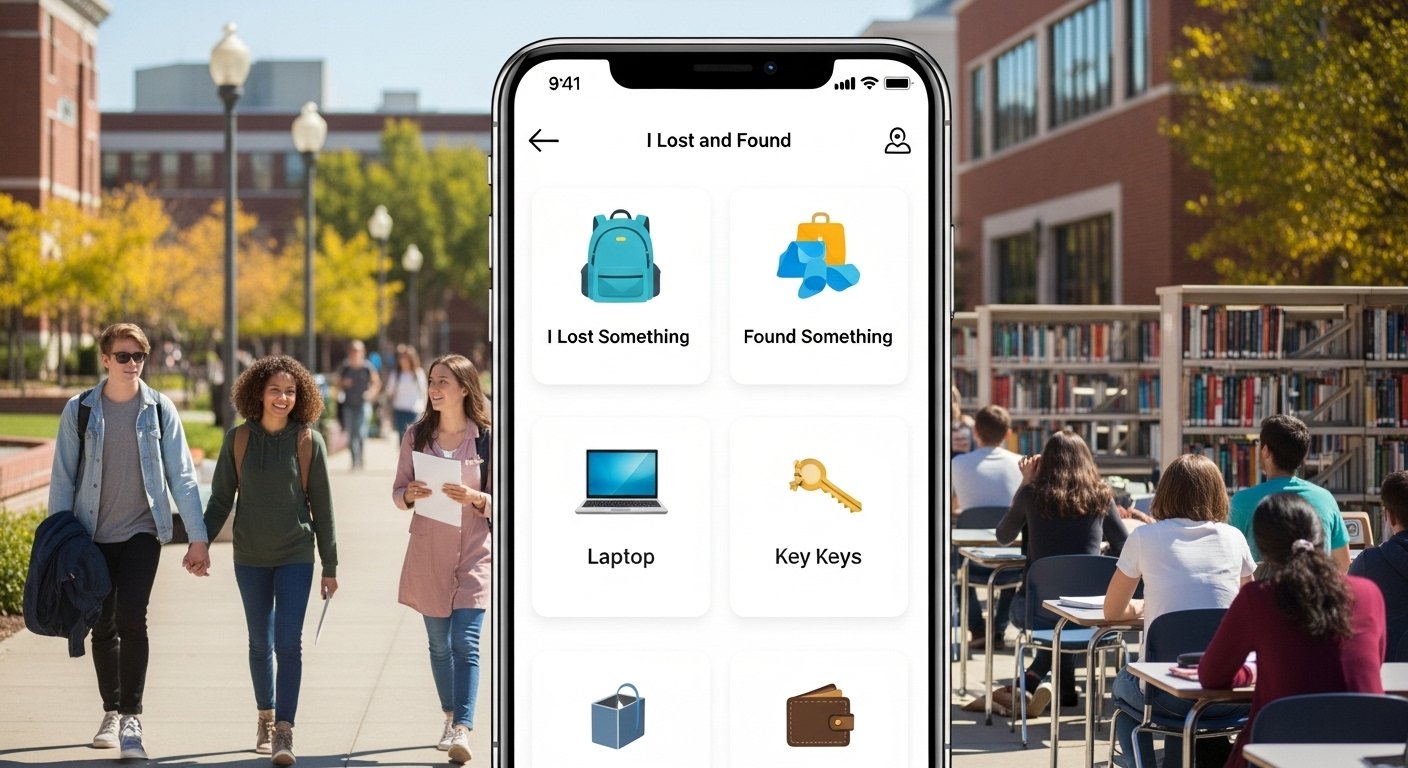
Losing things on a school or university campus is very common. Students lose phones, wallets, keys, books, laptops, and even IDs every day. In big campuses, it is hard to find lost items. Old ways like a box in the office or emails do not work well anymore. People wait days or weeks, and many items stay lost forever.
A good lost and found app changes this. It is a mobile app (and sometimes a web version) made just for schools and universities. Everyone—students, teachers, staff—can report lost or found items quickly. The app helps match them fast and safely. This saves time, reduces stress, and makes the campus feel safer and more caring.
In this article, we look at why a campus lost and found app is needed. We explain the best lost and found app features, how the lost and found app UI should look and feel, and the best solutions for schools and university campuses. If you are a school admin, student developer, or just curious, this guide will help you understand and choose the right way.
Why Schools and Universities Need a Lost and Found App
Campuses are big places with many buildings, classes, libraries, sports areas, and events. Students move around a lot. They forget things in lectures, cafeterias, or buses.
In the past, schools had a physical lost and found box or office. People had to go there in person during limited hours. This was slow and inconvenient. Many items got thrown away after some time because no one claimed them.
A digital lost and found app for schools fixes these problems. It lets people report items from anywhere using their phone. Photos and details help match items quickly. Real-time notifications tell owners when something matches.
Benefits include:
- Faster return of items—sometimes in hours instead of days.
- Less work for staff—no need to answer many calls or emails.
- Happier students and parents—they feel the school cares.
- Safer campus—people worry less about losing valuable things.
- Better reputation—modern schools attract more students when they use smart tools.
Studies and real examples show that universities using digital systems return more items and reduce lost property stress.
Key Features of a Good Lost and Found App
A strong lost and found app project needs the right features. These make it useful for everyone on campus.
1. Easy User Registration and Login Users sign up with school email or student ID. This keeps the app safe and only for campus people. Some apps use school codes for extra security.
2. Report Lost or Found Items Quickly The main screen has big buttons: “I Lost Something” and “I Found Something”. Users add:
- Clear photo of the item (very important for matching).
- Description (color, brand, size, special marks).
- Category (phone, wallet, book, clothing, electronics, etc.).
- Location where lost or found (with campus map or building name).
- Date and time.
- Contact info (but private—only shown when matched).
3. Smart Search and Matching Users search by keywords, category, color, or location. The app can auto-match lost and found reports. For example, if someone reports a black backpack found in Library A, and another reports lost black backpack there, the app sends a notification to both.
4. Real-Time Notifications Push notifications or email alerts when a match happens. Status updates: “Your item is claimed”, “Meet the finder”, or “Item in lost and found office”.
5. Secure Messaging and Meet-Up In-app chat to arrange return. Some apps have QR code verification for safe handovers. This stops fake claims and keeps things private.
6. Admin Dashboard for Staff School staff see all reports. They can:
- Approve or verify items.
- Mark items as returned.
- Set rules (like keep items for 30 days).
- Generate reports on common lost items.
7. Location Services Use GPS or campus map to tag spots. This helps in big universities.
8. Photo and Proof Upload Photos prove the item is real. Owners can upload proof like receipt or more photos.
9. Privacy and Security Data is protected. Only needed info is shared. No public profiles.
10. Extra Nice Features
- Integration with school portal or app.
- Reminders to check status.
- Option to mark high-value items for faster help.
- Analytics for school to see problem areas (like many losses in gym).
These lost and found app features make the app powerful yet simple.
How the Lost and Found App UI Should Look
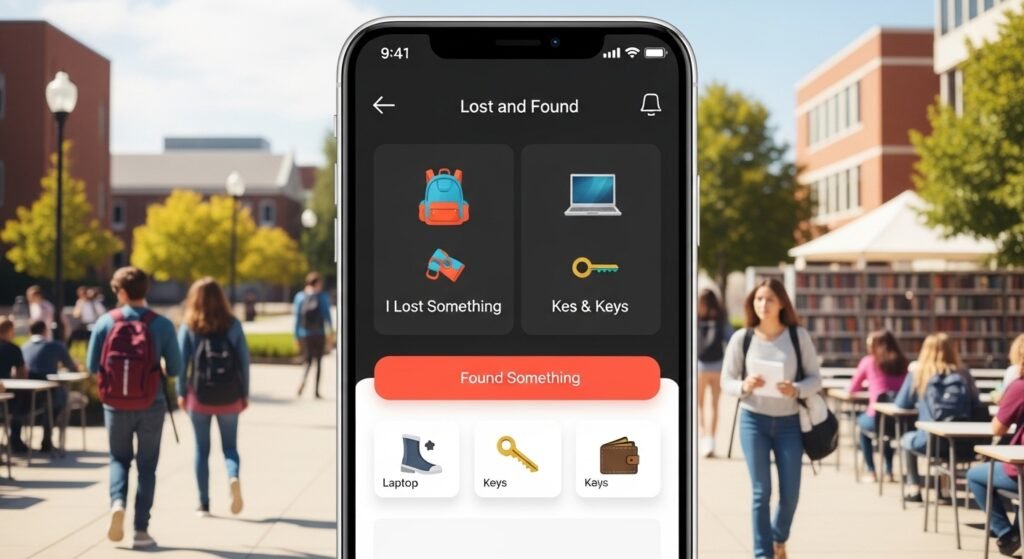
The lost and found app UI must be clean, fast, and easy for everyone—even young students or busy teachers.
Good UI means:
- Bright and simple colors (school colors if possible). White background, big buttons in blue or green for actions.
- Big icons and text—easy to read on phone.
- Home screen with two main buttons: Lost and Found.
- Step-by-step forms for reporting—no long pages.
- Search bar at top always visible.
- List view of items with photos and short info.
- Map view for locations.
- Dark mode option for night use.
From real designs (like in student projects and apps), the best ones use Material Design or simple iOS style. They avoid clutter. Users finish reporting in under 1 minute.
A friendly UI makes more people use the app. If it feels hard, students ignore it.
Best Solutions for Schools and University Campuses
There are different ways to get a best lost and found app for university campus or school.
Option 1: Use Ready-Made Software Many companies make special apps for education. Examples include:
- RepoApp: Popular in US colleges. It has auto-matching, photos, and student search from phone.
- BOUNTE: Uses AI to help reunite items safely. Good for schools with low-touch rules.
- Foundify or similar: Free or low-cost for some campuses, with community help.
These are fast to set up. Schools pay a fee, but save staff time.
Option 2: Build Your Own App (Lost and Found App Project) For universities with tech students or IT team, build a custom app. Use tools like Flutter for both Android and iOS. Add school-specific things like integration with student login. This is great for unique needs, like linking to campus security.
Option 3: Hybrid—Customize Existing Tools Start with open-source or basic app, then add features. Some schools use simple forms in Google or Microsoft tools first, then move to full app.
What Makes the Best Solution?
- Works on mobile and web.
- Free or low-cost for users.
- High security (school email login).
- Good support and updates.
- Proven success in other campuses.
For small schools, start simple. For big universities, choose one with strong matching and notifications.
Tips to Make Your Lost and Found App Successful
Launch is not enough. To outrank others and get real use:
- Promote it: Emails, posters, orientation talks.
- Train staff: Show how to use admin side.
- Get feedback: Ask students what to improve.
- Keep it updated: Fix bugs fast.
- Share success stories: “100 items returned this month!”
This builds trust and more usage.
Final Thoughts
A campus lost and found app is a smart, modern solution. It turns a big problem into something easy and quick. With good lost and found app features, clean lost and found app UI, and the right solution, schools and universities can help everyone feel supported.
If you are planning one, focus on ease, speed, and safety. Students will love it, staff will thank you, and your campus will stand out as caring and up-to-date.
Start small, test it, and watch the magic happen. Lost items will find their way home faster than ever!
Disclaimer:
This article is for information only. It is not a promotion or an advertisement for any app or company. We do not get paid if you use any app mentioned here. We are not responsible for any problems, losses, or issues that may happen if you try or use these apps. Always check apps yourself and follow your school or university rules.
Explore More
- Brighton SEO App – Boost Your Website Rankings Fast & Easy
- Metronet App: Download, Login, Pay Bills & Android Guide
- Non CDL Hot Shot Loads App – Free Download for Quick and Easy Loads
