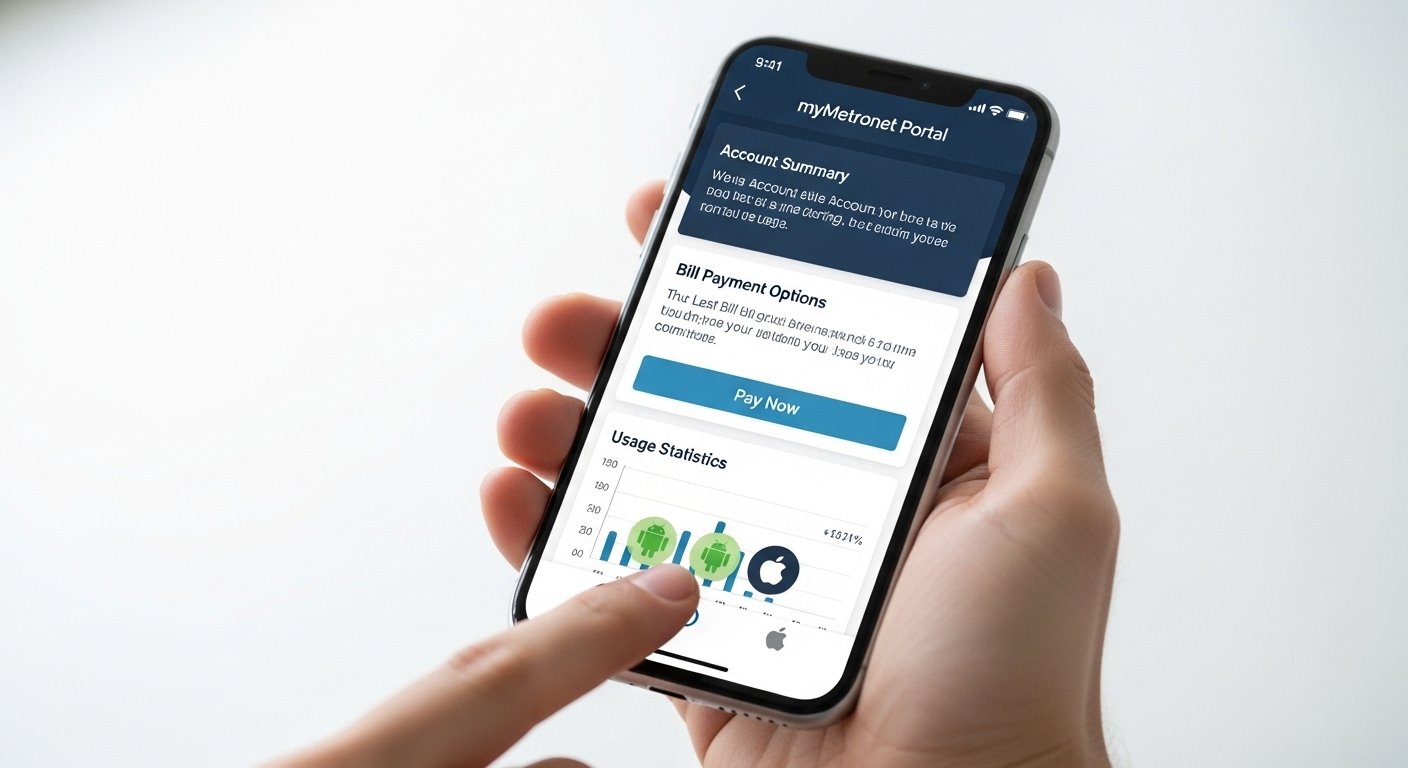
The Metronet App: Download, Login, Pay Bills & Android Guide is a helpful tool for Metronet customers. Metronet is a popular fiber internet provider in the United States. It gives fast and reliable internet to homes and businesses. The official app for managing your account is called myMetronet Portal. This app lets you handle your internet service from your phone easily.
In this guide, we explain everything step by step. We cover how to download the Metronet app, how to log in, how to pay your bill using the app, and tips for Android users. The information comes from Metronet’s official website and support pages. We focus on clear, simple steps so anyone can follow.
What Is the Metronet App (myMetronet Portal)?
The myMetronet Portal app is the official mobile tool from Metronet. It helps customers manage their fiber internet account on the go. You can check your bill, make payments, see your usage, update payment methods, and more. The app is safe and easy to use.
Many people search for “Metronet app download” or “Metronet app for Android” because it saves time. Instead of calling customer service or going to the website on a computer, you do everything from your phone. The app works on both Android and iOS devices. It has a clean design that makes navigation simple, even if you are not good with technology.
Metronet is known for its 100% fiber network. This means fast speeds with no data caps and no long contracts in many plans. The app makes managing this service even better. It is built to help real customers like you handle daily tasks quickly.
Why Use the Metronet App?
Using the app has many benefits:
- Pay your bill anytime, anywhere – no need to wait for due dates or visit a store.
- See your current bill and past payments in one place.
- Manage payment methods – add a bank account or card safely.
- Get alerts about your service or bills.
- Contact support if you have questions.
- It is free to download and use.
For Android users, the app runs smoothly on most phones. It does not take much space or battery. If you are new to Metronet or have used their service for years, the app makes life easier.
How to Download the Metronet App
Downloading the Metronet app (myMetronet Portal) is very simple. Follow these steps for Android devices.
- Open the Google Play Store on your Android phone. This is the official store for apps on Android.
- In the search bar, type myMetronet Portal or Metronet app.
- Look for the app made by Metronet or Metro FiberNet, LLC. Check the developer name to make sure it is official. Avoid fake apps that look similar.
- Tap Install. The app will download and install in a few seconds or minutes, depending on your internet speed.
- Once installed, open the app from your home screen or app drawer.
Metronet app download is free. There are no hidden costs. Always download from Google Play to stay safe from viruses or fake versions.
If you cannot find the app, you can also use the Metronet website on your phone browser. Go to www.metronet.com and look for the customer portal link. But the app is better for quick access.
For iPhone users, search in the Apple App Store the same way.
How to Log In to the Metronet App (Metronet App Login)
After you download and open the app, you need to log in. Here is the easy way:
- Open the myMetronet Portal app.
- You will see a login screen with fields for Email Address and Password.
- Enter the email you used when you signed up for Metronet service.
- Enter your password. If you forgot it, tap Forgot password? The app will send a reset link to your email.
- Tap Log In.
If this is your first time, you may need to create an account first. You can do this on the app or on the website at portal.metronet.com. Use your Metronet account number (found on your bill) and personal details to set it up.
Metronet app login is secure. The app uses encryption to protect your information. Never share your password with anyone. If you see any strange activity, contact Metronet support right away.
After login, you go to the main dashboard. Here you see your account summary, bill status, and quick options like “Pay Bill”.
How to Pay Your Bill Using the Metronet App (Metronet App to Pay Bill)
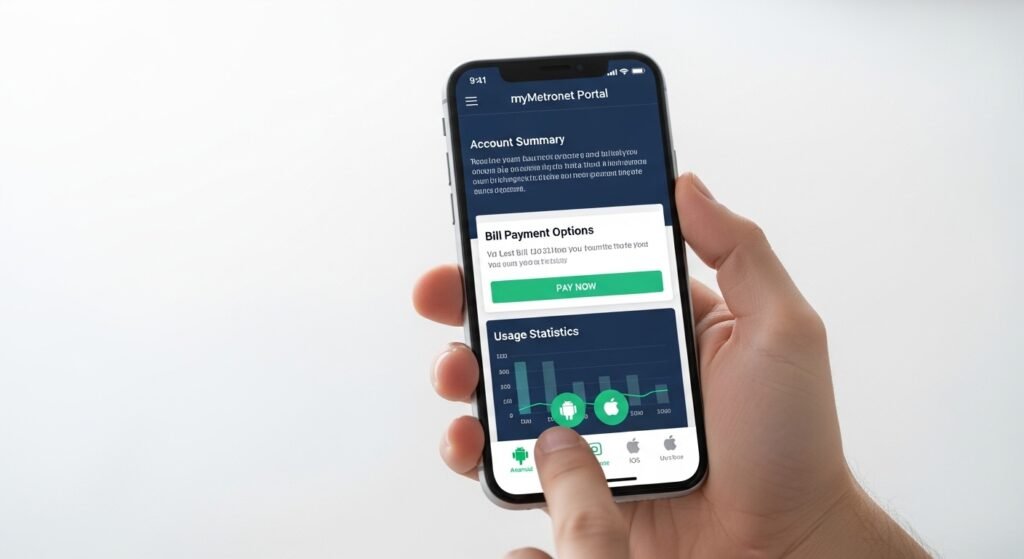
Paying your bill is one of the best features of the app. It is fast and safe.
- Log in to the myMetronet Portal app.
- Go to the Bill or Bill Pay section. It is usually easy to find on the home screen or in the menu.
- View your current bill. It shows the amount due, due date, and any past balance.
- Tap Make a Payment or Pay Now.
- Choose your payment method:
- Credit or debit card.
- Bank account (ACH).
- If you saved a method before, select it.
- Enter the amount you want to pay (full bill or partial).
- Confirm the details.
- Submit the payment. You get a confirmation right away.
You can also set up auto-pay in the app. This means your bill pays automatically each month. It helps avoid late fees.
The app lets you see payment history too. This is good if you need to check old payments for records.
Metronet app to pay bill is convenient. Many customers say it saves them time compared to calling or mailing checks.
If you prefer not to use the app, there is a Quick Pay option on the website at portal.metronet.com/cp/quickpay. You can pay with just your account number and last name, no login needed.
Special Guide for Android Users (Metronet App for Android)
The myMetronet Portal app works great on Android phones and tablets. Here are some extra tips for Android users:
- Make sure your phone runs a recent Android version for the best performance.
- Allow the app to send notifications. This way you get alerts about bills or service updates.
- If the app runs slow, clear cache: Go to phone Settings > Apps > myMetronet Portal > Storage > Clear Cache.
- The app supports dark mode if your phone has it. This is easier on eyes at night.
- Use Wi-Fi when downloading or updating the app to save data.
- If you have issues, uninstall and reinstall from Google Play.
The app is lightweight. It does not slow down your phone. Android users like how it syncs with the website portal. Changes you make in the app show up on the computer version too.
Metronet also offers other apps like the eero mobile app for managing your Wi-Fi router (if you use eero devices from Metronet). But the main one for bills and account is myMetronet Portal.
Common Problems and How to Fix Them
Sometimes things do not work perfectly. Here are common issues:
- Forgot password? Use the forgot password link. Check your email (including spam folder).
- App not found in Play Store? Make sure your region supports it. Metronet is mostly in the US.
- Login error? Check internet connection. Try again or reset password.
- Payment not going through? Check card details. Contact your bank or Metronet support.
- App crashes? Update the app or restart your phone.
For help, use these official contacts:
- Call customer care: 877-407-3224 (hours vary).
- Text “Agent” to 95798 for SMS support.
- Email: customer_service@metronet.com.
- Chat on the website: www.metronet.com.
Metronet support is helpful and quick in most cases.
Extra Tips for Metronet Customers
- Check your speed often using the speed test on metronet.com.
- Update your app regularly for new features and security.
- Use strong passwords and enable two-factor if available.
- If you move, update your address in the app to avoid service issues.
- Metronet has no data caps on many plans, so enjoy streaming without worry.
The myMetronet Portal app is part of Metronet’s promise to make fiber internet simple. As a leading provider, they focus on customer ease.
Final Thoughts
The Metronet app (myMetronet Portal) is a must-have for anyone with Metronet fiber internet. It makes Metronet app download, Metronet app login, Metronet app to pay bill, and daily use very easy, especially on Metronet app for Android.
Download it today from Google Play or App Store. Log in, pay your bill, and enjoy your fast internet without stress. If you have questions, Metronet is always ready to help.
This guide is based on official Metronet information to keep everything accurate and helpful. Stay connected!
Disclaimer:
This guide is only for informational purposes. It is not a promotion, advertisement, or affiliate article. We do not sell anything or get paid for recommending the Metronet app. All information is based on Metronet’s official website and support pages. We are not responsible for any mistakes, problems, or issues that happen when using the app. Please follow the official instructions from Metronet and use the app at your own risk.
Explore More
- Non CDL Hot Shot Loads App – Free Download for Quick and Easy Loads
- Futemax App: Futebol Ao Vivo, Gratis Download para iPhone, Android & Assistir Flamengo, Palmeiras, Cruzeiro e Real Madrid
- Sehmua Camera App Download Free for Android & iPhone (Latest Version)
